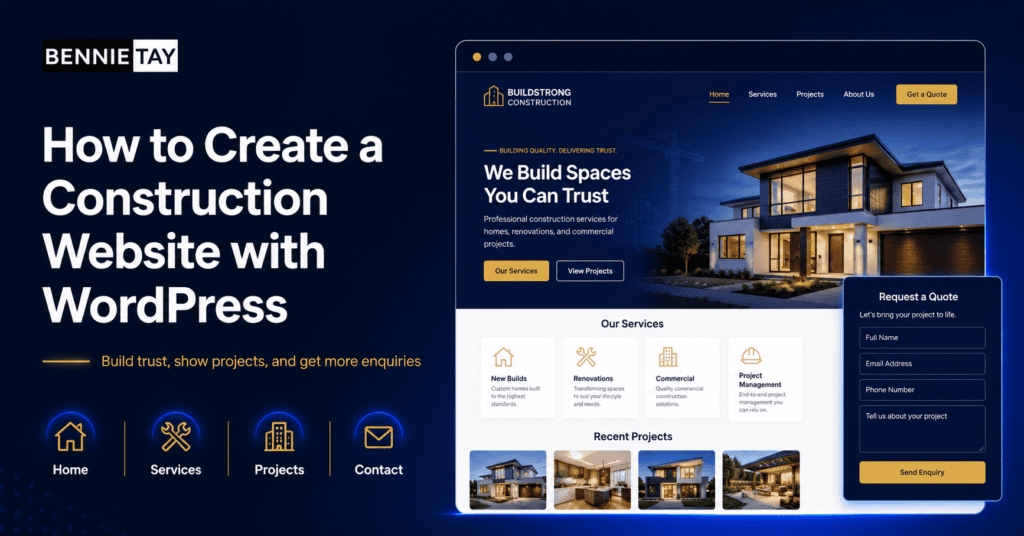
A construction website should do more than show that your company exists. It should help potential clients understand your services, view your past work, trust your team, and request a quotation.
WordPress is a practical platform for construction companies because it is flexible, widely supported, and easy to expand over time. You can start with a simple company website and later add project galleries, blog posts, landing pages, service pages, and SEO content.
The key is not just installing WordPress. The key is building the right structure for a construction business.
Why construction companies need a website
Many construction businesses still rely on referrals, networking, and repeat clients. Those channels are valuable, but clients often check your website before contacting you.
Your website becomes a credibility tool. It shows whether your company looks organized, professional, and capable of handling the project. This matters for residential renovation, commercial construction, office fit-outs, industrial work, property maintenance, and specialist contracting.
A website also helps you control your message. Instead of depending only on social media or third-party platforms, you can explain your services in your own words and present your best work.
Choose the right WordPress setup
To create a construction website with WordPress, you need a domain name, hosting, WordPress installation, theme, core plugins, and content.
Choose hosting that is reliable and fast enough for image-heavy pages. Construction websites often use many project photos, so performance matters. Slow pages can frustrate visitors and reduce enquiries.
Choose a theme or builder that supports clean layouts, mobile-friendly pages, and easy editing. Avoid designs that look impressive but are difficult to update. Your team may need to add projects, change services, or update contact details later.
Install only essential plugins. Too many plugins can slow the website and increase maintenance work. Common needs include SEO, forms, security, backups, caching, image optimization, and analytics.
Plan the main pages first
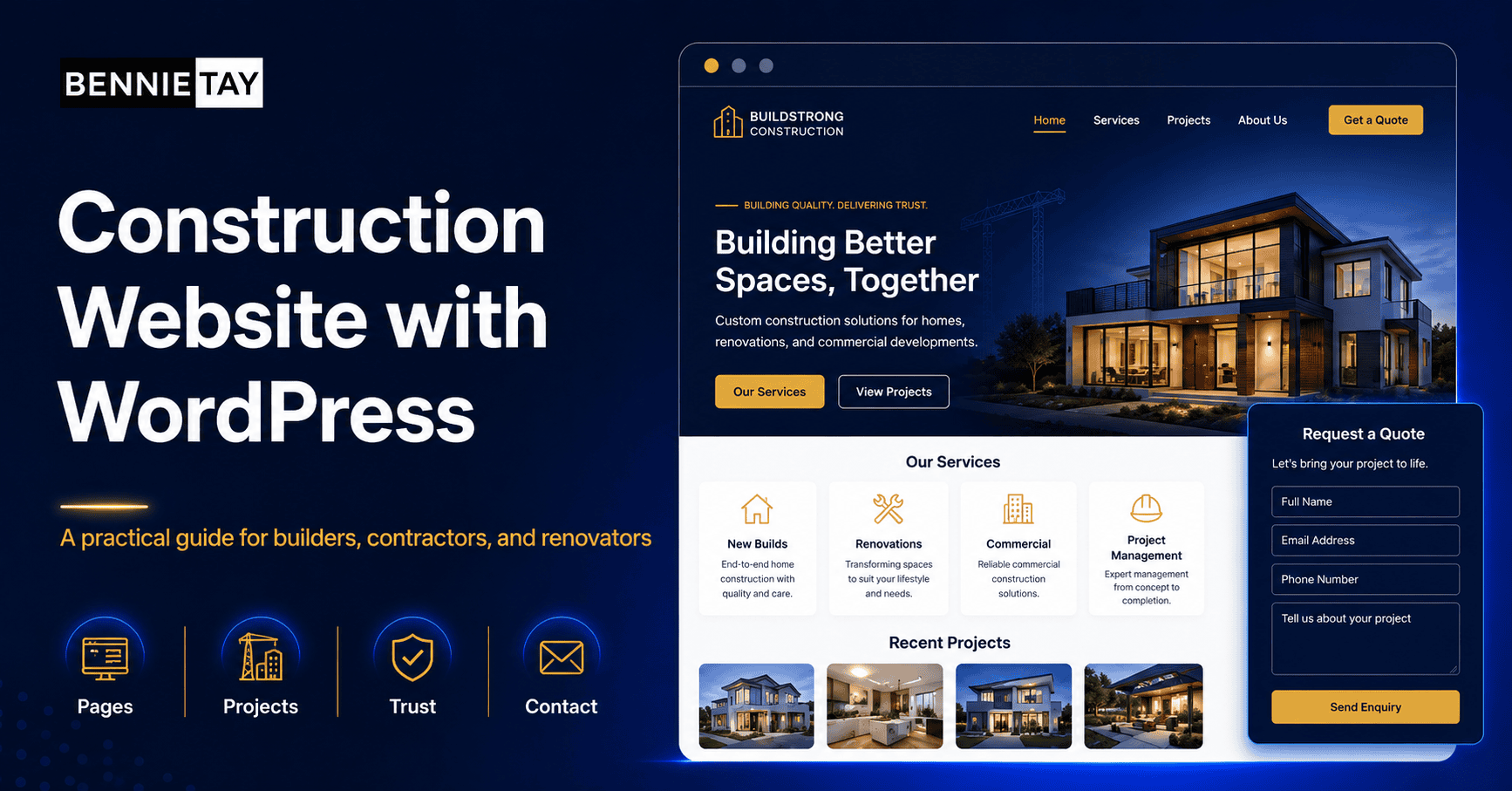
Before designing, plan the pages your construction website needs. A basic structure may include Home, About, Services, Projects, Contact, and Blog or Articles.
The homepage should summarize your company, main services, project types, trust signals, and enquiry options. It should not try to include every detail.
The about page should explain your background, team, experience, safety standards, and approach. Construction clients want to know who they are dealing with.
The services section should be clear. If you offer renovation, design and build, commercial fit-out, maintenance, or structural work, create separate pages for major services. Each page should explain what is included, who it is for, and how to request a quote.
Show real projects
Project photos are one of the most important parts of a construction website. Potential clients want to see evidence of your work.
Create a project or portfolio section. Organize projects by type, such as residential, commercial, office, retail, industrial, renovation, or maintenance. For each project, include a short description.
Mention the location, scope, challenge, and outcome where possible. For example: “Office renovation in Petaling Jaya involving partition work, electrical upgrades, flooring, and painting.” This gives context and makes the project more credible.
Use high-quality images, but optimize them before uploading. Large image files can slow the website. Compress images and use clear filenames where possible.
Write service pages that answer questions
A strong construction service page should do more than list a service name. It should answer the questions clients ask before contacting you.
For example, a commercial renovation page can explain the types of spaces you handle, the planning process, site inspection, quotation, timeline, materials, permits if relevant, and how you reduce disruption.
A residential renovation page can explain kitchen renovation, bathroom renovation, whole-home renovation, design coordination, project management, and handover process.
The more clearly you explain the service, the easier it is for clients to understand whether you are a fit.
Add trust signals
Construction projects involve money, time, and risk. Trust signals are essential.
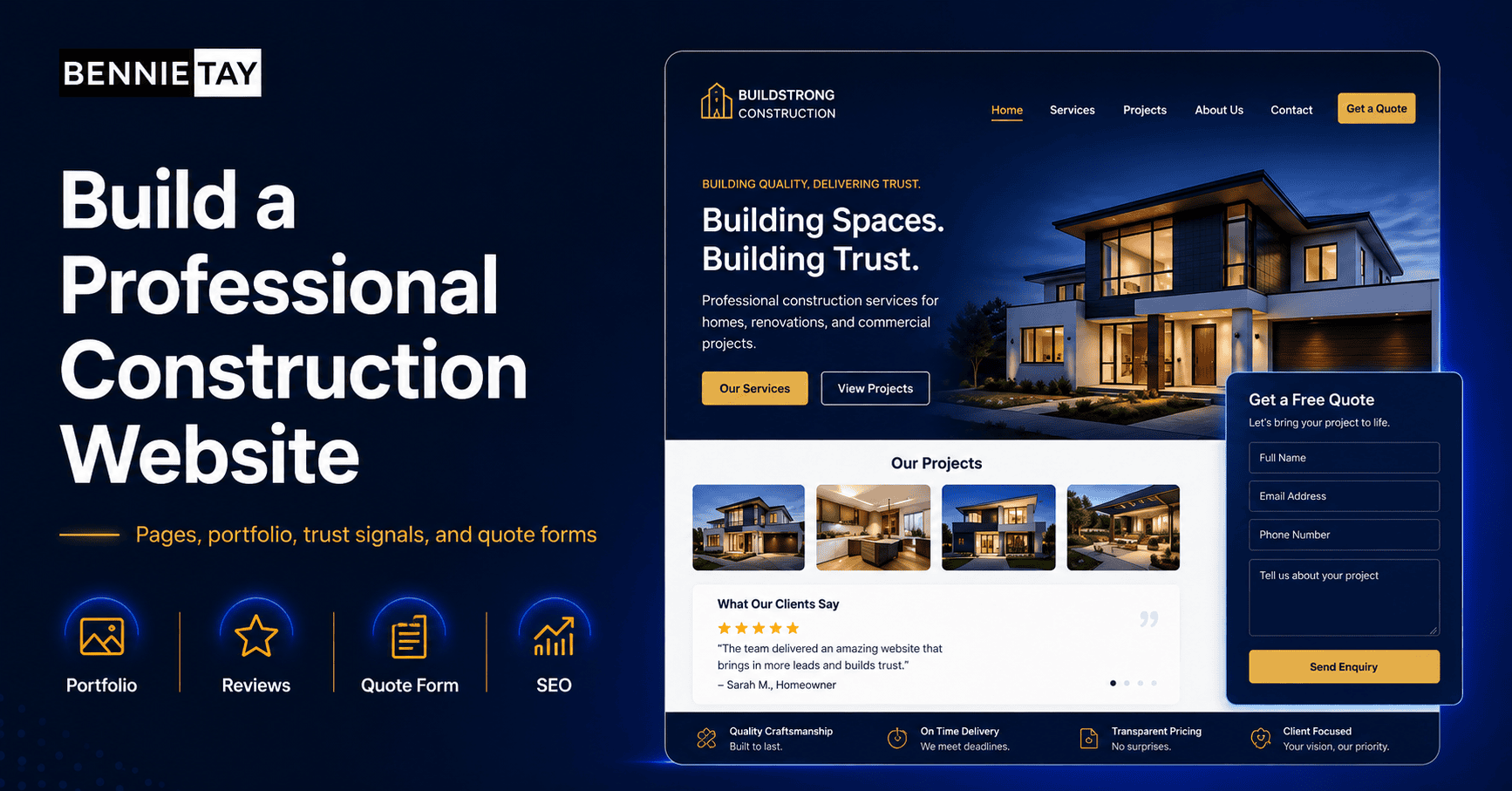
Include years of experience, certifications, licenses, safety practices, testimonials, client logos, team photos, project photos, warranty information, and insurance details where relevant.
If you serve commercial clients, mention the industries or property types you work with. If you serve homeowners, show before-and-after examples and explain how you manage communication during the project.
Trust should appear throughout the website, not only on one page. Place proof near service descriptions and calls to action.
Make enquiries easy
Your website should make it simple to request a quote. Add a contact form, phone number, WhatsApp button, and email address. On mobile, buttons should be easy to tap.
Ask for useful information, but keep the first form manageable. Name, contact number, project type, location, and brief details are often enough. You can ask for drawings, photos, measurements, or site visit details later.
Explain what happens after the enquiry. For example: “Send us your project details and our team will arrange a call or site visit before preparing a quotation.” This helps set expectations.
Add project detail pages
A construction website becomes stronger when each major project has its own detail page. A project detail page can include the project type, location, scope, timeline, challenges, solution, and photos.
This is more useful than a simple gallery because it tells a story. Potential clients can see not only the final result, but also how your company approaches work.
For example, a commercial office renovation project page might explain that the work included partitioning, wiring coordination, flooring, painting, lighting, and final cleaning. A residential renovation page might explain layout changes, material selection, waterproofing, carpentry, and handover.
Project pages can also support SEO. People may search for construction companies with experience in a specific project type. Detailed project pages give your website more relevant content.
Use content to answer client concerns
Construction clients often have concerns about timeline, budget, communication, workmanship, and disruption. Your website should address these concerns directly.
You can create articles or FAQ pages about common topics, such as how to prepare for renovation, what affects construction cost, how site visits work, what to ask before hiring a contractor, or how to compare quotations.
This content builds trust before the first conversation. It also positions your company as organized and helpful, not just another contractor asking for a site visit.
If you serve both homeowners and commercial clients, consider separating the content. Homeowners may care more about design, disruption, and budget. Commercial clients may care more about timeline, compliance, coordination, and reliability.
Connect WordPress to business tools
WordPress can support more than basic pages. You can connect forms to email, CRM tools, WhatsApp links, analytics, and tracking pixels.
For a construction company, this matters because leads can come from different sources. If you run Google Ads or Facebook Ads, tracking helps you see which campaigns bring quality enquiries.
You can also use form fields to qualify leads. Ask for project type, location, estimated timeline, and brief description. This helps your team respond more efficiently.
Keep the form simple enough for customers to complete. If you need drawings or photos, ask for them after the initial enquiry.
Choose images carefully
Construction websites depend heavily on visuals. Use real project photos whenever possible. A visitor should be able to see the type and quality of work your company handles.
Do not upload every photo from a project. Select the clearest images and organize them properly. Show wide shots, detail shots, before-and-after images, and finished results.
Add short descriptions to important images. Explain what the project involved, not just what the photo shows. This helps visitors understand your capability and gives search engines useful context.
If your current project photos are not professional, you can still use them if they are clear and honest. Over time, make it a habit to take better photos at each project stage.
Construction website launch checklist
Before launching, test the website carefully. Check the homepage, service pages, project pages, forms, phone links, WhatsApp links, and mobile layout.
Make sure the contact form reaches the correct person. Test the website on mobile data, not only office Wi-Fi. Check that images load quickly and do not look blurry.
Review every page for outdated claims, spelling errors, broken links, and missing calls to action. A construction website should feel reliable because reliability is part of what clients are buying.
Keep the website active
A construction website should not stay unchanged for years. Add new completed projects, update service descriptions, refresh testimonials, and remove outdated information.
This shows visitors that your company is active. It also gives search engines fresh, relevant content to understand your services.
Even one new project page or useful article each month can make the website stronger over time.
Use SEO basics
WordPress makes SEO easier, but you still need good page structure. Use clear page titles, headings, meta descriptions, internal links, and descriptive URLs.
Create service pages for the searches you want to appear for. For example, “office renovation contractor,” “commercial fit-out contractor,” or “construction company in Kuala Lumpur.” Avoid stuffing keywords unnaturally. Write for people first.
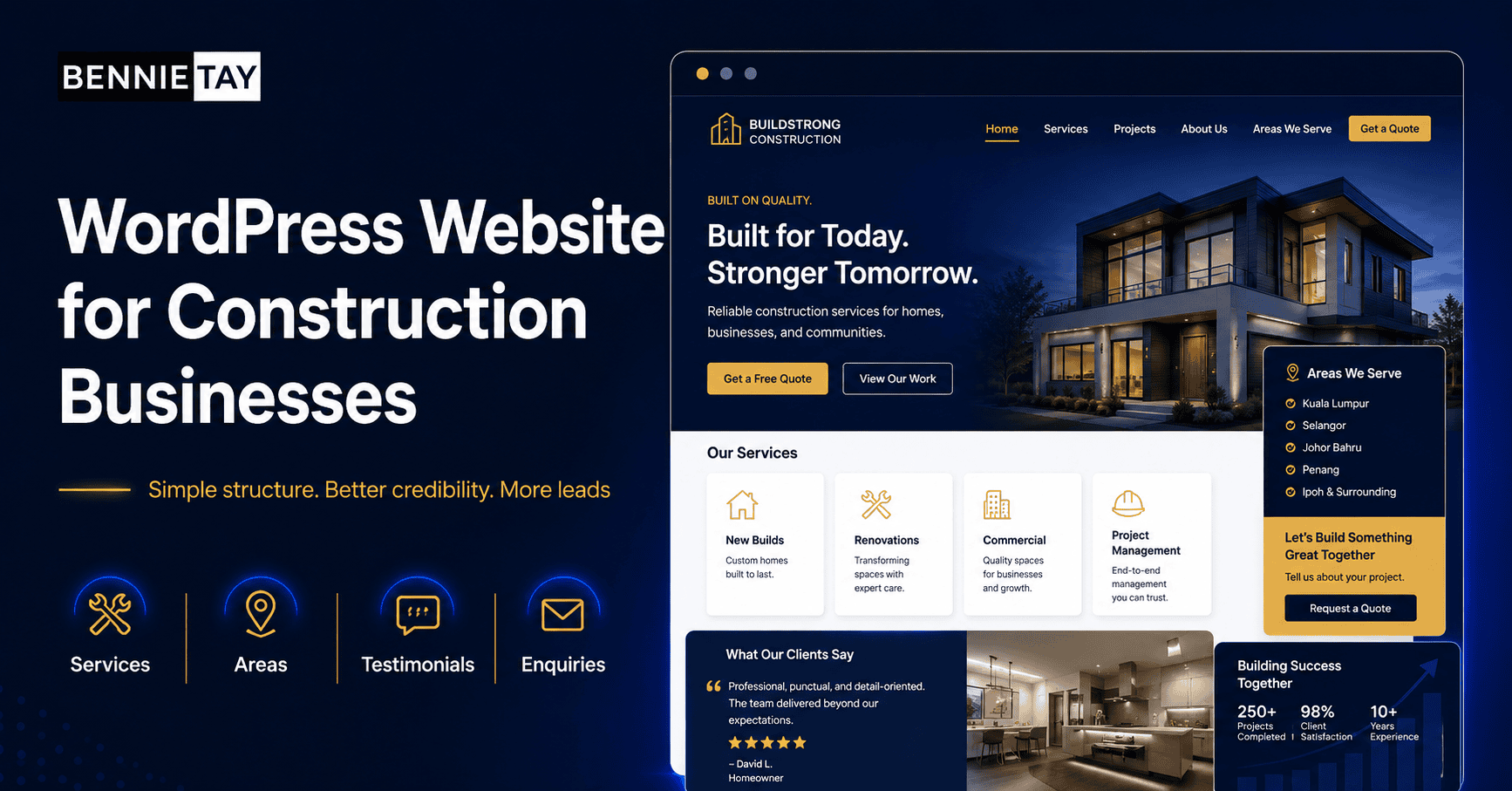
If your business serves specific areas, consider location pages or location mentions where useful. Add project examples from those areas when possible.
Maintain the website
A WordPress website needs maintenance. Update WordPress core, themes, and plugins. Keep backups. Monitor forms. Check page speed. Make sure security protection is active.
Construction companies often neglect the website after launch. That can lead to broken forms, outdated project photos, old service information, or security issues. Schedule regular reviews.
Add new projects when you complete them. Update testimonials. Publish useful articles answering client questions. Over time, this makes the website stronger.
Final thoughts
Creating a construction website with WordPress is not only a technical task. It is a business communication task.
Build the right pages, show real projects, explain services clearly, add trust signals, make enquiries easy, and maintain the site after launch. A well-built WordPress website can help your construction business look more credible and win better enquiries.