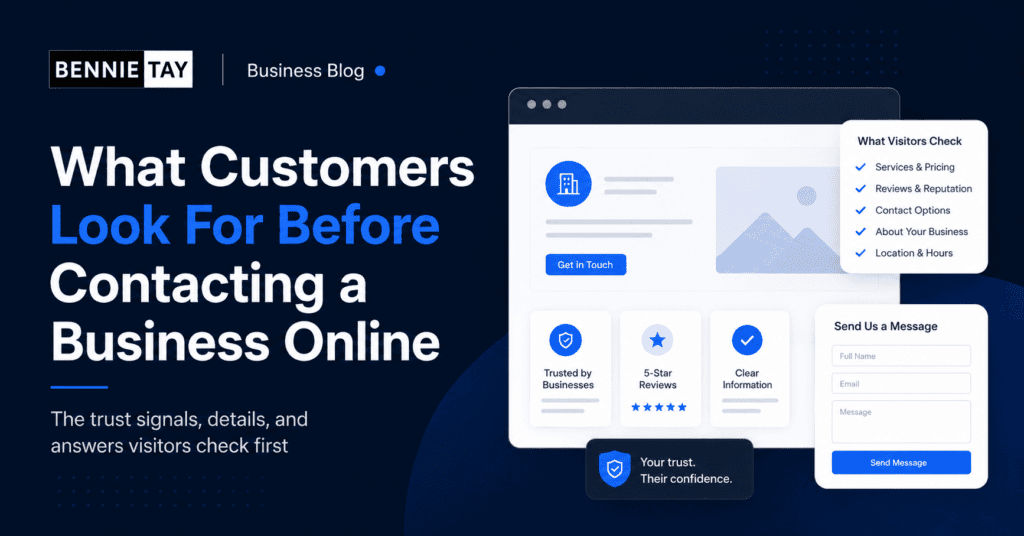
Before customers contact a business online, they usually check several things. They want to know whether the business is real, whether the service fits their needs, whether they can trust the provider, and whether the next step is easy.
This checking process can happen quickly. A visitor may decide within seconds whether to stay on your website or leave. That is why your website needs to answer the most important questions clearly.
For small businesses, this is good news. You do not always need a complicated website to win more enquiries. You need a website that gives customers the confidence to take the next step.
They check what you actually do
The first thing customers look for is a clear explanation of your service. If they cannot understand what you do, they will not spend much time trying to figure it out.
Your homepage should explain your main offer quickly. Your service pages should explain each important service in more detail. Avoid vague wording like “solutions” or “services” without naming the actual work you provide.
Clear service names help customers feel that they are in the right place. They also help search engines understand your website.
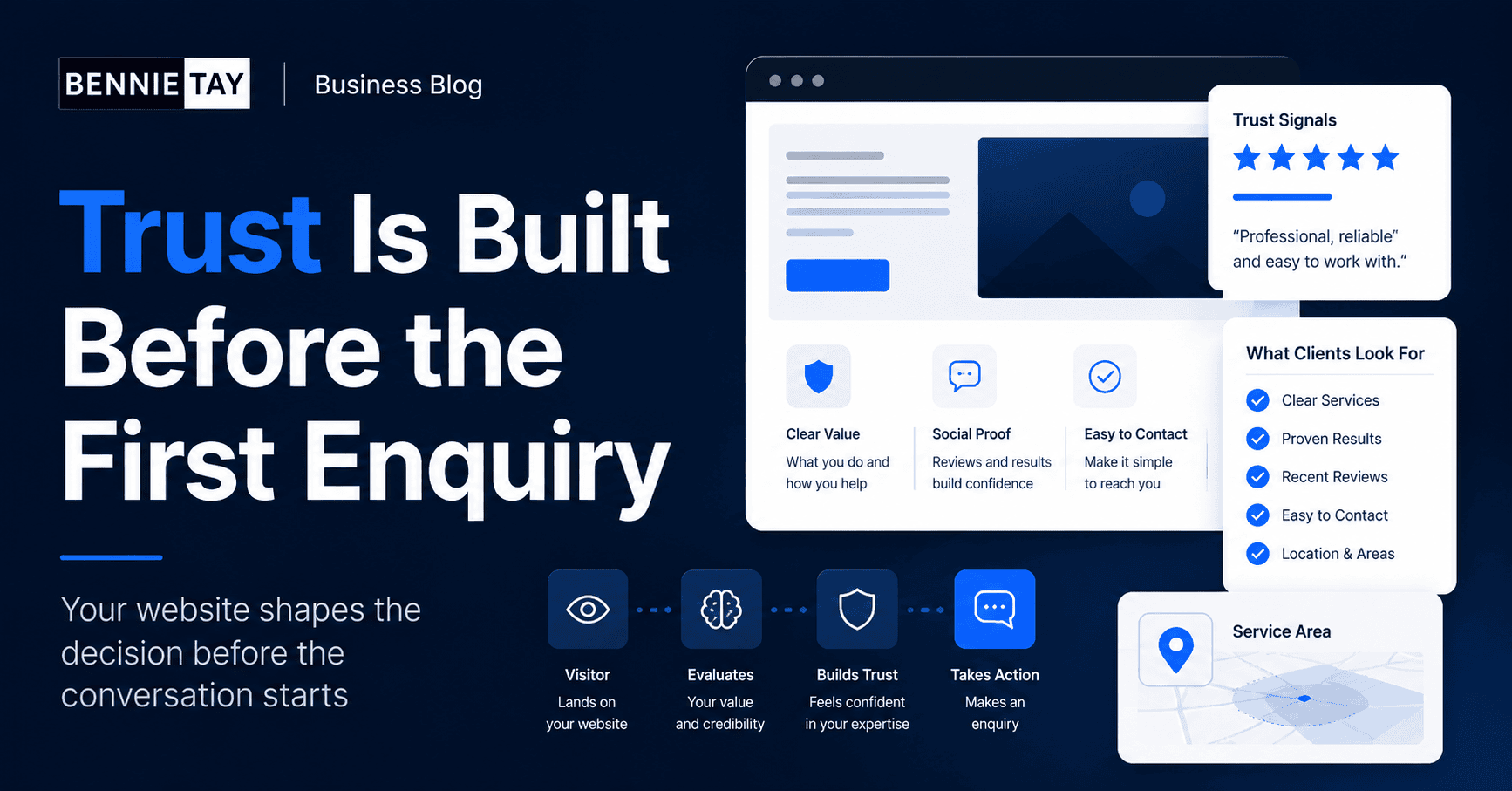
They check whether you serve people like them
Customers want to know whether your business is suitable for their situation. A small clinic, a contractor, a consultant, and an ecommerce store may all need different support.
If you serve specific industries, business sizes, locations, or customer types, mention them. This helps visitors self-identify. For example, “website design for service businesses in Malaysia” is more useful than “web solutions for everyone.
Specific messaging can attract better-fit enquiries because visitors understand whether your service matches their needs.
They look for proof
Customers are cautious online. They want proof that your business can deliver. Proof may include testimonials, Google reviews, case studies, project photos, client logos, certifications, or examples of past work.
Real proof is stronger than broad claims. Instead of saying you are trusted, show reviews. Instead of saying you do quality work, show projects. Instead of saying your service gets results, explain a case study or process.
Place proof where people need reassurance. A testimonial near a call-to-action section can make the next step feel safer.
They check whether your website looks current
Your website does not need to be trendy, but it should look current, clean, and easy to use. An outdated website can make visitors wonder whether the business is still active.
Design affects trust. Broken layouts, old copyright years, blurry images, slow pages, and confusing navigation can all create doubt. On the other hand, a clean website with clear information can make a small business feel more credible.
Mobile design matters especially because many customers check businesses from their phone. If the site is hard to read or buttons are difficult to tap, enquiries may be lost.
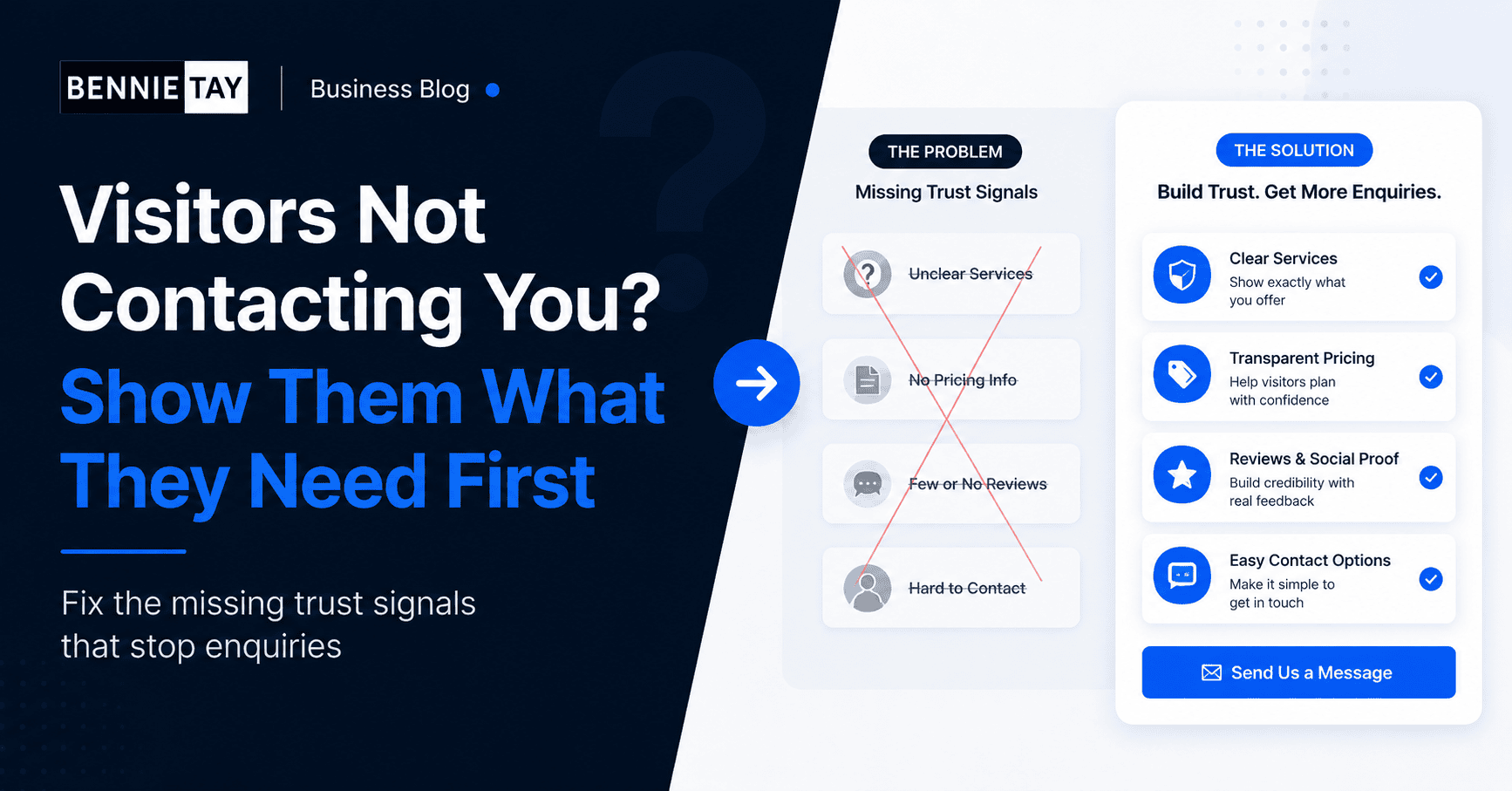
They look for clear pricing or cost guidance
Not every business can show fixed prices. Some services depend on scope, location, materials, timeline, or complexity. But customers still want some guidance.
If you cannot publish exact prices, explain what affects cost. For example, website design cost may depend on number of pages, copywriting, features, SEO setup, and support. Renovation cost may depend on size, materials, and site condition.
Cost guidance helps customers understand whether they should enquire. It can also reduce poor-fit leads from people who expect something completely different.
They check your process
Customers often hesitate because they do not know what happens after they contact you. A simple process section can reduce that uncertainty.
Explain the next few steps. For example: send enquiry, discuss needs, receive proposal, confirm project, start work. If a site visit, discovery call, or deposit is required, say so.
A clear process makes your business feel organized. It also helps customers feel more comfortable reaching out.
They look for fast contact options
When customers are ready to contact you, the path should be obvious. Add phone links, WhatsApp buttons, contact forms, email, business hours, and location details where relevant.
Do not hide the contact option only on one page. Include calls to action throughout the website. On mobile, make sure buttons are easy to tap and forms are not too long.
If WhatsApp is your main channel, use a clear button and a short pre-filled message if possible. This makes enquiry faster.
They check reviews and reputation
Many customers will check reviews before contacting you. They may look at your website, Google Business Profile, Facebook page, LinkedIn profile, or marketplace listings.
Make this easier by showing selected reviews on your website. If you have strong Google reviews, mention them or link to your profile. If you have case studies, make them easy to find.
Reviews are powerful because they come from other customers, not from your own marketing copy.
They look for answers to common questions
If customers have unanswered questions, they may delay contacting you. A helpful FAQ section can remove friction.
Answer practical questions about timeline, service area, pricing, what is included, payment terms, support, warranty, preparation, or how to start. Keep answers short and direct.
FAQs also help your team because fewer people need to ask the same basic questions before becoming serious leads.
They notice small trust details
Small details can affect trust. A professional email address, working contact form, updated footer, clear privacy policy, real photos, and consistent branding all help.
Broken links, missing pages, outdated information, and slow loading pages create doubt. These may seem minor, but they can stop people from enquiring.
Review your website from a customer’s point of view. Ask whether each detail makes the business feel more trustworthy or less trustworthy.
A quick website trust checklist
- Can visitors understand your service in a few seconds?
- Can they see who you help and where you serve?
- Is there proof such as reviews, examples, or testimonials?
- Is the website easy to use on mobile?
- Is the next step clear and easy?
- Are common questions answered before the contact form?
Final thoughts
They compare you with other options
Customers rarely look at only one business. They may open several websites, compare service pages, read reviews, and check how easy it is to contact each provider. Your website should make that comparison easier for them.
This does not mean attacking competitors. It means showing why your business is a good fit. Explain your strengths, process, service area, experience, and what customers can expect.
If you do not explain these points, visitors may choose another business simply because that website answered their questions better.
They check whether you understand their problem
Customers want to feel understood before they contact you. A website that only lists services may not create that feeling. Add sections that describe the common problems your customers face.
For a website design business, the problem may be an outdated website, poor mobile experience, unclear service pages, or visitors who do not enquire. For a contractor, it may be leaks, damage, delays, or uncertainty about cost.
When customers see their situation described clearly, they are more likely to believe you can help.
They look for signs that you are active
An active website gives visitors confidence. Recent articles, updated service information, working forms, current contact details, and fresh project examples all show that the business is maintained.
If your website has an old blog with no recent posts, outdated offers, broken links, or past events from years ago, visitors may wonder whether the business is still operating properly.
You do not need to publish constantly, but you should keep important pages current. Review your homepage, service pages, contact page, and footer regularly.
They check whether the next step fits their comfort level
Not every customer is ready to buy immediately. Some want to ask a question. Some want a quote. Some want to book a call. Some want to compare options first.
Your website should offer a next step that feels comfortable. For high-value services, a consultation or project discussion may work better than a hard sales button. For urgent services, a phone or WhatsApp button may be best.
If the next step feels too heavy, visitors may delay. Make the action clear, simple, and appropriate for the decision.
They check your location and service area
For local businesses, location matters. Customers want to know whether you serve their area before contacting you. This is especially important for contractors, clinics, home services, local agencies, gyms, and appointment-based businesses.
Add your location, service areas, map, business hours, and branch information where relevant. If you serve multiple areas, organize the information clearly.
Location details also support local SEO because they help search engines understand where your business operates.
How to improve your website before more traffic arrives
If you plan to run ads, publish content, or improve SEO, fix the basics first. More traffic will not help much if visitors still cannot understand or trust the website.
Start with your homepage, main service pages, contact page, and review sections. Make sure each page explains the offer, shows proof, answers common questions, and provides a clear next step.
This preparation helps you get more value from every visitor, whether they come from Google, social media, ads, referrals, or direct search.
Customers do not contact a business online just because the website exists. They contact when the website gives them enough clarity and trust to move forward.
Useful reference: Customers often verify businesses before contacting them, so keeping details aligned with Google Business Profile guidelines can support trust.Make your services clear, show proof, explain your process, answer common questions, and make contact
easy. When your website supports the customer decision, more visitors will become real enquiries.