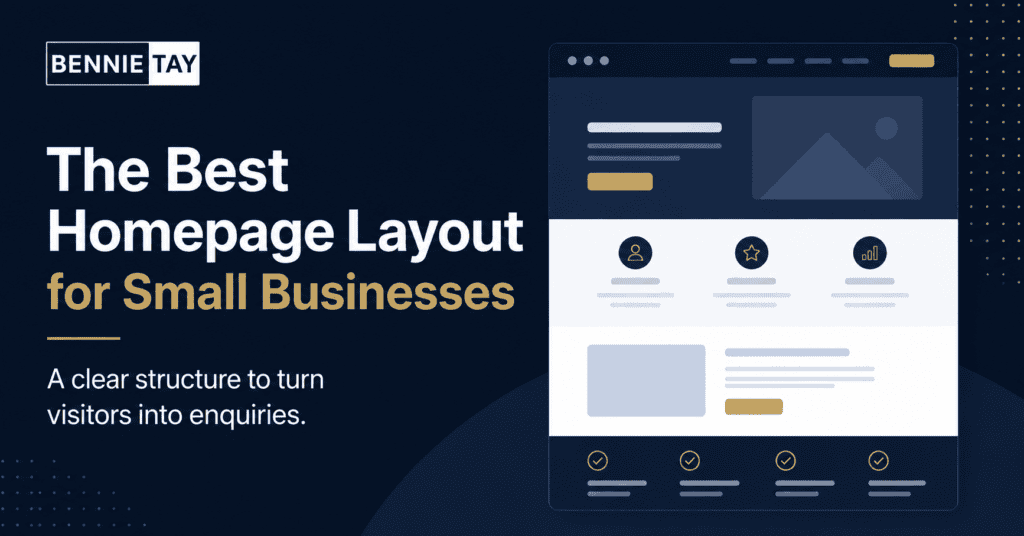
Your homepage is often the first page a potential customer sees. It has to explain your business quickly, build trust, and guide people toward the next step. For a small business, this does not mean adding every possible section to the page. It means arranging the right information in the right order.
The best homepage layout for small businesses is simple, clear, and focused on the visitor. A homepage should answer the questions people have before they contact you: what do you do, who do you help, why should they trust you, and what should they do next?
Many homepages fail because they look nice but do not communicate clearly. Visitors see a big image, a vague headline, and a few general statements. They still do not know whether the business can solve their problem. A better homepage works like a helpful sales guide. It leads the visitor from problem to solution to action.
Start with a clear first section
The first section should make your offer obvious within a few seconds. Avoid broad headlines like “Your trusted partner” or “We help you grow.” These phrases are common, but they do not tell visitors what you actually do.
A stronger headline includes your service, audience, result, or location. For example, a service business could say, “Website Design for Malaysian Small Businesses That Need More Enquiries.” A clinic could say, “Family Dental Care in Petaling Jaya for Adults and Children.” Clear is better than clever.
Below the headline, add one or two short sentences that explain the value. Then include a clear call to action, such as “Request a Quote,” “Book a Consultation,” or “WhatsApp Us.” If your main enquiry channel is WhatsApp, the button should be visible immediately on mobile.
Show the main services
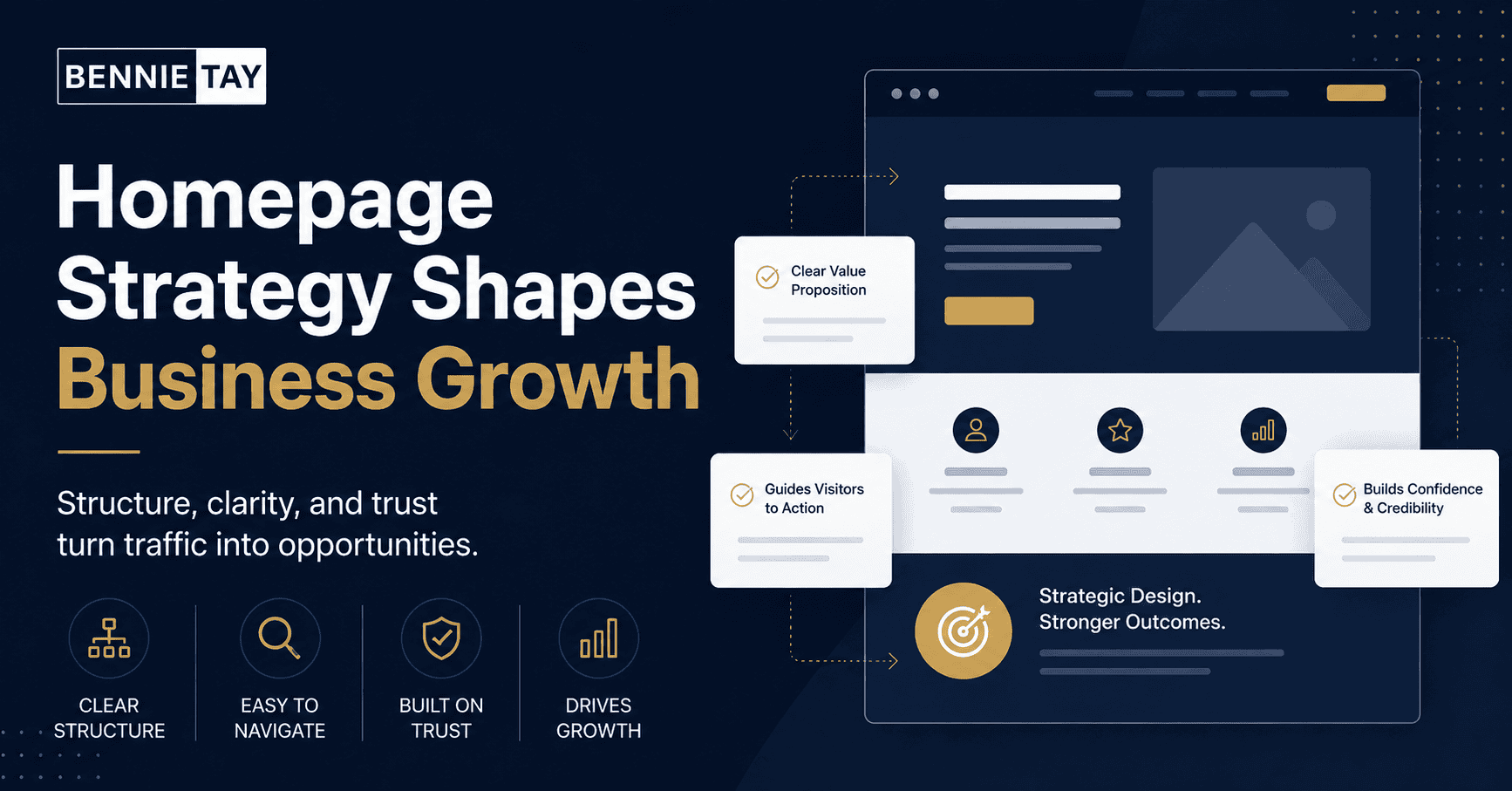
After the first section, visitors should quickly see what you offer. Keep this section simple. List your main services with short explanations, not long paragraphs. Each service should help the visitor understand whether they are in the right place.
If you offer many services, group them into categories. For example, a website company might group services into website design, landing pages, website maintenance, and conversion improvement. A contractor might group services into renovation, repair, maintenance, and inspection.
The goal is not to explain every detail on the homepage. The goal is to guide visitors to the right service page or enquiry action. If a service is important for SEO or sales, give it a dedicated page where you can explain it properly.
Explain who you help
Small businesses often try to speak to everyone. This makes the message weaker. Your homepage should help the right people recognize themselves.
If you serve restaurants, clinics, coaches, consultants, contractors, or local service businesses, say so. If you work mainly with SMEs in Malaysia, mention that. If you are best for businesses that need enquiries, bookings, or quote requests, make that clear.
When visitors feel that your website is speaking to their situation, they are more likely to continue reading. A clear audience section also helps filter out poor-fit enquiries.
Build trust early
Trust should not be hidden at the bottom of the page. Place proof near the top, especially if your service requires a serious decision. Proof can include client logos, testimonials, reviews, project photos, case studies, years of experience, certifications, awards, or numbers.
For small businesses, real proof is usually better than big claims. A short testimonial from a customer, a photo of completed work, or a simple before-and-after example can be more persuasive than saying you are the best.
If you are still building proof, use process and clarity. Explain how you work, what customers can expect, and how you reduce risk. A business that explains things clearly often feels more trustworthy than one that hides behind vague promises.
Include a problem and solution section
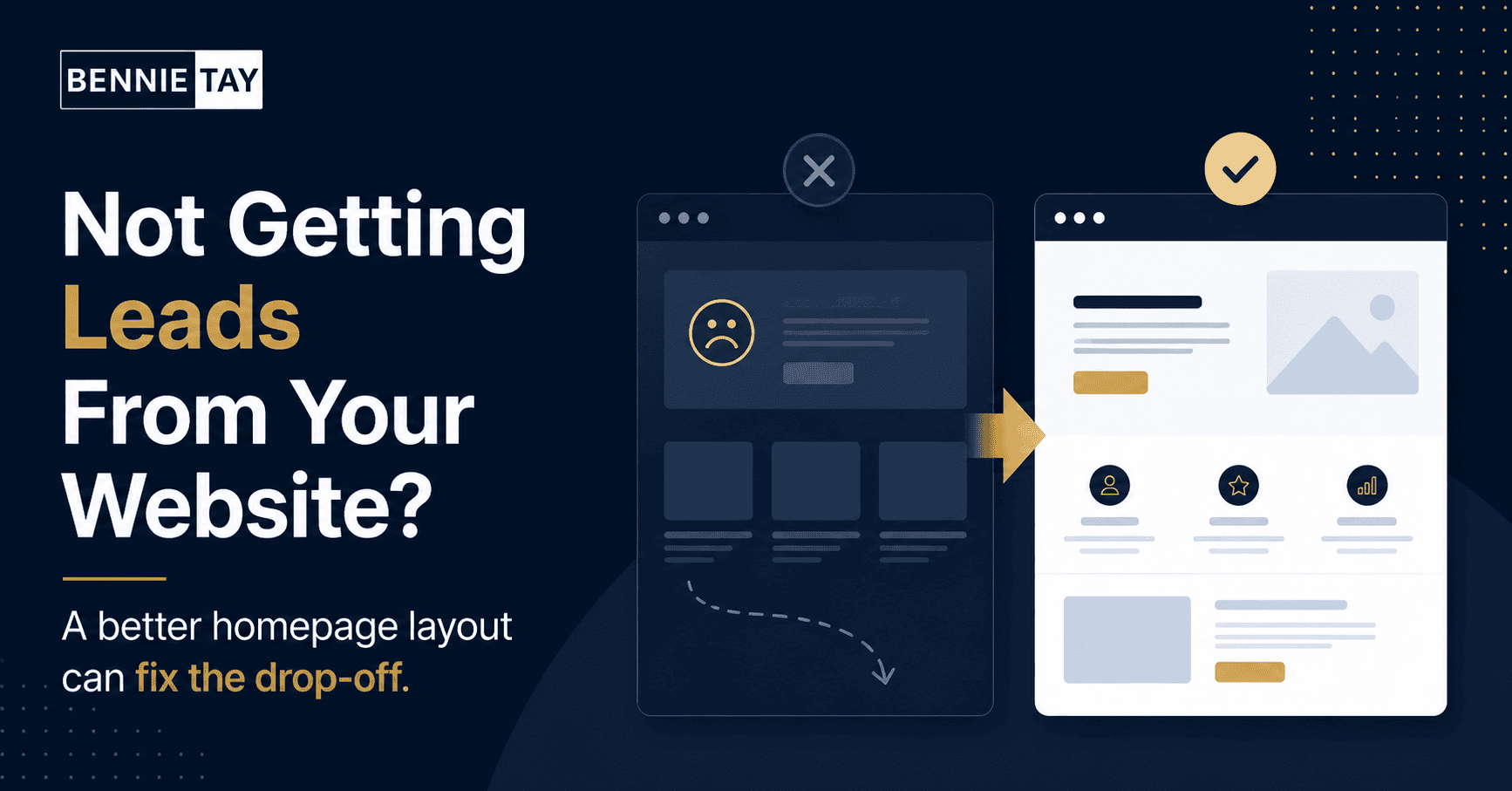
A useful homepage shows that you understand the customer problem. This section does not need to be negative. It simply explains the common situation your customers face and how your service helps.
For example, a website designer might say that many small businesses have websites that look outdated, load slowly, or fail to bring enquiries. Then the solution is a clearer website structure, better messaging, mobile-friendly design, and stronger calls to action.
This section helps visitors feel understood. It also gives context to your services, so your offer feels practical instead of generic.
Show your process
A process section is useful because it reduces uncertainty. Visitors want to know what happens after they contact you. Use three to five simple steps.
For example: send an enquiry, discuss your goals, receive a proposal, build or improve the website, launch and review. For a service business, the process might be request a quote, schedule inspection, confirm work, complete service, and follow up.
Do not overcomplicate this section. The goal is to make the next step feel easy. A clear process can also reduce repeated questions from potential customers.
Add strong calls to action
A homepage should not have only one contact button at the top. Repeat your call to action at natural points: after the hero section, after services, after proof, and near the bottom.
Use action words that match your sales process. “Book a Call” works for consultants. “Request a Quote” works for contractors and service providers. “WhatsApp Us” works well in Malaysia when quick conversations matter.
Make sure your buttons are visible on mobile. Many visitors will not search for your contact page. If they are ready, they should be able to act immediately.
Answer common questions
A short FAQ section can help visitors make a decision. Answer the questions people usually ask before contacting you: pricing, timeline, service area, what is included, support, warranty, or how to start.
Good FAQs reduce hesitation. They also help you attract better enquiries because visitors understand your service before they message you.
Keep the layout readable
The best homepage layout is not crowded. Use clear headings, short paragraphs, readable fonts, and enough spacing. Avoid filling the homepage with too many sliders, popups, animations, and competing buttons.
On mobile, your homepage should feel easy to scan. Important sections should not depend on tiny images or long blocks of text. A visitor should be able to understand your business while scrolling quickly.
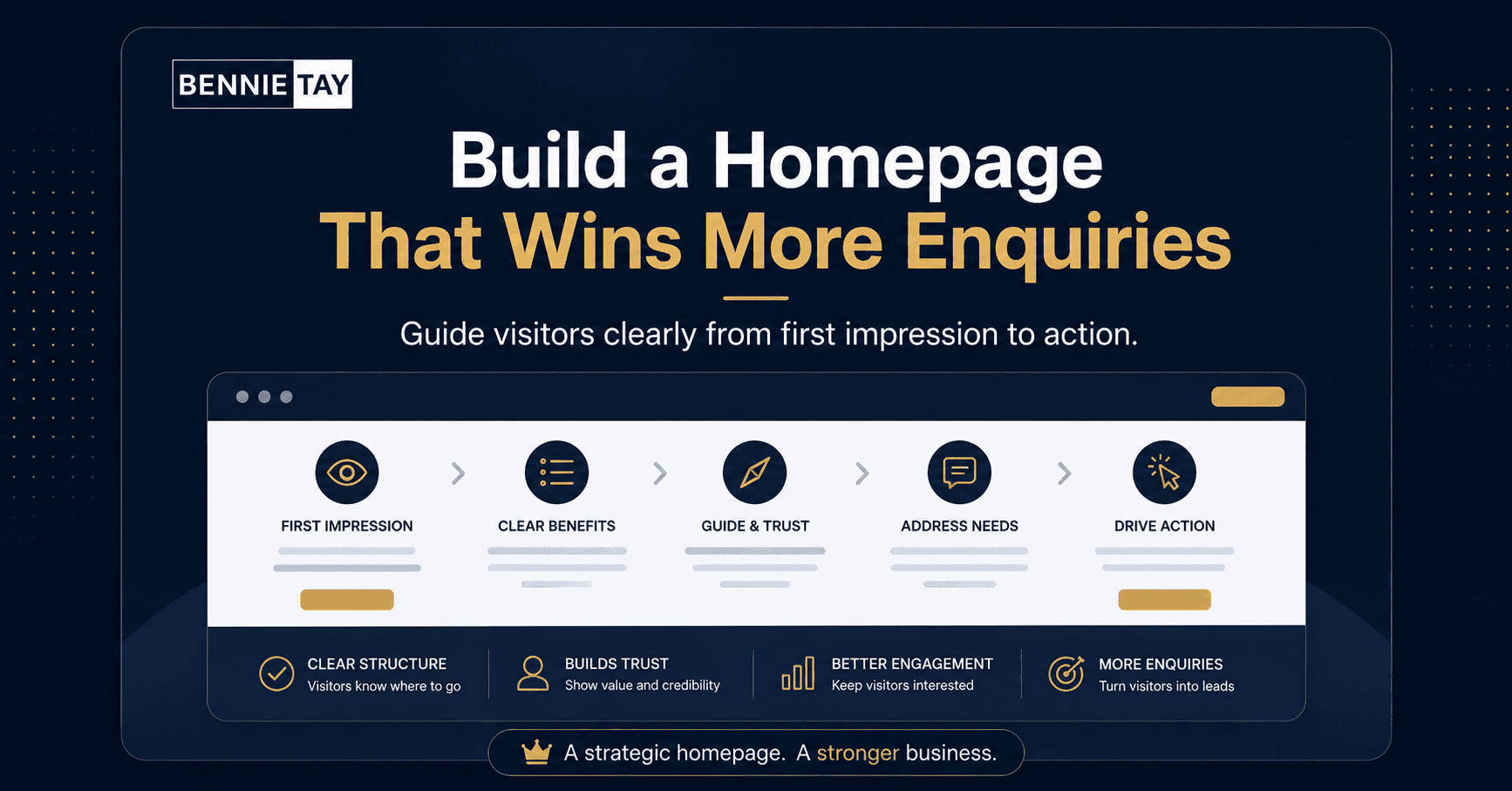
A simple homepage structure to follow
- Clear headline, short explanation, and main call to action
- Main services or offers
- Who you help and what problems you solve
- Trust signals such as reviews, projects, or testimonials
- Simple process that explains how to work with you
- Helpful FAQs and a final contact section
Final thoughts
Example layout for a service business
For a service business, the homepage can follow a very direct structure. Start with a clear promise, such as the service you provide and the area you serve. Then show the main services, a few trust signals, your process, testimonials, and a contact section.
For example, a renovation contractor can open with the type of renovation work offered, service area, and a request-quote button. The next section can show kitchen renovation, bathroom renovation, office renovation, and repair work. After that, project photos and reviews give visitors confidence.
A coach or consultant may need a slightly different layout. The homepage should explain the problem, the consulting outcome, the method, proof of experience, and a clear invitation to book a call. The design can be simple, but the message must feel specific.
What to remove from your homepage
A good homepage is not only about what you add. It is also about what you remove. Remove sections that do not help visitors understand your offer or take action.
Common examples include long company histories near the top, large sliders with weak messages, repeated stock images, too many button styles, and service descriptions that all sound the same. These elements can make the page feel busy without making it more persuasive.
If a section does not answer a customer question, build trust, explain value, or support the next step, it may belong on another page or not on the website at all.
How to review your current homepage
Open your homepage on a phone and look at the first screen only. Can you tell what the business does without scrolling? Is the main button clear? Does the message feel specific, or could it apply to almost any company?
Next, scroll through the page as a customer would. Check whether each section gives a reason to continue. If the page jumps from a vague introduction to a contact form without explaining services, proof, or process, visitors may not be ready to enquire.
Finally, test the contact path. Tap the buttons, submit the form, and check whether the message reaches the right inbox. A homepage layout is only useful if the enquiry path works.
The best homepage layout for small businesses is not about adding more sections. It is about arranging the right sections so visitors understand your offer and feel confident enough to contact you.
Useful reference: For homepage planning, Nielsen Norman Group’s homepage usability research gives helpful context on clarity and navigation. See Nielsen Norman Group homepage usability research.Start with clarity. Explain what you do, who you help, why you are credible, and what the visitor should do next. When your homepage works like a helpful guide, it becomes more than a digital brochure. It becomes part of
your sales process.