WordPress can support websites with a significant number of visitors, but installing WordPress does not automatically make a website capable of handling unlimited traffic.
A lightweight site with strong caching and efficient hosting may continue running smoothly during a major traffic surge. Meanwhile, a poorly optimized website can become slow or unavailable after a relatively modest increase in visitors.
The difference usually has less to do with WordPress itself and more to do with the surrounding setup. Hosting resources, caching, database performance, plugin quality, page size, security controls, and the amount of dynamic processing all influence how much traffic a WordPress site can handle.
This guide explains what high traffic really means, which resources limit WordPress performance, and how to prepare a website for advertising campaigns, seasonal promotions, viral content, product launches, and long-term audience growth.
Can WordPress Really Handle High Traffic?
WordPress is capable of powering high-traffic websites when it is configured correctly.
Publishers, universities, government agencies, ecommerce companies, membership platforms, and well-known brands use WordPress successfully. However, these organisations do not rely on the default installation alone. They combine WordPress with reliable hosting, effective caching, content delivery networks, security tools, database optimisation, monitoring, and scalable infrastructure.
WordPress is the content management system. It is not the entire performance stack.
The number of visitors a website can support depends on how many requests reach the main server, how much processing is required for each request, and how quickly the available resources can complete that work.
A cached blog article, for example, may require almost no WordPress processing after the first request. The server can return a saved HTML version of the page to thousands of visitors.
A WooCommerce checkout page behaves differently. It may need to run PHP, query the database, manage a user session, calculate shipping, verify inventory, display personalised information, and communicate with payment services.
Both pages receive traffic, but the amount of work required from the server is completely different.
What Does High Traffic Mean for a WordPress Website?
High traffic is not defined only by monthly visitor numbers.
A website receiving 300,000 visits gradually across an entire month may be easier to manage than one receiving 15,000 visits within ten minutes. Sudden traffic places much greater pressure on the server because many requests must be processed at the same time.
This is known as concurrency.
Concurrent visitors, requests per second, dynamic page views, PHP worker availability, database complexity, page weight, and bot activity are often more useful measurements than monthly traffic totals.
The type of website also matters. A public information site with mostly cached pages can usually support more visitors with fewer resources than an ecommerce store, membership portal, learning platform, booking system, or community website.
Instead of asking only how many monthly visitors WordPress can handle, ask how many requests the current infrastructure can process simultaneously without causing slow responses or errors.
What Limits WordPress Traffic Capacity?
Several resources determine whether a WordPress website remains stable during periods of heavy demand.
Concurrent Visitors
Concurrency measures how many people are using the website at the same time.
A steady stream of visitors throughout the day may not create any noticeable pressure. The same traffic arriving immediately after an email campaign, television appearance, product launch, or social media post can overwhelm a website that has not been prepared for the spike.
Businesses planning major promotions should therefore focus on peak demand rather than average traffic.
PHP Workers
PHP workers process requests that cannot be served directly from a cache.
Dynamic pages such as shopping carts, customer accounts, search results, checkout screens, membership dashboards, form submissions, and WordPress administrator pages often require a PHP worker.
When every available worker is busy, new requests must wait. Visitors may experience slower loading, gateway errors, or unavailable pages.
Adding more PHP workers can increase capacity, but inefficient requests may still consume them too quickly. The more effective approach is to reduce unnecessary dynamic processing and ensure that public pages are cached whenever possible.
Database Performance
WordPress stores content, settings, user accounts, products, orders, metadata, and plugin information in its database.
Themes and plugins may send many database queries during a single page load. When those queries are slow, repeated, or poorly designed, the website can struggle even when the server appears powerful.
Common database problems include excessive autoloaded data, expired transients, abandoned plugin tables, unindexed custom tables, complicated product filters, inefficient search functions, and plugins that request the same information repeatedly.
Upgrading the server may hide these problems temporarily, but it does not remove them. A faster machine can still waste resources running inefficient queries.
CPU and Memory
PHP execution, image generation, security scans, backups, imports, reports, and database operations all consume CPU and memory.
A website may slow down because background tasks are competing with real visitors. For example, a full backup, malware scan, and product import running at the same time can exhaust resources even when traffic is moderate.
This is why performance problems should be investigated before assuming that the hosting plan is simply too small.
Page Weight
Large pages take longer to deliver and require more bandwidth.
Oversized images, background videos, excessive JavaScript, multiple font families, large CSS files, advertising scripts, chat widgets, social media embeds, and tracking tools can make a page unnecessarily heavy.
Page weight affects both the server and the visitor’s browser. Reducing it allows the existing hosting environment to serve more people efficiently while improving loading speed and user experience.
Bot Traffic
Not every request comes from a potential customer.
Search engine crawlers, scrapers, AI crawlers, vulnerability scanners, spam bots, automated login attempts, and malicious traffic can consume a considerable portion of server capacity.
A website may appear to be experiencing customer growth when much of the load is actually automated. Reviewing server logs and traffic sources helps separate genuine visitors from bots.
Measure Performance Before Upgrading Hosting
Buying a larger hosting plan should not be the first response to a slow website.
Start by collecting evidence. Monitor server response time, CPU usage, memory consumption, PHP worker activity, cache hit rate, database load, uptime, request volume, error logs, Core Web Vitals, bandwidth, and bot traffic.
Create a baseline during normal conditions and compare it with periods when the website becomes slow.
This process helps identify whether the main bottleneck is the hosting environment, an inefficient plugin, uncached pages, the database, third-party scripts, large media files, or abusive automated traffic.
Monthly visitor totals alone provide very little diagnostic value. You need to understand when requests arrive, which pages they access, and how much work the server performs for each one.
Use Full-Page Caching
Full-page caching is one of the most effective ways to improve WordPress traffic capacity.
Without caching, WordPress may need to load PHP, connect to the database, run theme and plugin functions, retrieve content, build the page, and return the completed HTML every time someone visits.
Full-page caching saves the completed HTML output. Future visitors can receive that saved version without repeating the full WordPress process.
This reduces PHP execution, database queries, server response time, CPU usage, and PHP worker demand.
Caching works particularly well for blog posts, service pages, landing pages, news articles, public documentation, brochure websites, and many product category pages.
Private and personalised pages should normally be excluded. Shopping carts, checkout pages, customer accounts, membership dashboards, personalised recommendations, and administrative areas must be tested carefully.
After enabling caching, verify important journeys such as login, logout, contact forms, product variations, cart updates, payments, search, language switching, and customer account access.
A caching system that displays one customer’s private information to another is technically fast, but in the same way a runaway shopping trolley is technically efficient at moving downhill.
Add Persistent Object Caching
WordPress already uses an object cache during individual page requests. Persistent object caching allows frequently requested data to remain available across multiple requests.
Redis and Memcached are commonly used for this purpose.
Object caching can reduce repeated database work involving website settings, user data, products, menus, metadata, query results, and session-related information.
It is particularly useful for dynamic websites, including WooCommerce stores, membership platforms, directories, online learning systems, communities, multisite networks, and sites with many logged-in users.
Persistent object caching does not replace full-page caching. Full-page caching avoids most WordPress processing for public pages, while object caching improves efficiency when WordPress still needs to generate a dynamic response.
Websites with substantial dynamic activity may benefit from using both.
Use a Content Delivery Network
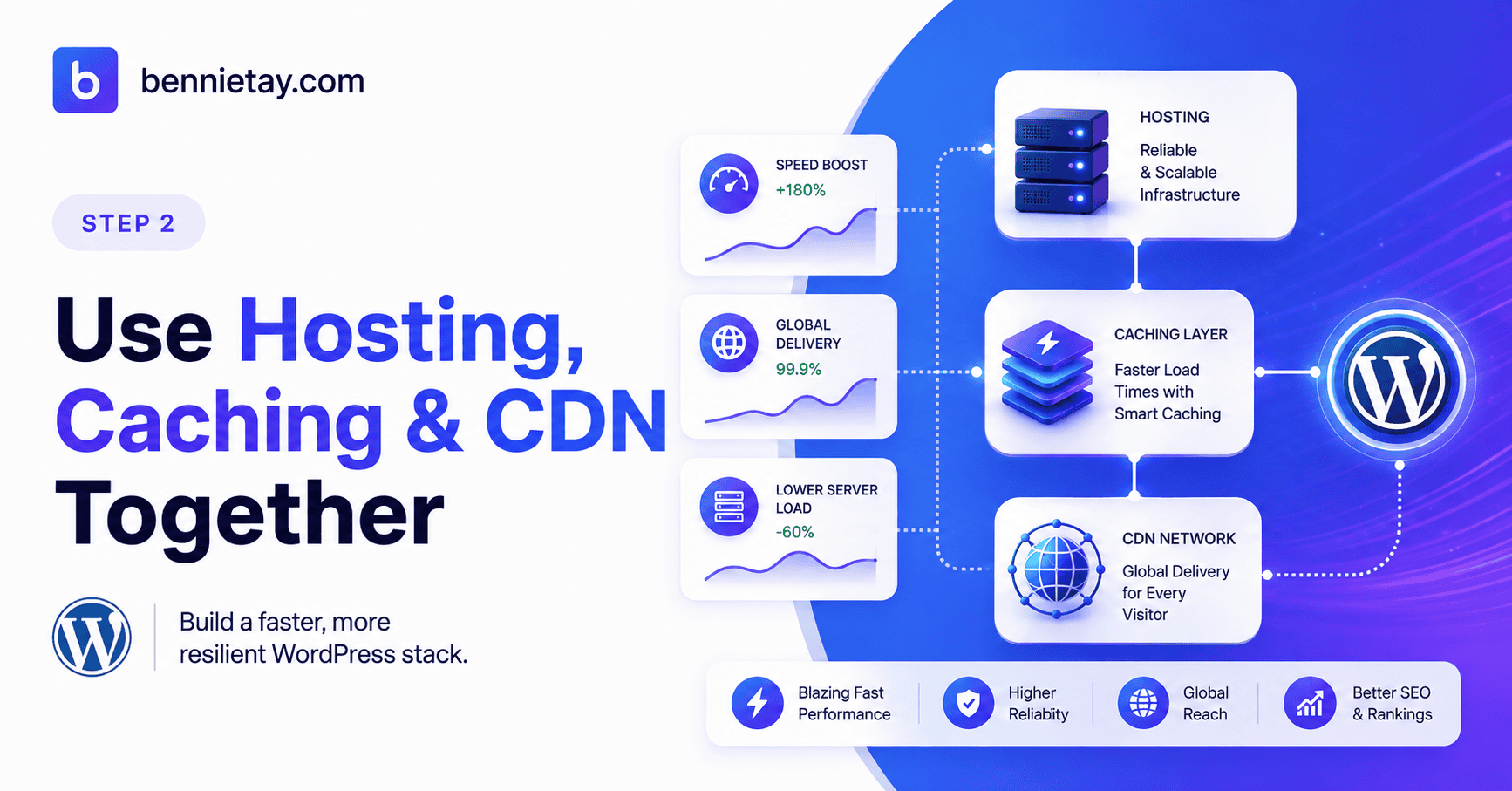
A content delivery network, or CDN, distributes website assets through servers in multiple locations.
Instead of forcing every visitor to download files from the main hosting server, the CDN can deliver images, stylesheets, JavaScript, fonts, videos, downloads, and cached pages from a location closer to the user.
This can reduce bandwidth consumption at the origin server, improve international loading speeds, and help the website absorb sudden traffic increases.
Many CDN providers also include edge caching, image optimisation, web application firewall rules, bot management, rate limiting, compression, and protection against distributed denial-of-service attacks.
CDN rules must be configured carefully. Do not publicly cache customer accounts, carts, checkout pages, logged-in sessions, personalised prices, or private membership content.
Clear the CDN cache after important updates and test the website on desktop and mobile devices.
Optimise Images and Media
Images are often the largest files on a webpage.
Uploading a 4,000-pixel image for a section that displays it at 800 pixels wastes bandwidth and slows down delivery. Every visitor downloads data that provides no visible benefit.
Resize images before uploading them, compress files, use modern formats such as WebP or AVIF, and serve responsive image sizes. Lazy-load media below the visible portion of the page and avoid unnecessary animations or autoplaying background videos.
Large videos should generally be hosted through a suitable video platform rather than delivered directly from a standard WordPress server.
Avoid using several image optimisation plugins at the same time. Duplicate processing can create additional server load and may produce conflicting file versions.
Reducing image size lowers the amount of data transferred for each visit, which allows the same infrastructure to support more users.
Reduce JavaScript and Third-Party Scripts
A fast server cannot fully compensate for a webpage overloaded with front-end code.
Analytics platforms, chat widgets, advertising tools, heatmaps, social feeds, video players, review widgets, marketing automation, testing software, tracking pixels, and consent systems all add scripts.
Each script may require separate downloads, browser processing, and connections to external servers.
Review every third-party tool. Remove services that are no longer used, load scripts only on relevant pages, delay non-essential code until interaction, and replace heavy tools with lighter alternatives where possible.
Also review themes and plugins for unused CSS and JavaScript.
The goal is not to chase a perfect performance score while removing features customers actually need. It is to stop loading expensive code that provides little business value.
Audit WordPress Themes and Plugins
The number of installed plugins does not determine website performance by itself.
A site with many efficient plugins may perform better than one with a small number of poorly built tools. Plugin quality, database behaviour, background processing, scripts, API calls, and overlapping functions matter more than the total count.
Avoid running multiple plugins for the same purpose. Several caching tools, security suites, backup systems, SEO plugins, database cleaners, image optimisers, or analytics integrations may duplicate work and create conflicts.
Test suspected plugins in a staging environment. Measure performance, deactivate one plugin, repeat the same test, and compare the results.
A plugin appearing in an error log is not automatically responsible for the problem. The error may simply occur while that plugin is running, even though the actual pressure was created elsewhere.
Control Bots and Abusive Requests
Bot protection can increase traffic capacity without changing the hosting plan.
Use a combination of firewall rules, rate limiting, login protection, two-factor authentication, CAPTCHA challenges, bot management, and access-log monitoring.
Pay attention to repeated login attempts, aggressive crawling, spam submissions, fake checkout requests, vulnerability scans, search-page abuse, excessive API activity, and large numbers of requests to nonexistent URLs.
Avoid blocking legitimate search engine crawlers without evidence. Review user agents, request patterns, and access logs before applying broad restrictions.
Controlling automated activity gives the server more capacity for real visitors and provides a clearer view of actual customer demand.
Optimise the WordPress Database
WordPress databases accumulate unnecessary information over time.
Post revisions, expired transients, old logs, spam comments, temporary import data, abandoned sessions, failed scheduled jobs, orphaned metadata, and tables left behind by deleted plugins can increase database size and query time.
Database cleanup should be conservative. Create a backup before deleting anything, identify which plugin or feature owns the data, and test the cleanup on staging.
WooCommerce orders, form submissions, membership records, and plugin-specific tables may contain important business information even when their purpose is not obvious.
Autoloaded data deserves particular attention. WordPress automatically loads certain options on many requests. If this data becomes excessive, every page may retrieve information it does not need.
Large autoloaded entries may come from removed plugins, page builders, themes, transients, debug logs, or large serialized settings. Investigate before deleting them.
Manage Scheduled and Background Tasks
WordPress uses scheduled tasks to publish posts, send emails, process orders, run backups, generate reports, synchronise services, update feeds, and perform security scans.
Heavy jobs should not compete with customers during peak hours.
Schedule full backups, malware scans, large imports, thumbnail regeneration, database optimisation, reports, and bulk email processing during quieter periods.
High-traffic websites may also benefit from replacing traffic-triggered WordPress cron behaviour with a reliable server-level scheduled task.
Review failed or repeatedly running events. A broken scheduled process may consume resources continuously without completing useful work, a strangely familiar pattern in software and committee meetings alike.
Choose Hosting for the Workload
Hosting should match the type of website and its processing requirements, not simply an advertised monthly visitor allowance.
Quality shared hosting may be suitable for cached blogs, portfolios, small business websites, and public information sites. Its limitations often include shared CPU, restricted PHP workers, limited configuration, and lower tolerance for sudden traffic spikes.
Managed WordPress hosting may provide server-level caching, CDN integration, staging environments, automated backups, monitoring, and WordPress-focused support.
A VPS or cloud server may be more appropriate when a website requires dedicated resources, additional PHP workers, custom server settings, advanced caching, database control, or predictable performance.
However, a VPS is not automatically faster. It requires proper configuration, security, monitoring, updates, backups, and maintenance. A poorly managed server can perform worse than a well-configured shared plan.
Test Traffic Spikes Before a Major Campaign
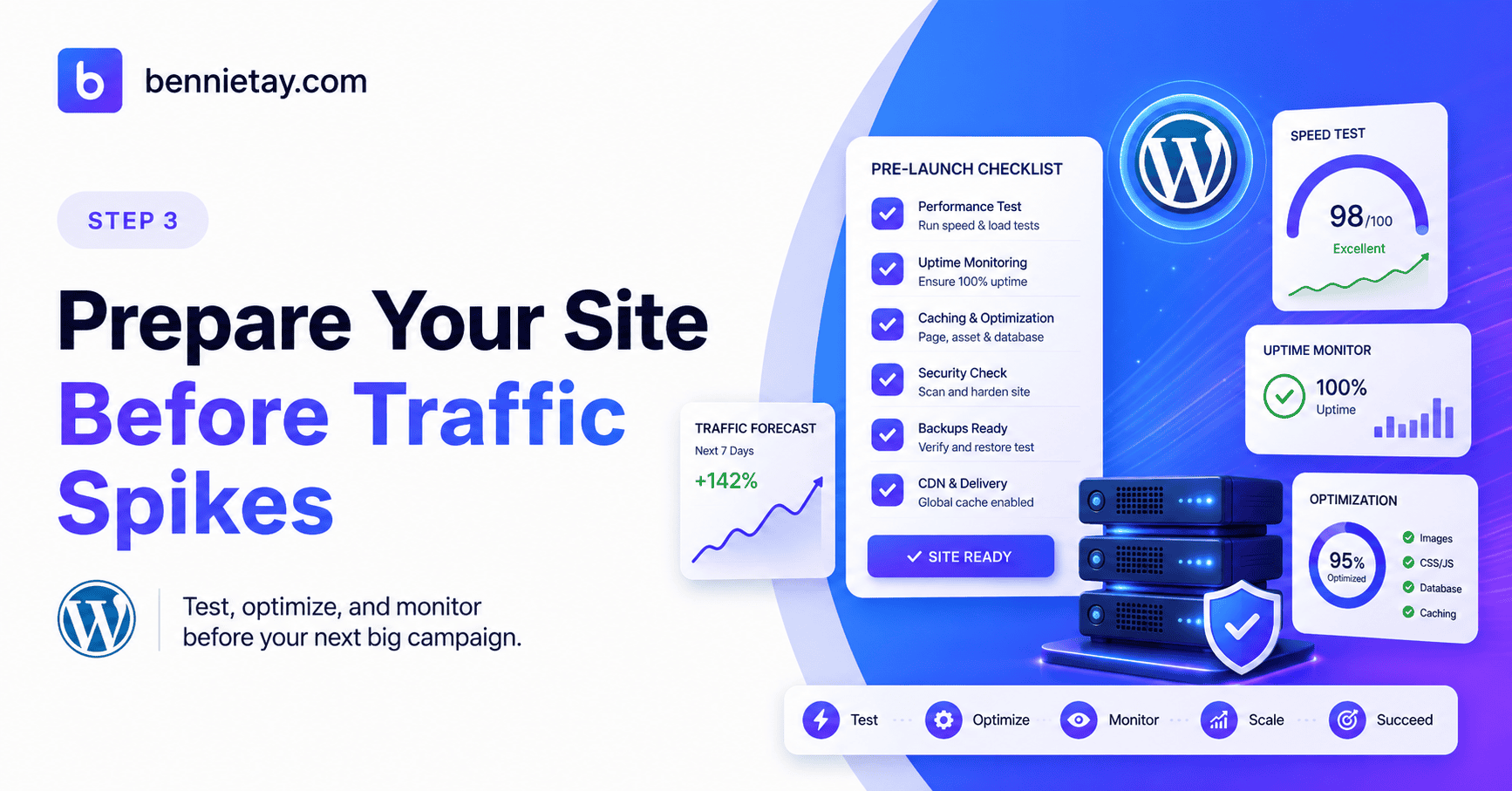
Load testing simulates multiple visitors accessing a website.
It can reveal when response times begin to increase, which pages create the most pressure, whether caching works, when PHP workers become saturated, and whether the database or server becomes the bottleneck.
Only test websites you own or have permission to test. Coordinate production tests with the hosting provider, especially on shared or managed hosting.
Monitor requests per second, average response time, error rate, CPU, memory, PHP workers, database activity, cache hit rate, bandwidth, and origin requests.
Increase traffic gradually and define a safe stopping point. The objective is to identify where performance begins to deteriorate, not to crash the website theatrically and learn nothing useful.
A Practical WordPress Scaling Order
WordPress scaling is usually more effective when improvements are made in the right sequence.
Begin with current backups and reliable monitoring. Enable full-page caching, optimise images and front-end assets, audit plugins and themes, add a CDN, control bots, review the database, and move heavy scheduled tasks away from peak hours.
Persistent object caching can then improve dynamic database performance where appropriate.
After these improvements, run a controlled load test. Upgrade hosting only when monitoring shows that a specific resource remains constrained.
This prevents businesses from paying for a larger server that continues running inefficient code.
How Much Traffic Can WordPress Handle?
There is no universal WordPress traffic limit.
A heavily cached content site may serve far more requests than a dynamic ecommerce store using the same hardware.
Capacity depends on concurrency, caching, PHP workers, database complexity, page size, plugin efficiency, bot traffic, CDN usage, server configuration, and the amount of personalised functionality.
A better question is: how many requests can the current system process before response time becomes unacceptable?
Maintain spare capacity for advertising campaigns, email launches, seasonal sales, product releases, media coverage, search engine crawlers, background processing, and unexpected viral traffic.
A website operating permanently at its maximum limit has no room for growth or sudden demand.
Does High Traffic Affect WordPress SEO?
High traffic does not directly improve or reduce search rankings. However, poor performance during busy periods can affect SEO indirectly.
Slow loading, downtime, server errors, failed crawls, unstable pages, poor Core Web Vitals, and incomplete page responses can make it harder for search engines and visitors to access the website.
A stable, responsive site supports crawlability, indexing, mobile usability, engagement, and conversion.
Technical performance should work alongside useful content, internal linking, structured data, and clear site architecture.
Final Recommendation
WordPress can support substantial traffic when hosting, caching, code quality, database performance, security, and monitoring work together.
Start by measuring the current website rather than assuming the hosting plan is too small. Cache public pages, reduce page weight, remove inefficient or overlapping plugins, control abusive bots, optimise the database, and schedule demanding tasks outside peak hours.
Use a CDN and persistent object caching when the website’s workload justifies them. Load test the site safely before major campaigns and upgrade only the resource that remains constrained after optimisation.
The goal is not simply to purchase more hosting. It is to reduce the amount of work required for every request while maintaining enough spare capacity for real growth.
A well-optimised WordPress website can handle far more traffic than an inefficient one running on more expensive infrastructure. Scaling successfully is therefore less about finding a magical visitor limit and more about building a system that processes each visit quickly, reliably, and efficiently.