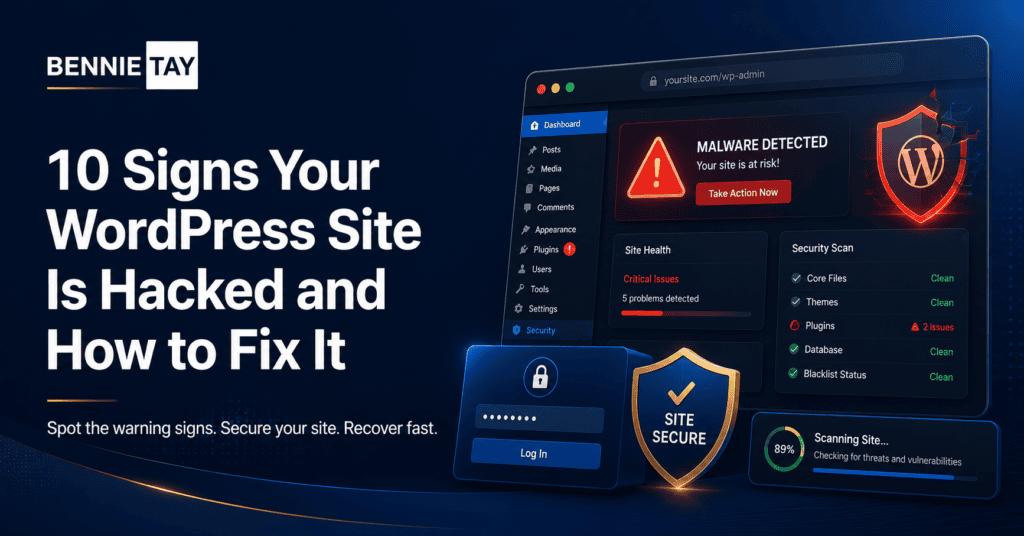
A hacked WordPress site can damage your business quickly. It can show strange content, redirect visitors, leak data, damage search rankings, or make customers lose trust. The problem is that many website owners do not notice the hack immediately.
WordPress is widely used, which makes it a common target. Hackers often look for outdated plugins, weak passwords, abandoned themes, poor hosting security, or unprotected login pages.
If you suspect your WordPress site is hacked, act quickly. The sooner you respond, the easier it is to reduce damage.
1. Your website redirects to another site
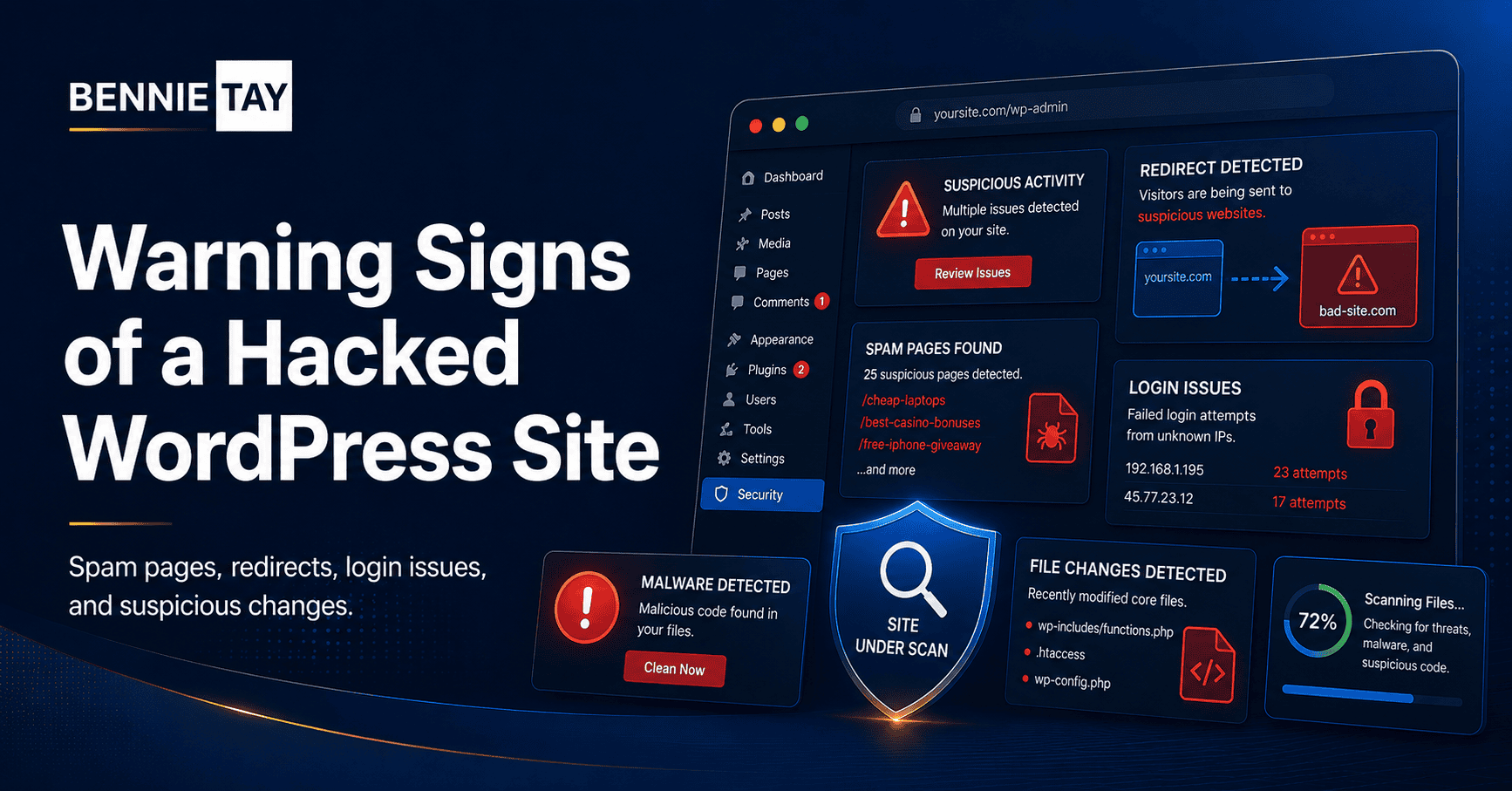
One of the clearest signs of a hack is an unwanted redirect. Visitors may click your website and suddenly land on a spam site, casino page, adult site, fake software download, or suspicious shopping page.
Sometimes the redirect only happens on mobile. Sometimes it only appears for first-time visitors. This can make the issue harder to detect.
If your website redirects unexpectedly, do not ignore it. Check from different devices and browsers. Then contact your hosting provider or web developer for immediate cleanup.
2. Strange pages appear in Google
Search your domain on Google using site:yourdomain.com. If you see pages about pills, gambling, fake products, or unrelated languages, your site may be infected with SEO spam.
Hackers add hidden pages to abuse your domain authority. These pages may not appear in your normal WordPress dashboard, but Google can still index them.
Fixing this usually requires malware cleanup, removing injected files, checking the database, and requesting reindexing after the site is clean.
3. Your website is marked as unsafe
Browsers, Google Search Console, or security tools may warn that your website is dangerous. Visitors may see messages about malware, phishing, deceptive content, or harmful downloads.
This warning can seriously reduce traffic and trust. If you see it, check Google Search Console’s Security Issues report and scan the website immediately.
After cleanup, you may need to request a review so the warning can be removed.
4. You cannot log in
If your admin password suddenly stops working, your account may have been changed or removed. This can happen after a brute-force attack or when an attacker creates their own administrator account.
First, try the normal password reset process. If that fails, check with your hosting provider. You may need to reset the admin user through the database.
Once access is restored, change all admin passwords, remove unknown users, and enable two-factor authentication.
5. Unknown admin users appear
Go to the WordPress Users section and check administrator accounts. If you see users you do not recognize, treat it as a serious warning.
Hackers may create hidden or normal-looking admin accounts so they can return later. Do not only delete the user. You should also scan the site, change passwords, and check for backdoors.
Review all users, especially admin, editor, and shop manager roles. Remove accounts that are no longer needed.
6. Your site becomes unusually slow
A hacked website may become slow because malicious scripts, spam pages, crypto-mining code, or repeated bot activity are consuming server resources.
Slow speed does not always mean hacking, but sudden performance problems should be investigated. Check hosting resource usage, recent file changes, plugin activity, and security scan results.
If your hosting account is suspended for high resource usage, malware may be one possible cause.
7. Files were changed without your knowledge
Unexpected file changes are another warning sign. Hackers often modify theme files, plugin files, .htaccess, wp-config.php, or upload malicious PHP files into folders that should only contain images.
Security plugins can monitor file changes, but not every change is malicious. Updates also change files. The concern is when files change at unusual times or contain suspicious code.
If you are not technical, ask a developer to review the files before deleting anything important.
8. Spam emails are sent from your domain
If customers receive spam emails from your domain, or your email deliverability suddenly drops, your website or hosting account may be compromised.
Hackers sometimes use websites to send spam. This can damage your domain reputation and cause legitimate emails to land in spam folders.
Check email logs, hosting logs, form plugins, and SMTP settings. Change passwords and scan the website.
9. Your forms behave strangely
Contact forms that stop working, send strange messages, or receive sudden spam floods may indicate a security issue. Sometimes the problem is only poor spam protection, but it is still worth checking.
Use CAPTCHA or spam protection where appropriate. Keep form plugins updated. Make sure form submissions go to the correct email address and are not being redirected.
10. Security scans detect malware
Security tools may report malware, suspicious files, blacklisting, or vulnerabilities. Treat these reports seriously, but review them carefully. Some warnings are about outdated plugins rather than active hacks.
Use reputable scanning tools and hosting support. If the scan shows malware, clean the site fully rather than only deleting one file.
What to do immediately
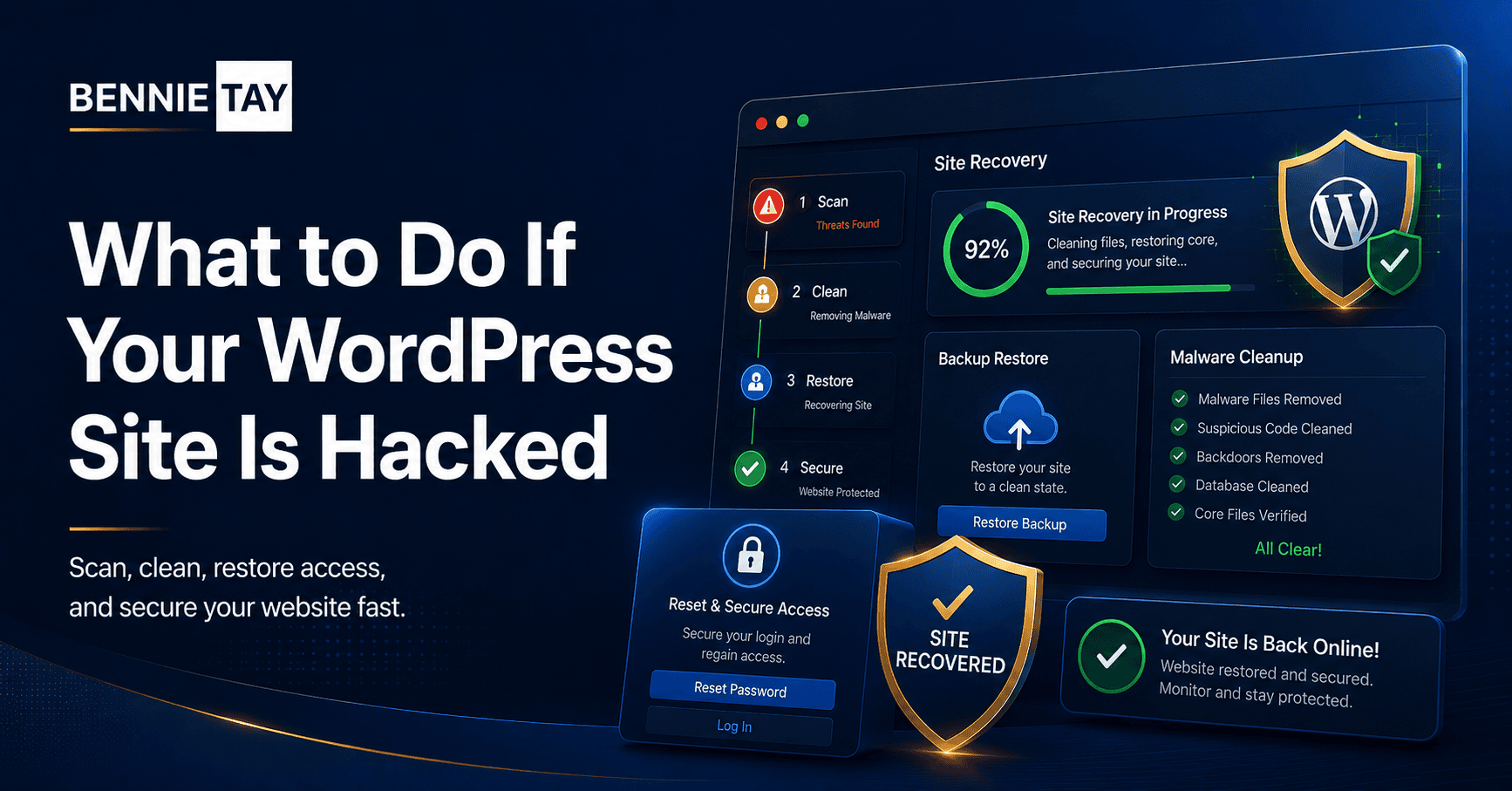
If your WordPress site is hacked, take a backup before cleanup if possible. This gives your developer something to inspect. Then put the site into maintenance mode if visitors are at risk.
Change all passwords: WordPress admin, hosting, FTP/SFTP, database, email, and any connected services. Update WordPress core, themes, and plugins after the site is stabilized.
Remove unknown admin users. Scan files and database. Check .htaccess and wp-config.php. Restore clean files from a known good backup if available. After cleanup, test the site carefully.
What not to do when your site is hacked
Do not randomly delete files unless you know what they are. Some malicious files are easy to spot, but deleting the wrong file can break the website and make recovery harder.
Do not assume that changing the password is enough. If a backdoor remains on the server, the attacker can return even after all passwords are changed.
Do not restore an old backup without checking whether the backup is clean. If the backup already contains malware, you may restore the same problem.
Do not ignore Google Search Console warnings. If Google has flagged the site, cleanup is only one part of the process. You also need to request a review after the site is safe.
How cleanup usually works
A proper cleanup starts with identifying the infection. This may involve scanning files, checking database entries, reviewing users, comparing core WordPress files, and looking at server logs.
Next, the malicious code must be removed. This can include cleaning infected theme files, removing suspicious plugin files, deleting spam pages, repairing .htaccess, and removing unknown admin users.
After cleanup, the site should be hardened. Update software, remove unused plugins, change passwords, add two-factor authentication, improve backups, and add monitoring.
Finally, test the website. Check forms, links, checkout if relevant, page display, mobile experience, and search results. A hacked site cleanup should end with a working and safer website, not only a malware scan report.
When to get professional help
If your website is important to your business, get help quickly. A hacked site can affect leads, customer trust, email reputation, and search visibility.
Professional help is especially important if the site redirects, Google shows a warning, ecommerce data may be involved, the hack keeps returning, or you cannot access the admin dashboard.
Trying to fix a serious hack without experience can take longer and may miss hidden backdoors. A proper cleanup may cost money, but leaving the site infected can cost more.
Recovery checklist after cleanup
After the site is cleaned, do not stop immediately. Check whether visitors can use the website normally. Test contact forms, checkout pages, login pages, search functions, and important links.
Review Google Search Console for security warnings, indexing issues, and suspicious pages. If spam pages were indexed, request removal or reindexing after cleanup. Check whether your sitemap is still correct.
Reset all important passwords again after cleanup is complete. This includes WordPress, hosting, FTP, database, email, and connected services. If multiple people have access, make sure each person has their own account.
Set up monitoring so you are alerted earlier next time. Backups, uptime monitoring, malware scans, and update reminders can reduce future risk.
Why prevention is cheaper than repair
Many business owners only think about security after a hack. By then, the website may already have lost traffic, leads, and trust.
Preventive maintenance is usually cheaper than emergency cleanup. Keeping software updated, removing unused plugins, using strong passwords, and maintaining backups can prevent many common attacks.
If your website generates enquiries, treat security as part of business operations. A website that is offline or infected cannot support sales.
Keep a security routine
Create a simple monthly routine. Check updates, review admin users, confirm backups are working, test forms, and scan for malware warnings.
Also document who has access to the website and why. Remove old accounts when staff, freelancers, or vendors no longer need access.
Small routine checks can prevent many urgent problems later.
Train your team
Security also depends on people. Make sure anyone with website access understands basic password safety, suspicious emails, and why shared admin accounts are risky.
Use separate accounts for each person. This makes it easier to remove access later and identify unusual activity.
How to prevent future hacks
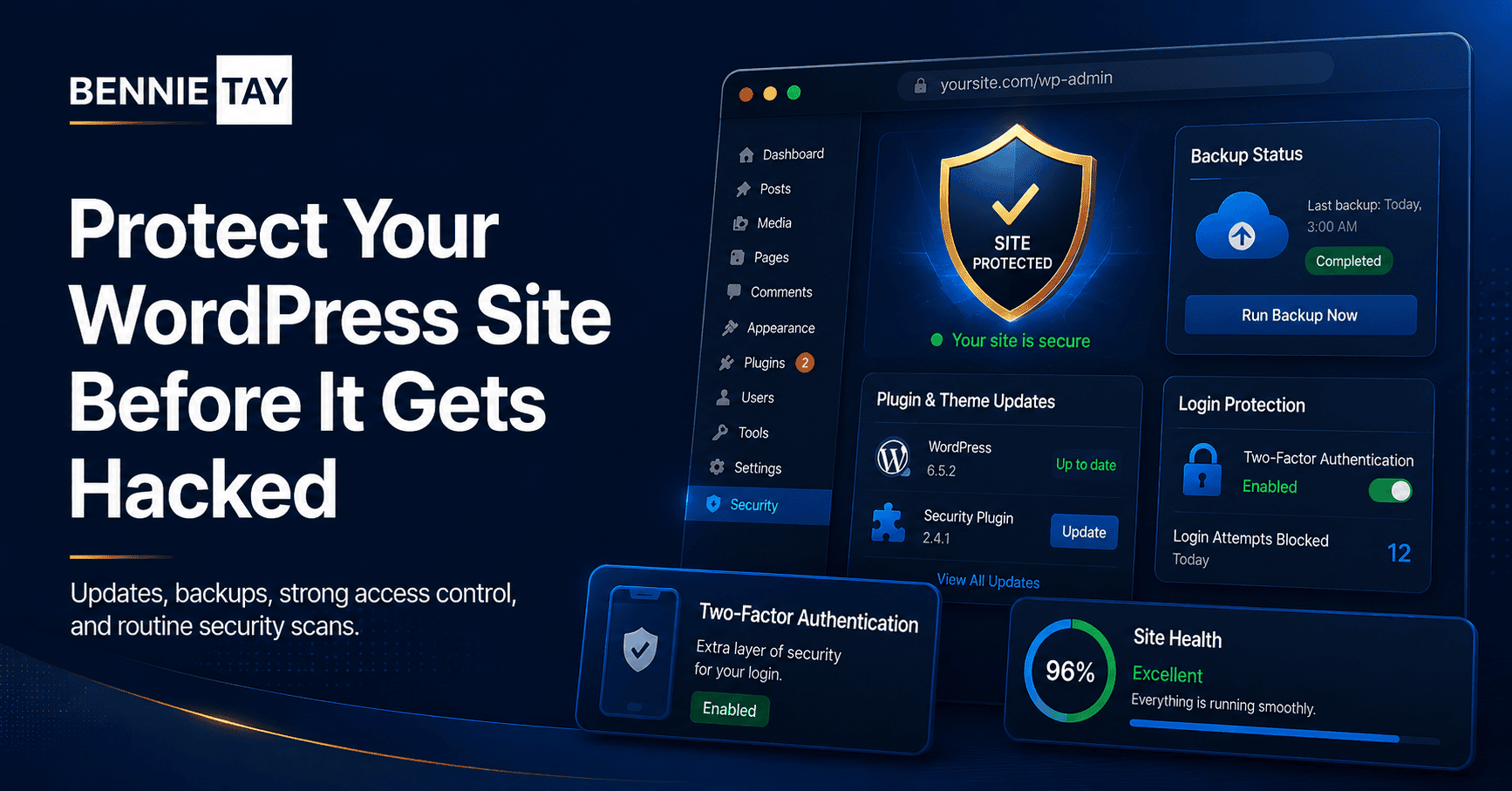
Keep WordPress, themes, and plugins updated. Use strong passwords and two-factor authentication. Remove unused plugins and themes. Use reputable hosting. Set up backups. Limit admin access. Add security monitoring.
Also review who has access to your website. Old developer accounts, unused admin users, and shared passwords create risk.
Security is not a one-time task. It is ongoing maintenance.
Final thoughts
A hacked WordPress site can hurt traffic, trust, and revenue. Watch for redirects, strange search results, unknown users, login problems, malware warnings, slow performance, and suspicious file changes.
If something looks wrong, act quickly. Clean the site properly, close the security gap, and put maintenance practices in place so the same problem does not return.