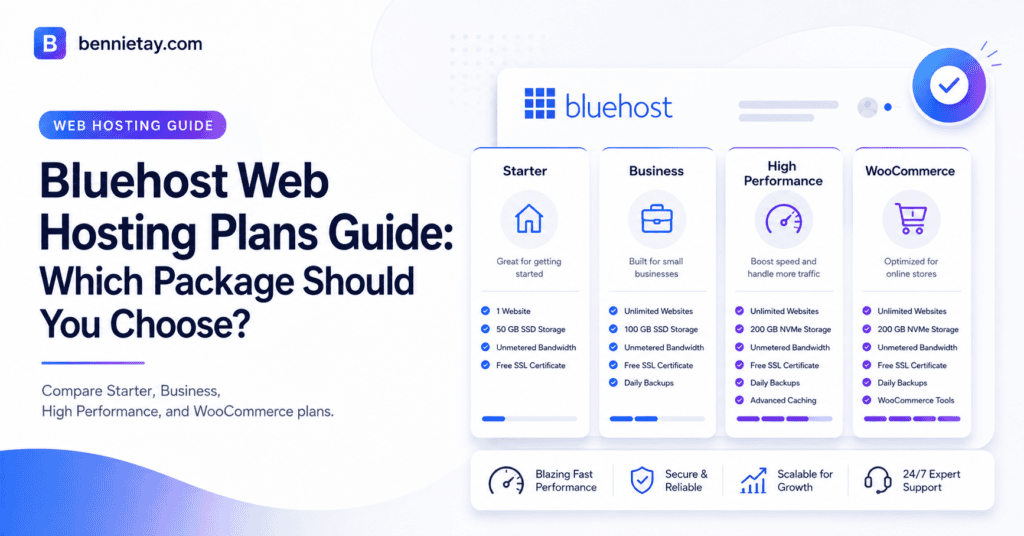
Bluehost offers several hosting packages for different websites, from a simple personal blog to a growing ecommerce store or custom application.
The best Bluehost plan depends on how many websites you manage, how much traffic they receive, how much storage they require, and whether you need ecommerce, staging, backups, or advanced server control.
A portfolio website does not need the same hosting environment as a busy WooCommerce store. Likewise, a small business should not automatically choose the cheapest package if its website is expected to generate leads, support campaigns, or expand into multiple services.
This Bluehost web hosting plans guide compares the main options and explains who each package is designed for. It also covers introductory pricing, renewal costs, storage, traffic capacity, ecommerce features, and the point at which VPS hosting becomes a more sensible choice.
Bluehost Hosting Plans at a Glance
Bluehost’s range generally includes entry-level WordPress hosting, higher-capacity business plans, performance-focused packages, WooCommerce hosting, and VPS products.
Starter is intended for one small website, personal blog, or portfolio. Business is more suitable for companies that need additional websites, storage, backups, and room to grow. High Performance is positioned for larger WordPress installations and websites receiving more traffic or running heavier workloads.
WooCommerce hosting is designed for websites where products, payments, bookings, subscriptions, or store management are central to the business. VPS hosting is aimed at developers, custom applications, and website owners who require dedicated resources or greater control over the server environment.
There is no single Bluehost plan that is best for every customer. The right package is the one that matches the real workload of your website and provides enough headroom for expected growth.
What Does Bluehost Web Hosting Include?
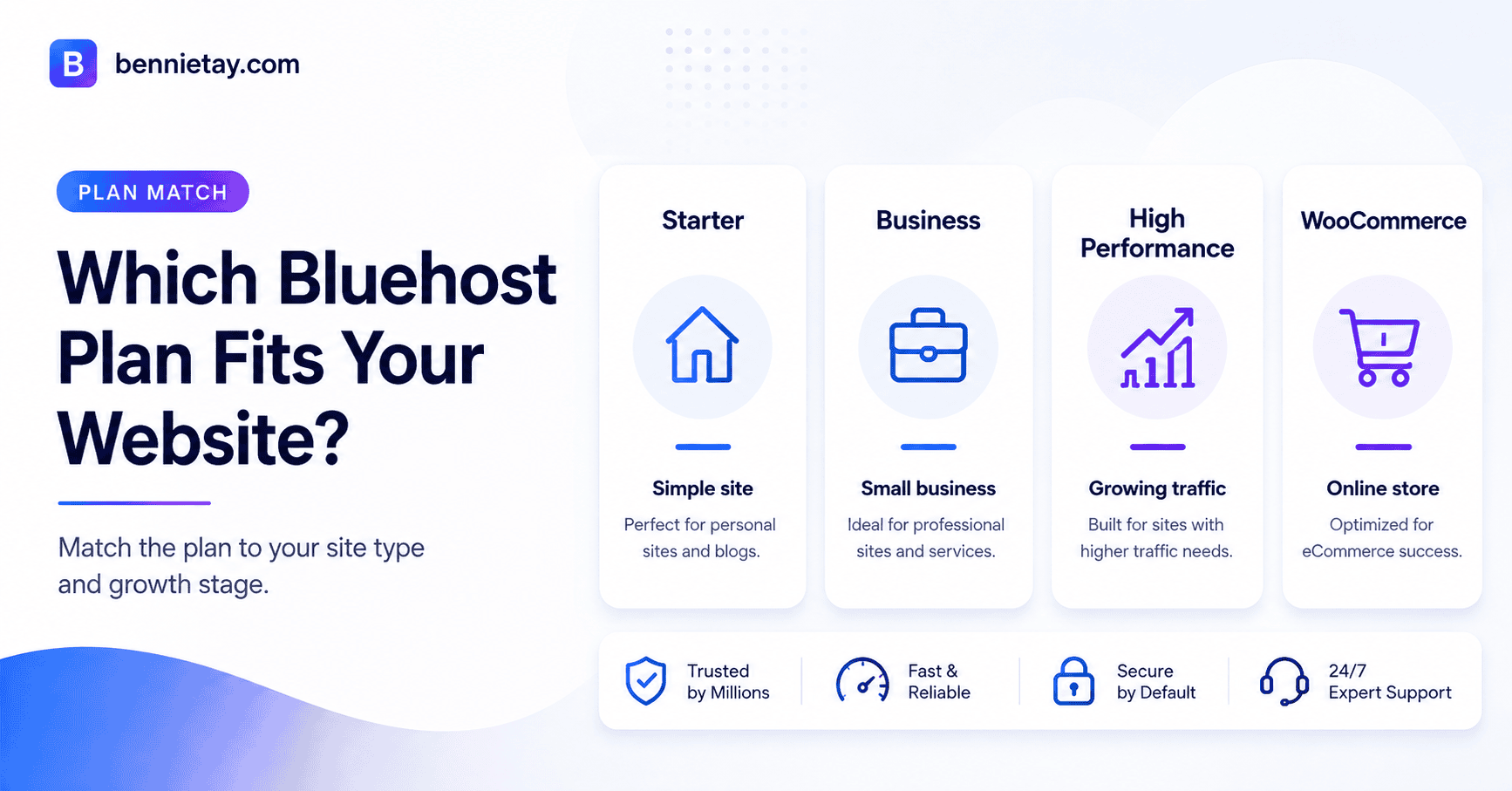
Bluehost packages may include WordPress installation and management tools, SSL certificates, website migration, malware scanning, software updates, backups, domain offers, and technical support.
The precise features depend on the plan, billing period, location, and promotion available at the time of purchase. A feature included in one WordPress package may require an upgrade or add-on in another.
Review the plan’s full specification rather than relying only on the marketing summary. Pay attention to storage, the number of websites allowed, backup retention, malware protection, staging access, visitor guidance, ecommerce tools, and support coverage.
Bluehost also advertises an uptime service-level commitment for eligible shared hosting products. Uptime should not be the only factor in your decision, however. A website may technically remain online while responding slowly, reaching resource limits, or failing during important tasks such as checkout and form submission.
Introductory Price vs Renewal Price
Bluehost often promotes a discounted monthly rate for the first billing term. The displayed price may look extremely affordable because it is calculated across a longer contract and paid in advance.
That introductory amount is not normally the permanent monthly cost. When the initial term ends, the package usually renews at a higher standard rate.
Before purchasing, calculate the total amount you will pay during the first term and the expected cost after renewal. Include domain renewal, security add-ons, backup services, email, ecommerce tools, and any premium features required by the website.
A plan that appears inexpensive during the first year may not remain the cheapest once the essential extras are included.
Bluehost Starter: Best for One Simple Website
Starter is the entry point for someone launching a small WordPress website, personal blog, portfolio, or basic business presence.
It is most appropriate when you need one lightweight website and do not expect to create several additional projects soon. Bluehost currently presents this tier with a limited amount of NVMe storage and a free domain offer on qualifying terms.
For a new blogger, freelancer, student portfolio, or brochure website, the available storage may be sufficient. A well-optimised WordPress site with compressed images and no large video library often requires less space than people assume.
Starter may also work for a local service business that needs a few essential pages, such as Home, About, Services, Contact, and a small blog.
The plan becomes less suitable when the website contains a large media library, extensive downloadable files, multiple installations, or rapidly increasing traffic. It may also feel restrictive if the business plans to launch new brands and landing sites within the same account.
Choose Starter when simplicity and low initial cost are the main priorities. Avoid it when the website is expected to become a major sales, publishing, or ecommerce platform.
Bluehost Business: Best for Most Small Companies
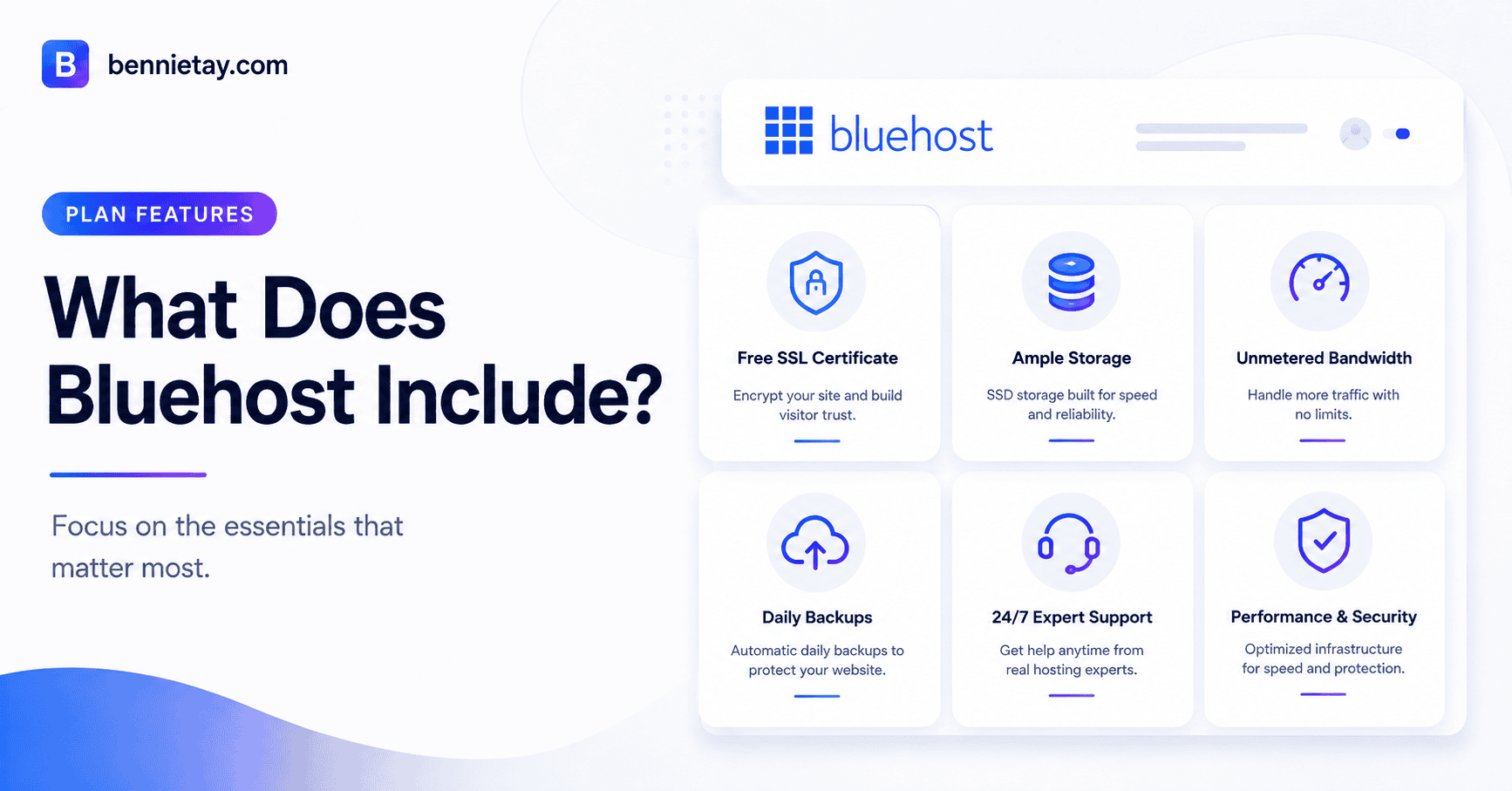
For many small businesses, Business offers a more practical balance between cost and flexibility.
It is designed for website owners who need more storage, support for multiple websites, stronger backup coverage, and greater traffic capacity than the entry-level package.
This makes it suitable for consultants, agencies, service businesses, professional firms, local retailers, and companies that rely on their websites to generate leads.
The ability to host multiple websites can be valuable even when a business currently operates only one. A second site may later be required for a new brand, campaign, product line, language version, or testing environment.
Additional storage also provides more room for blog content, case studies, images, landing pages, and marketing materials. More generous limits reduce the likelihood that the website will need to be migrated soon after a successful campaign.
Business is often the better default choice when the site contributes directly to revenue or customer acquisition. Confirm the exact included features and renewal price before treating it as the automatic option.
Bluehost High Performance: Best for Growing Traffic
High Performance hosting is intended for websites that need more processing capacity and room to scale.
This may include a growing publication, membership platform, directory, large business website, or WordPress installation with a substantial database and many concurrent visitors. It can also be relevant for companies running advertising campaigns, email promotions, product launches, or seasonal sales that cause sudden traffic spikes.
The key advantage is not simply a larger visitor estimate. It is the additional resource headroom available when WordPress must process more requests, database queries, background jobs, and logged-in activity.
A higher hosting tier should not be used as a substitute for website optimisation. Oversized images, poor themes, inefficient plugins, missing caching, and excessive scripts can make any plan feel slow.
Before upgrading, check real server usage. Review response time, CPU, memory, PHP workers, database load, error logs, and cache performance.
High Performance is appropriate when monitoring shows that hosting resources are the limiting factor, not simply because the homepage received a disappointing speed score.
Bluehost WooCommerce Hosting: Best for Online Stores
WooCommerce hosting is designed for websites where online transactions are a core function. This includes stores selling physical products, downloads, subscriptions, bookings, memberships, or other paid services.
A store-focused package may include WooCommerce tools, payment features, product management functions, security options, or extensions that would otherwise require separate subscriptions. The value therefore depends on how many of those bundled features the business will actually use.
A simple product catalogue that sends visitors to an enquiry form may not require a full WooCommerce package. A serious store processing daily payments should place greater emphasis on checkout reliability, backups, malware protection, recovery, and technical support.
Store pages also place different demands on hosting compared with ordinary content pages. Shopping carts, customer accounts, checkout pages, inventory data, and personalised sessions require more dynamic processing.
When comparing WooCommerce packages, consider product volume, expected orders, payment integrations, subscriptions, scheduled jobs, database activity, and traffic spikes during promotions.
The cheapest store plan is not necessarily the lowest-cost option if slow checkout pages or downtime cause lost revenue.

Bluehost VPS Hosting: When Shared Hosting Is No Longer Enough
VPS hosting provides greater control and more predictable access to server resources.
A virtual private server operates within its own isolated environment, even though the underlying hardware is still shared. The customer receives allocated CPU, memory, and storage, along with greater freedom to configure the server.
VPS hosting suits developers, custom applications, resource-intensive websites, and organisations that need software or settings unavailable on standard managed WordPress hosting. It may also be appropriate when a website repeatedly reaches shared-hosting limits or runs demanding background processes.
A VPS is not automatically faster simply because it is called a VPS. Server configuration, caching, PHP settings, database performance, monitoring, and security still determine how well the website operates.
Unmanaged VPS hosting also creates additional responsibility. Someone must handle operating-system updates, security patches, firewall rules, backups, monitoring, and incident response.
Business owners who need VPS resources but do not have server administration experience should consider a managed VPS or retain a qualified developer.
How Many Websites Do You Need?
The number of websites allowed is one of the simplest ways to narrow down the available packages.
Do not count only the sites you operate today. Consider projects planned for the next twelve months. A business may need a second domain for a new service, campaign, brand, event, regional market, or experimental product.
If you are certain that only one small website will be needed, Starter may be enough. If expansion is likely, Business or a higher plan can reduce the inconvenience of changing packages soon after launch.
How Much Storage Do You Really Need?
A properly optimised WordPress business website can operate with relatively little space. Text content and database records are generally small. Large images, videos, backups, downloadable files, and email archives usually consume most storage.
Uploading uncompressed photographs directly from a phone or camera can use gigabytes quickly. Hosting video files locally can use even more storage and bandwidth.
Before choosing a plan, estimate the size of the current website and the content expected over the next few years. Compress images, use modern formats where appropriate, and host large videos through a dedicated platform.
Keep independent off-site backups rather than storing every historical copy in the live hosting account. Choose additional storage because the website genuinely needs it, not because a larger number looks comforting in a comparison table.
Traffic Capacity Is More Than Monthly Visitors
Hosting plans are often described using estimated monthly visit numbers. These figures can help with broad comparison, but they do not guarantee performance.
A five-page brochure website with effective caching may support far more visitors than a membership platform receiving the same number of sessions.
Concurrent traffic matters. A website receiving 50,000 visits evenly across a month may be easier to support than one receiving 5,000 visitors immediately after a promotional email.
Database activity, logged-in users, ecommerce sessions, plugin behaviour, image size, bot traffic, and background jobs also affect resource consumption.
Use traffic estimates as a starting point, then examine how the website actually works.
Features That Matter Beyond Storage
Storage and visitor estimates attract attention because they are easy to compare. Other features may have a greater effect on everyday website management.
Check how often backups are created, how long they are retained, whether on-demand copies are available, and how restoration works.
Staging is valuable when plugins, themes, code, or checkout changes need to be tested safely. Security features should be reviewed for malware scanning, removal, SSL, account protection, and recovery support.
Email hosting may be included, limited, or handled through a separate service. Ecommerce customers should confirm which store tools are bundled and which require additional payment.
Support quality also matters. A cheaper package can become expensive when every technical issue requires outside assistance.
Which Bluehost Plan Should You Choose?
Choose Starter when you need one simple website, your storage requirements are low, and you do not expect significant expansion soon.
Choose Business when the website supports a small company, generates leads, or may grow into multiple websites and campaigns. For many business users, this package provides the strongest balance between affordability and headroom.
Choose High Performance when analytics and server monitoring show that traffic, database activity, or resource usage has outgrown a standard plan.
Choose WooCommerce hosting when online transactions are central to the business and the included commerce tools provide genuine value.
Choose VPS hosting when you require dedicated virtual resources, custom software, advanced server access, or configurations that shared and managed WordPress plans cannot provide.
Final Recommendation
Do not choose a Bluehost package based only on the largest discount, highest storage allowance, or an estimated visitor number.
Start by identifying the website’s real requirements. Count current and planned websites, estimate storage, review traffic patterns, and list the features that are essential to the business.
For one lightweight website, Starter is a practical entry point. For most revenue-focused small-business websites, Business is likely to provide a more comfortable balance. High Performance should be selected when growth and resource usage have been measured, while WooCommerce hosting is best reserved for genuine ecommerce operations.
VPS hosting makes sense when greater control and dedicated resources are necessary, but it should not be chosen without considering the additional technical work.
Finally, compare the renewal price rather than focusing only on the introductory rate. Hosting is an ongoing business cost, and the cheapest first payment does not always lead to the lowest long-term expense.
For businesses that prefer not to manage hosting, security, updates, backups, and performance separately, a managed monthly website service may provide a simpler alternative. Compare the full cost of ownership, including the time required to maintain the website, before deciding which option offers the best value.
Frequently Asked Questions
Which Bluehost plan is best for beginners?
Starter is usually sufficient for one new, lightweight website. Business may be a better choice when you expect multiple websites, need additional storage, or want more capacity for growth.
Does Bluehost include a free domain?
Bluehost advertises a free domain for qualifying hosting terms. Eligibility, contract length, domain extensions, and renewal charges should be confirmed during checkout.
Are Bluehost introductory prices permanent?
No. Promotional pricing normally applies only to the initial billing term. The package generally renews at a higher standard rate, so check the displayed renewal cost before purchasing.
Should I choose Bluehost WooCommerce hosting?
Choose a WooCommerce plan when products, payments, subscriptions, bookings, or online transactions are central to the website. A simple product catalogue with enquiry forms may not require a store-focused package.
When should I move to Bluehost VPS hosting?
Consider a VPS when the website repeatedly reaches shared-hosting limits, requires custom server software, or needs more predictable CPU, memory, and storage resources.
Is VPS hosting always faster?
No. VPS performance depends on configuration, caching, database efficiency, and server management. A poorly configured VPS may perform worse than well-managed shared hosting.
Does Bluehost include backups?
Backup availability, frequency, and retention may differ by plan. Confirm whether backups are automatic, how long they are stored, and whether restoration is included.
What should I check before buying?
Review the renewal price, number of websites, storage, backup policy, security features, staging tools, email services, ecommerce capabilities, support coverage, refund terms, and resource limits.