If you have spent any time researching local SEO, you have probably encountered advice such as:
“Add Local Business schema to your website.”
That sounds important. Possibly complicated. And vaguely like something only a developer should be allowed to touch. Fortunately, the idea itself is fairly simple.
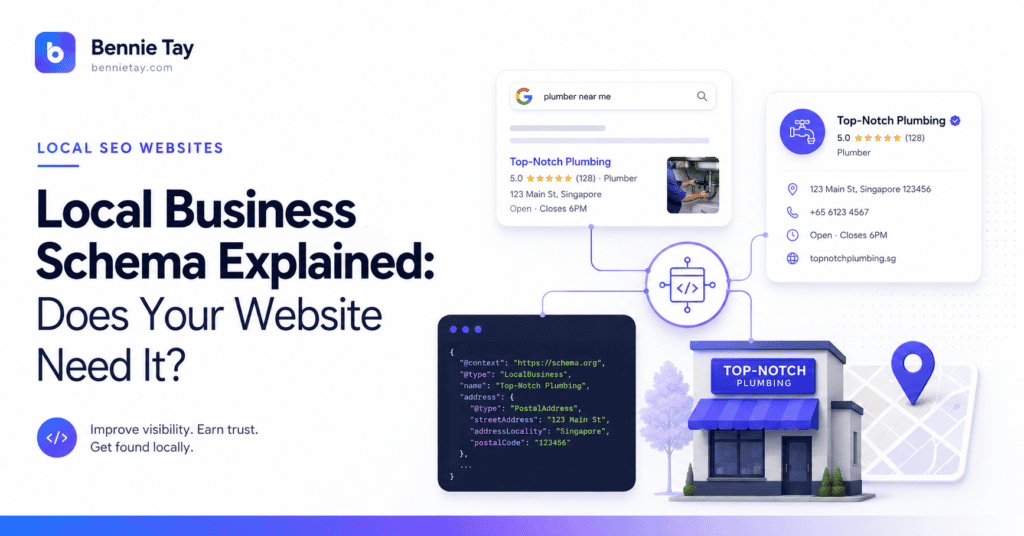
Local Business schema is structured information added to your website that helps search engines understand important facts about your business.
For example:
- business name
- physical address
- telephone number
- opening hours
- business type
- website
- location details
Google describes structured data as a standardised way of giving search engines information about a page and classifying its content. For local businesses specifically, Google supports LocalBusiness structured data to provide information such as a business’s address, opening hours and other location-related details.
So should your Malaysian business website have it?
For many genuine local businesses with a physical location, yes, it is worth implementing correctly.
But schema is not a shortcut to higher rankings.
It does not replace good service pages, Google Business Profile, reviews, useful local content or a website that customers can actually understand. Here is what business owners need to know.
What Is Schema Markup?
Imagine your website says:
Bennie’s Accounting
12 Example Road
Petaling Jaya
Monday–Friday, 9am–6pm
03-1234 5678
A human can look at that information and understand:
That is a business name.
That is an address.
Those are opening hours.
That is a phone number.
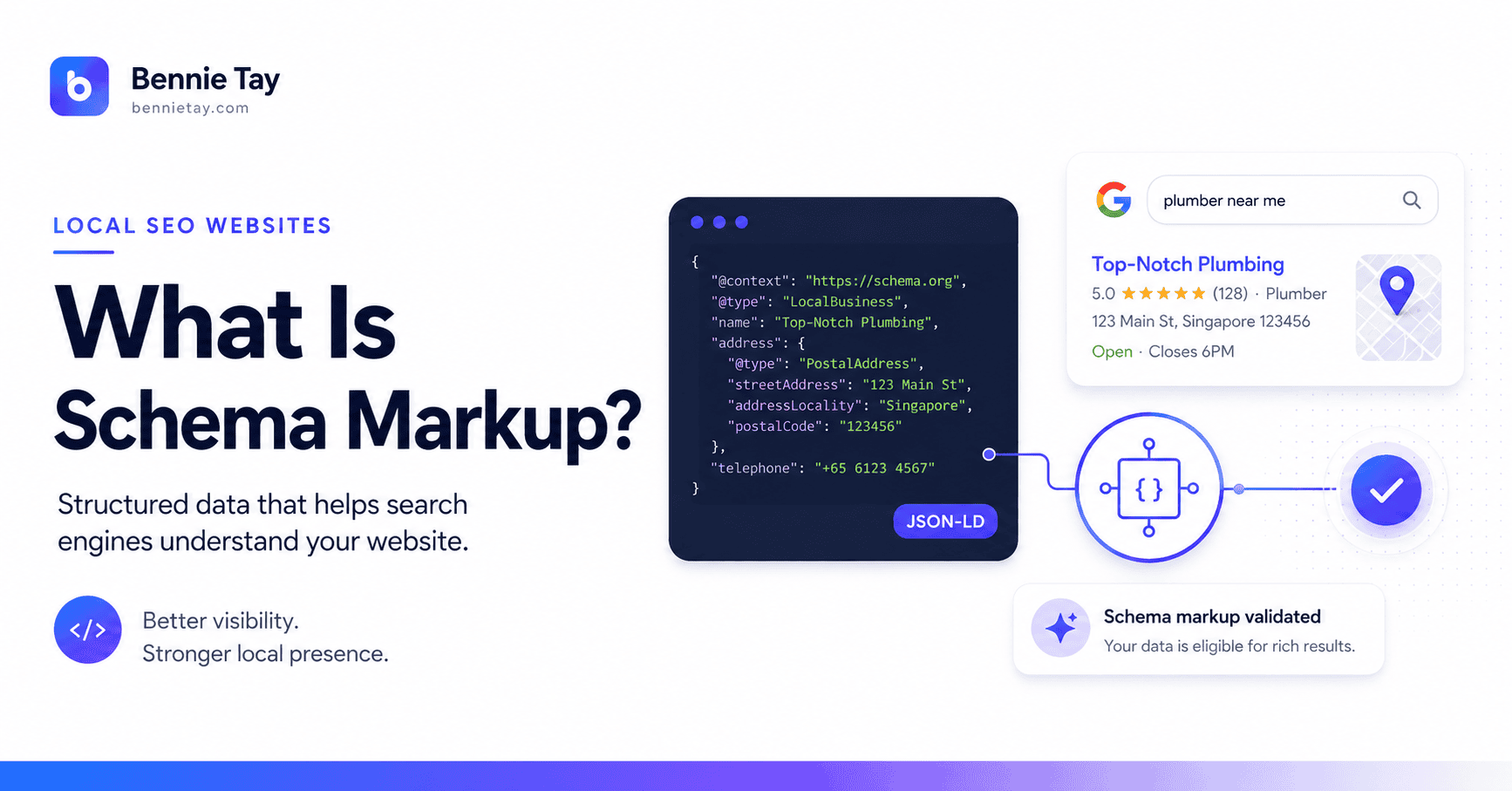
Structured data adds machine-readable labels to this information so search engines can understand those relationships more explicitly.
Schema.org provides a shared vocabulary for describing things such as organisations, people, products, events and local businesses. Its LocalBusiness type represents a particular physical business or branch of an organisation.
The normal visitor does not need to read the schema code. It sits behind the visible website and helps describe the information already presented.
What Is LocalBusiness Schema?
LocalBusiness is a schema type specifically designed for local businesses.
Google says each physical business location can be defined as a LocalBusiness, and recommends using the most specific supported subtype available when appropriate, such as Restaurant, DaySpa or HealthClub rather than always using the broadest category.
Other schema.org business types include categories for many kinds of organisations and services.
The principle is simple:
Describe the business as accurately as possible.
If you operate an accounting practice, tuition centre, restaurant, clinic, shop or another genuine local establishment, structured data can help clearly describe that entity. Do not choose an unrelated category because you think it sounds more powerful for SEO. Accuracy is the useful part.
What Information Can Local Business Schema Include?
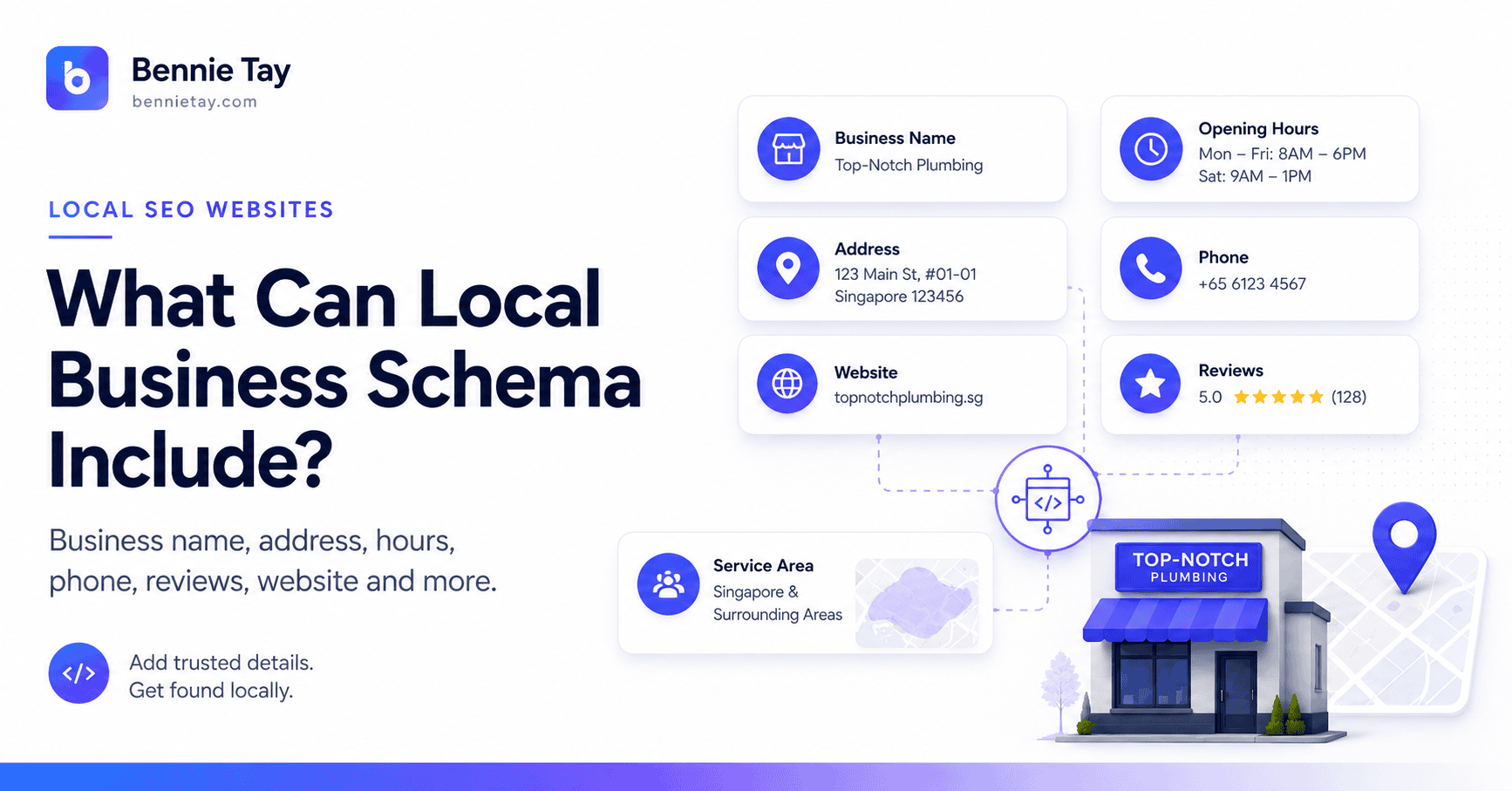
Depending on the business and the properties supported, structured data can describe information such as:
- business name
- postal address
- telephone number
- URL
- opening hours
- geographic information
- images
- departments
- price range
- business type
Google currently requires name and address for its Local Business structured-data feature, while also documenting a range of recommended properties that can provide additional information where relevant.
You do not need to include every property that exists in Schema.org.
Google’s guidance is sensible here: providing fewer fields that are complete and accurate is preferable to filling every possible property with weak, incorrect or incomplete information.
That is a useful rule beyond schema too. More SEO fields do not automatically mean more SEO.
What Does Local Business Schema Actually Do?
The main benefit is clarity for search engines.
It can help Google understand that:
ABC Tuition Centre
is a local business located at:
a particular physical address
with:
particular opening hours and other business information.
Google says Local Business structured data can provide information that may be used when people search for businesses in Google Search or Maps, including information associated with business knowledge panels and certain enhanced search experiences.
Notice the wording:
may be used.
Structured data can make a page eligible for certain search features. It does not guarantee that Google will display them.
Google explicitly states that even correctly implemented structured data does not guarantee that an enhanced search result will appear. Search results depend on Google’s systems and the individual search context.
So:
Schema helps communicate information.
It does not control Google. A disappointing limitation for everyone selling “guaranteed rankings,” presumably.
Does Local Business Schema Improve Google Rankings?
I would not sell Local Business schema as a direct ranking button. That oversimplifies what it does.
Structured data helps search engines understand content and can make pages eligible for supported search enhancements. Google does not describe adding LocalBusiness markup as a guaranteed way to increase ordinary organic rankings.
Think of it as part of good technical SEO.
You still need the fundamentals:
- useful service pages
- relevant local content
- accurate business information
- strong internal linking
- mobile usability
- fast loading
- customer reviews
- genuine local relevance
- clear enquiry paths
If your website says almost nothing useful about your services, adding immaculate schema is not going to repair the underlying content problem. The structured data describes the website. It does not replace the website.
Do You Still Need Google Business Profile?
Yes.
Do not think:
“I added LocalBusiness schema, so I don’t need Google Business Profile anymore.”
These are different things.
Your Google Business Profile manages important information about your eligible business within Google’s Search and Maps ecosystem. LocalBusiness structured data is placed on your own website to help describe the business information shown there. They should support each other.
For example, keep important information consistent across both:
- business name
- address
- phone number
- website
- opening hours
Your customer should encounter the same real business regardless of whether they discover you on Google or on your website. Consistency is both sensible SEO and considerably less confusing for actual humans.
Which Businesses Should Use Local Business Schema?
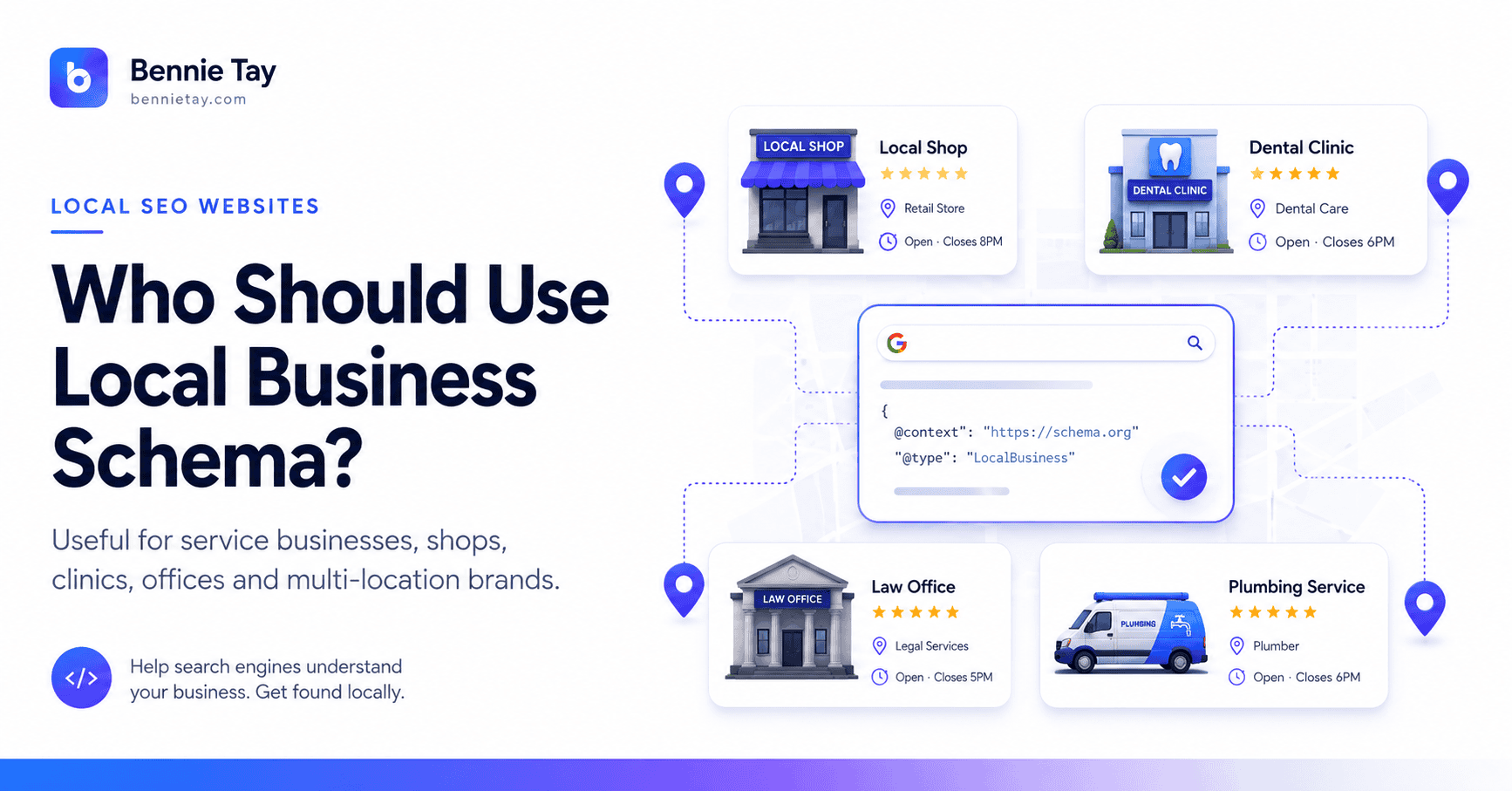
I would consider it particularly useful for businesses with genuine physical locations, such as:
- tuition centres
- childcare centres
- accounting firms
- legal practices
- clinics
- restaurants
- retail shops
- salons
- gyms
- local offices
- branch-based businesses
Schema.org defines LocalBusiness around a particular physical business or branch, while Google’s Local Business documentation requires a physical postal address for the supported Local Business search feature.
If your company operates entirely online without a meaningful physical customer-facing local business location, Organization schema or another relevant type may be more appropriate than forcing everything into LocalBusiness.
Use schema to describe reality. Not to manufacture locality.
What About Service-Area Businesses?
This requires some care.
A plumber, renovation contractor, cleaning company or mobile service business may serve customers across several cities while operating from one genuine business base. Your website can absolutely contain useful service-area pages.
But do not create fictional physical addresses inside structured data for every area you serve. If you operate from one genuine business location, your structured business information should reflect the actual business.
Your service-area content can separately explain places such as:
- Petaling Jaya
- Subang Jaya
- Shah Alam
- Puchong
For example:
Office Cleaning Services in Shah Alam
can be a useful service-area page.
That does not mean your schema should suddenly claim:
ABC Cleaning Shah Alam Branch
when no such branch exists. Local SEO works better when it describes the real operation rather than a fictional property portfolio.
What About Businesses With Multiple Branches?
This is one of the clearest uses for LocalBusiness structured data.
Google recommends defining each physical business location as its own LocalBusiness entity.
Suppose a tuition company has real branches in:
- Petaling Jaya
- Subang Jaya
- Puchong
Each branch may have its own page containing:
- branch address
- opening hours
- phone number
- programmes
- photographs
- team
- map
The structured data on each page can describe that particular physical location.
This creates a logical relationship between:
real branch → dedicated branch page → location-specific structured data
Much cleaner than one generic page desperately trying to describe everything.
What Does Local Business Schema Look Like?
One common implementation format is JSON-LD.
Google supports JSON-LD, Microdata and RDFa, but currently recommends JSON-LD in most situations because it is generally easier to implement and maintain.
A simplified example might look like this:
<script type="application/ld+json">
{
  "@context": "https://schema.org",
  "@type": "LocalBusiness",
  "name": "Example Business",
  "telephone": "+60312345678",
  "address": {
    "@type": "PostalAddress",
    "streetAddress": "12 Example Road",
    "addressLocality": "Petaling Jaya",
    "addressRegion": "Selangor",
    "postalCode": "46000",
    "addressCountry": "MY"
  }
}
</script>
This is only a simplified illustration.
Your implementation should use the correct business type and properties for the actual business. Do not copy example code, change the company name and assume the job is complete. Schema should match the information on the live page.
Where Should Local Business Schema Be Added?
Google says LocalBusiness structured data can technically be placed on any page, although it often makes the most sense on a page that contains information about the business.
For many small businesses, this may mean:
- homepage
- contact page
- location page
For businesses with several branches, I generally prefer location-specific schema on the relevant branch pages.
For example:
/locations/petaling-jaya/
contains the Petaling Jaya branch information. The markup on that page describes the Petaling Jaya branch. This keeps the visible information and structured information aligned.
Do Not Add Information Users Cannot See
This is important.
Google’s general structured-data guidelines require markup to represent the content of the page accurately and warn against marking up information that is misleading or not representative of the visible content.
If your schema says:
Open 24 hours
but the website says:
Monday–Friday, 9am–6pm
you have a problem.
If your markup contains a location that does not appear anywhere on the website, investigate why. Structured data should clarify visible reality. Not create an alternative version of your business for robots.
What About Reviews and Star Ratings?
This is an area where business owners should be especially careful.
Google has specific rules governing review structured data and the types of ratings eligible for review snippets. For LocalBusiness markup, Google’s current documentation notes that aggregateRating is recommended specifically for sites that capture reviews about other local businesses, subject to the separate review-snippet rules.
In other words, do not assume that adding:
"ratingValue": "5"
to your own business schema will magically give your company five gold stars in Google.
Structured-data review eligibility has specific rules. Use genuine reviews on the website because they help customers trust you. Do not invent schema purely to chase decorative stars.
How Do You Test Local Business Schema?
Google provides tools specifically for checking structured data.
Its recommended implementation process includes:
- Add the relevant properties.
- Follow the applicable guidelines.
- Validate the markup using the Rich Results Test.
- Publish and inspect the page using URL Inspection in Google Search Console.
- Fix critical errors.
- Allow Google time to crawl the updated page.
This should be part of technical website QA.
Do not simply install an SEO plugin, see a green tick and assume every piece of structured data is perfect forever. Websites change. Business details change. Plugins change. Check important pages periodically.
Common Local Business Schema Mistakes
Mistake 1: Incorrect Address
The structured address should match the genuine location.
Mistake 2: Wrong Business Type
Use the most specific accurate type available rather than an unrelated category. Google specifically recommends using the most specific LocalBusiness subtype possible.
Mistake 3: Outdated Opening Hours
If the business changes its operating hours, update both the website and structured data.
Mistake 4: Fake Locations
Do not create structured businesses for branches that do not exist.
Mistake 5: Adding Everything Possible
More properties do not automatically make the markup better. Accurate data matters more.
Mistake 6: Expecting Schema to Fix Rankings
Schema is one technical component. It does not replace local SEO fundamentals.
Mistake 7: Never Testing It
Always validate implementation. A tiny syntax error can make carefully prepared markup rather less useful.
Does WordPress Make Schema Easier?
Often, yes.
Many WordPress SEO and schema plugins can generate structured data automatically. That can make implementation much easier for non-developers. But automatic does not necessarily mean accurate. Review what the plugin is outputting.
Check:
- business type
- name
- address
- phone
- logo
- location information
Then test the live page. Your plugin does not know your business better than you do, which is comforting because at least one machine remains appropriately humble.
Local Business Schema Checklist
Before you consider implementation complete, check:
- Is the business genuinely local?
- Is the correct schema type being used?
- Is the business name accurate?
- Is the physical address correct?
- Is the telephone number current?
- Are opening hours accurate?
- Does the markup match visible page content?
- Are separate real branches handled properly?
- Have fake service-area locations been avoided?
- Has the markup been tested?
- Is Search Console monitoring the page?
If yes, you have covered the important foundations.
Frequently Asked Questions
What is Local Business schema?
Local Business schema is structured data used to describe information about a physical local business or branch in a machine-readable format. Google supports LocalBusiness markup for information such as business name, address and other location-related details.
Is Local Business schema necessary for local SEO?
I would consider it a useful technical optimisation for applicable local businesses, but it is not a substitute for Google Business Profile, useful service pages, reviews, local relevance or good website content.
Does schema help you rank higher?
Structured data helps search engines understand page information and can make content eligible for supported search enhancements, but Google does not guarantee enhanced results simply because markup has been added.
What format should I use?
Google supports JSON-LD, Microdata and RDFa. JSON-LD is the format Google generally recommends because it is usually easier to implement and maintain.
Should every page have Local Business schema?
Not necessarily.
Google says LocalBusiness markup can be added to any page but often makes the most sense on pages containing information about the business. For multi-location businesses, branch-specific pages can describe individual physical locations.
How do I know whether my schema works?
Validate it using Google’s Rich Results Test and inspect the live page through Google Search Console’s URL Inspection tool.
Schema Should Describe a Strong Local Business Website
Local Business schema is worth understanding. But keep its role in perspective. It helps search engines interpret structured facts about your business. Your website still needs to convince the customer.
That requires:
- clear services
- accurate locations
- customer reviews
- real proof
- useful local pages
- good mobile usability
- simple enquiry paths
Think of schema as part of the technical foundation beneath those things. Implement it accurately. Test it. Keep it current. Then get back to the far more difficult task of building a business customers actually want to contact.
At Bennie Studio, local business websites are structured around both sides of local SEO: clear customer-facing content and the technical foundations that help search engines understand the site.
Explore Managed Website Growth Plans →
Not sure whether your local business website has the right SEO and structured-data foundations?
Get a Free Website Growth Audit →
For the wider local search structure, read our guide to service area pages at https://bennietay.com/local-seo-service-area-pages/