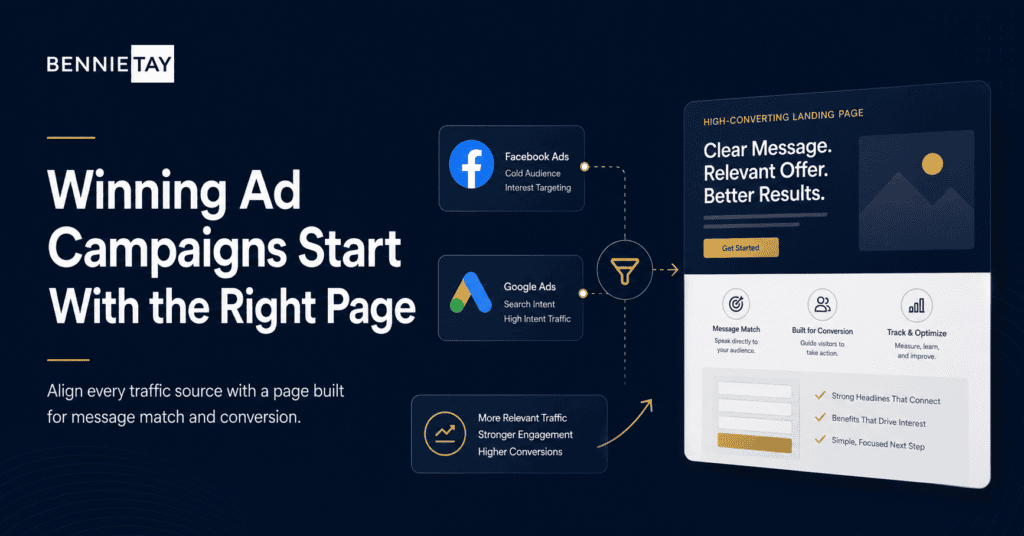
Paid ads can bring traffic quickly, but traffic does not automatically become leads. If you send Facebook or Google Ads visitors to a generic homepage, many will leave because the page does not match the ad closely enough.
Landing pages help fix this problem. They give each campaign a focused destination where the message, offer, proof, and call to action are built around the visitor’s intent.
To use landing pages well, you need more than a nice design. You need message match, clear offers, trust signals, simple forms, and tracking that shows which campaigns are actually producing results.
Match the landing page to the ad
The first rule is message match. The headline on the landing page should connect directly to the ad the visitor clicked. If the ad promotes a free consultation, the page should not start with a general company introduction.
This is important because ad visitors arrive with a specific expectation. When the page confirms that expectation immediately, they are more likely to stay and read.
Use similar language, benefits, and visuals where appropriate. The transition from ad to page should feel consistent.
Use different pages for different campaigns
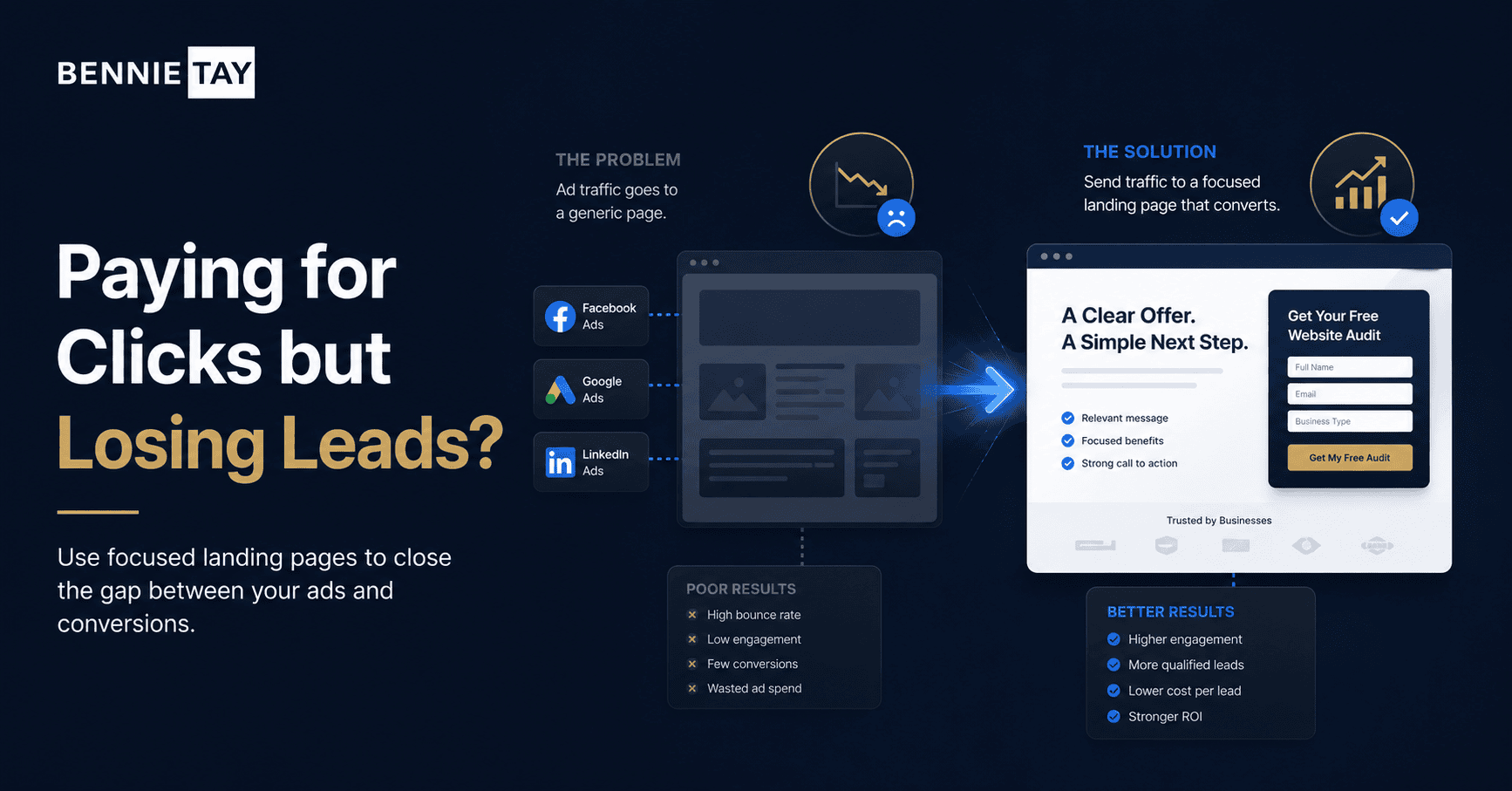
Facebook and Google Ads often target different audiences and levels of intent. A person searching on Google may already be looking for a solution. A person scrolling Facebook may need more education and proof.
Because of this, one landing page may not work for every campaign. You may need separate pages for different services, audiences, locations, or offers.
This does not mean every page must be completely different. You can reuse structure, but the headline, proof, and offer should match the campaign.
Make the offer specific
A vague offer will waste paid traffic. Instead of “Contact us,” use a clear action such as “Request a Website Quote,” “Book a Free Strategy Call,” or “Claim a Trial Class.”
The offer should feel valuable enough for the visitor to share their details. Explain what they get, who it is for, and why it is useful.
If the offer is not strong, increasing ad budget will usually increase wasted clicks rather than leads.
Build trust quickly
Paid traffic is often cold traffic. Visitors may not know your business yet, so the landing page needs to build trust quickly.
Use testimonials, reviews, client logos, before-and-after examples, case studies, certifications, or a clear process. Show proof near the form and near the main call to action.
Trust signals should be specific. “Great service” is weaker than a testimonial that explains what improved and why the client was satisfied.
Keep forms simple
Every extra form field can reduce submissions. Ask for the information you need to start the conversation, not everything you might want later.
For many service businesses, a short form with name, email, phone, and project message is enough. More detailed qualification can happen after the first enquiry.
Make the form feel safe by explaining what happens next. Visitors want to know whether they will receive a call, email, quote, or booking link.
Track conversions properly
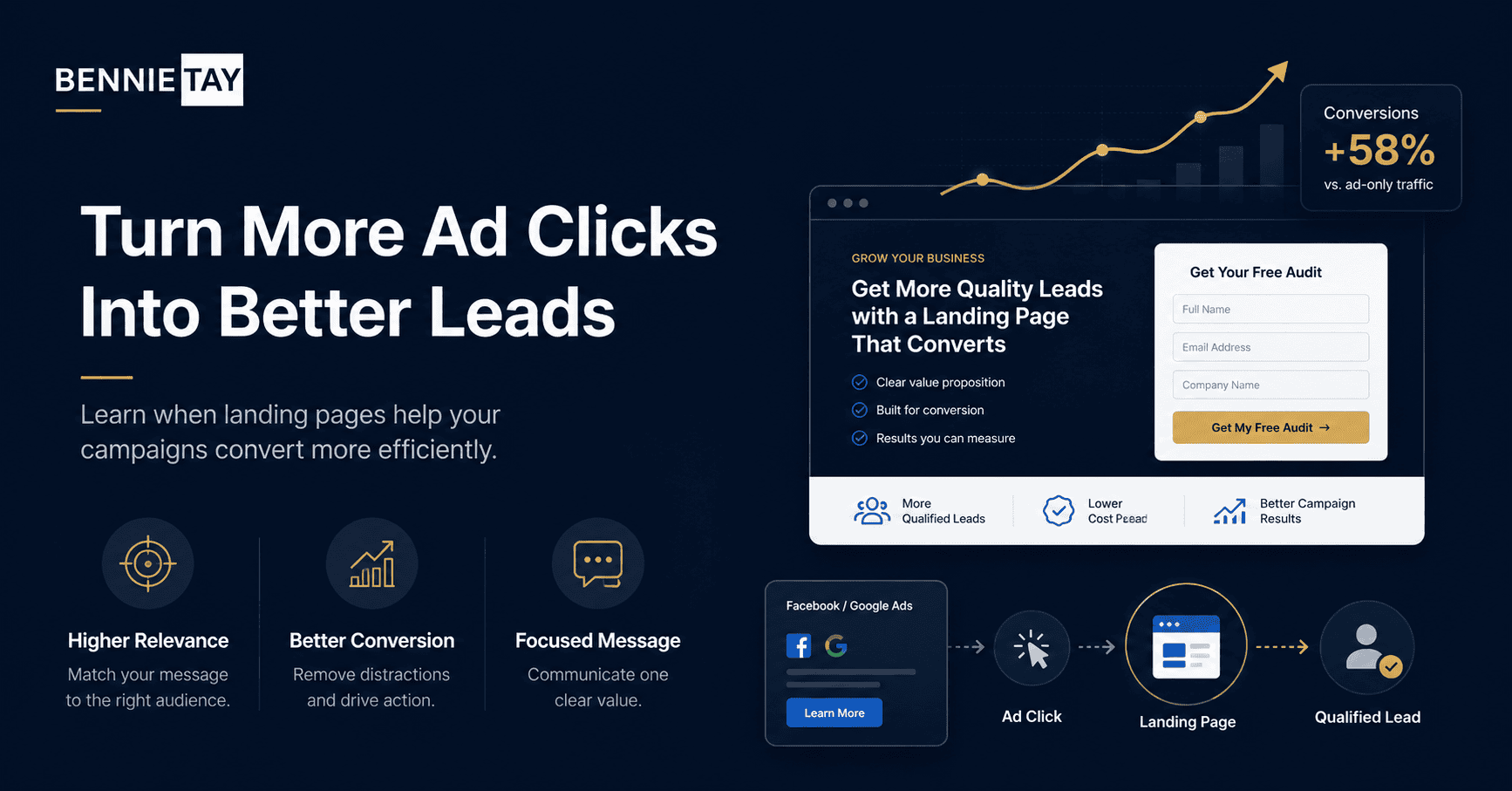
Without tracking, you may not know which ads are producing real enquiries. Set up conversion tracking for form submissions, calls, bookings, or other meaningful actions.
Track the quality of leads too. A campaign with fewer but better enquiries may be more valuable than a campaign that produces many weak leads.
Use the data to improve the page and ads together. If clicks are strong but leads are weak, review the landing page. If impressions are high but clicks are weak, review the ad.
What to check before making changes
Before changing anything, look at the visitor journey for landing pages for Facebook and Google Ads. A useful review should cover the first headline, the page structure, the proof shown near decision points, the call to action, the form experience, and the follow-up expectation after someone submits an enquiry.
This review matters because many website problems are not caused by one weak section. They happen when several small points of friction work together. The message may be slightly unclear, the proof may appear too late, and the form may ask for too much information before trust has been built.
For businesses investing in paid traffic, the best improvements usually come from making the page easier to understand. A visitor should not have to guess who the offer is for, what happens next, or why your business is a credible choice.
How to improve results without overcomplicating the page
Start with the core action: turning ad clicks into qualified enquiries. Every major section should make that action feel more reasonable. The page does not need to answer every possible question, but it should answer the questions that stop qualified visitors from taking the next step.
Use short paragraphs, clear headings, direct examples, and proof that matches the offer. If a section does not help visitors understand, trust, compare, or act, it may be distracting them from the main goal.
Also make the next step feel low-friction. Tell people what they will receive, how long it takes, and whether there is any obligation. Small details like this can reduce hesitation and improve enquiry quality.
Common mistakes to avoid
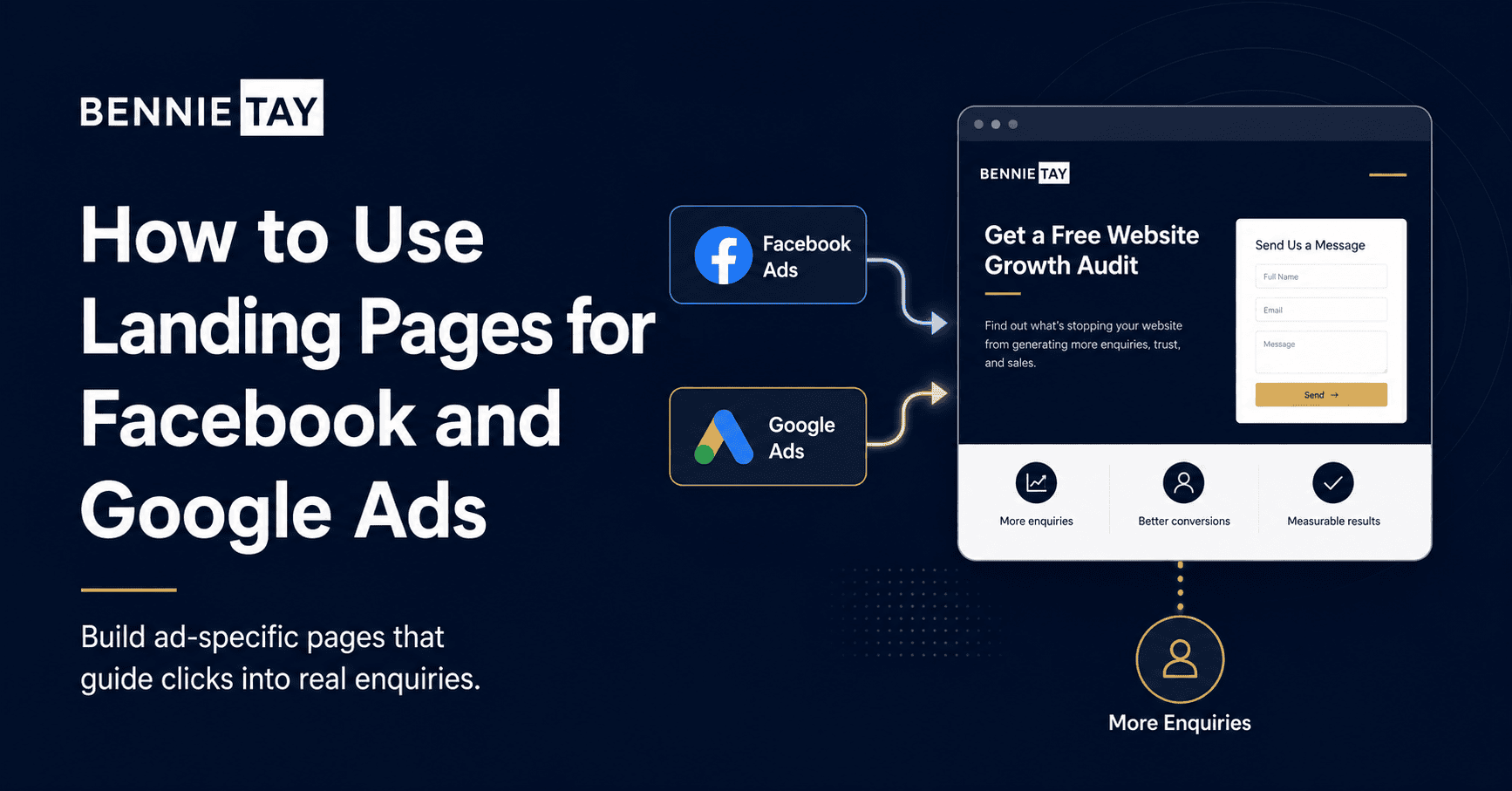
A common mistake is focusing only on visuals. A cleaner design helps, but it cannot fix a weak offer, vague message, or confusing journey. Good design should support the message, not hide the fact that the message is unclear.
Another mistake is asking for action too early. If visitors have not yet seen benefits, proof, or a reason to trust you, a button alone will not persuade them. Build the case first, then make the action easy.
Finally, avoid copying another business blindly. Their page may be designed for a different audience, price point, traffic source, or sales process. Use competitors for reference, but build your page around your own customers and goals.
Final thoughts
Landing pages make Facebook and Google Ads more effective by keeping the visitor focused on one offer. The page should match the ad, explain the value, build trust, and make the next step simple.
Paid traffic is too expensive to send to a vague page. A focused landing page gives every click a clearer chance to become a real lead.
How to measure whether it is working
After the page is live, measure more than visits. Look at enquiries, enquiry quality, form completion rate, button clicks, phone calls, bounce rate, and how visitors behave on mobile. These signals show whether the page is helping people move forward or simply attracting passive traffic.
For lead generation pages, the quality of enquiries matters as much as the number. A page that brings fewer but better-fit leads can be more valuable than a page that creates many weak enquiries. Review the questions people ask after contacting you. If they are confused about price, process, or fit, the page may need clearer information.
Also compare performance by traffic source. Search visitors, ad visitors, referral visitors, and social media visitors may behave differently. A page that works for one source may need changes before it works for another.
What the page should make clear
A strong page should make the basic decision easier. Visitors should understand what is offered, who it is for, what problem it solves, why the business is credible, and what the next step looks like. If any of these points are missing, the page may create hesitation.
Clarity is especially important for service businesses because the visitor cannot inspect the service like a physical product. They are judging the quality of your thinking, your process, your proof, and the way you explain the value.
Use plain language. Avoid broad claims that could apply to any provider. Specific explanations, examples, and proof help visitors decide whether your offer is relevant to them.
How to structure the page for easier reading
Most visitors scan before they read. Use a clear headline, short paragraphs, descriptive subheadings, and a logical order. Start with the visitor problem, explain the solution, show proof, answer objections, and then guide them to the next step.
Do not hide important information at the bottom. If pricing guidance, timelines, process, or eligibility affect the decision, include enough detail where visitors can find it easily. This can reduce poor-fit enquiries and improve trust.
The layout should support action without feeling pushy. Calls to action should appear after useful information, not only at the top of the page. Give visitors several natural moments to enquire once they understand the value.
A simple improvement checklist
Review the headline and make sure it matches the visitor’s main intent. Rewrite any vague section that talks about quality without explaining what the customer actually receives. Add proof close to the areas where a visitor may hesitate.
Check the mobile version carefully. Forms, menus, buttons, spacing, and images should feel easy to use on a phone. If the mobile experience feels cramped or slow, many visitors will leave before they reach the enquiry step.
Useful reference: For ad campaigns, Google Ads landing page experience guidance is useful when matching page content to the ad promise.Finally, test the enquiry path yourself. Submit the form, click the phone number, check confirmation messages, and review the follow-up process. A page can have strong copy and still lose leads if the final action is
awkward or broken.