
There is no single price for running or maintaining a website. The total depends on what the site does, who takes care of it, and how much support is included. A useful estimate separates the recurring costs of keeping a site online from the optional work that improves or expands it.
Quick answer: how much does website maintenance cost?
There is no standard monthly fee. For a typical Malaysian small business, the 2026 budgeting ranges in our local guide are about RM100–RM300 per month for a simple brochure site and RM300–RM800 for a lead-generation site. Ecommerce, custom features and more active growth support can cost more. Compare what the plan actually includes—hosting, updates, backups, form checks and support—then see the detailed Malaysia website maintenance cost breakdown.
This guide breaks those costs into practical categories so you can compare like for like. For current Malaysia-specific budget ranges, see our website maintenance cost guide for Malaysia.
What does website maintenance include?
Maintenance is the routine work that keeps a website secure, available, and usable. Depending on the agreement, it can include software updates, backups, security checks, uptime monitoring, troubleshooting, and small content changes. Hosting keeps the site online; maintenance is the work performed to look after it. Some providers bundle both, while others charge separately.
Before comparing a monthly plan, ask for a written list of included tasks, response times, backup retention, and work billed separately. A low headline price can cover only hosting, while a higher plan may include hands-on support.
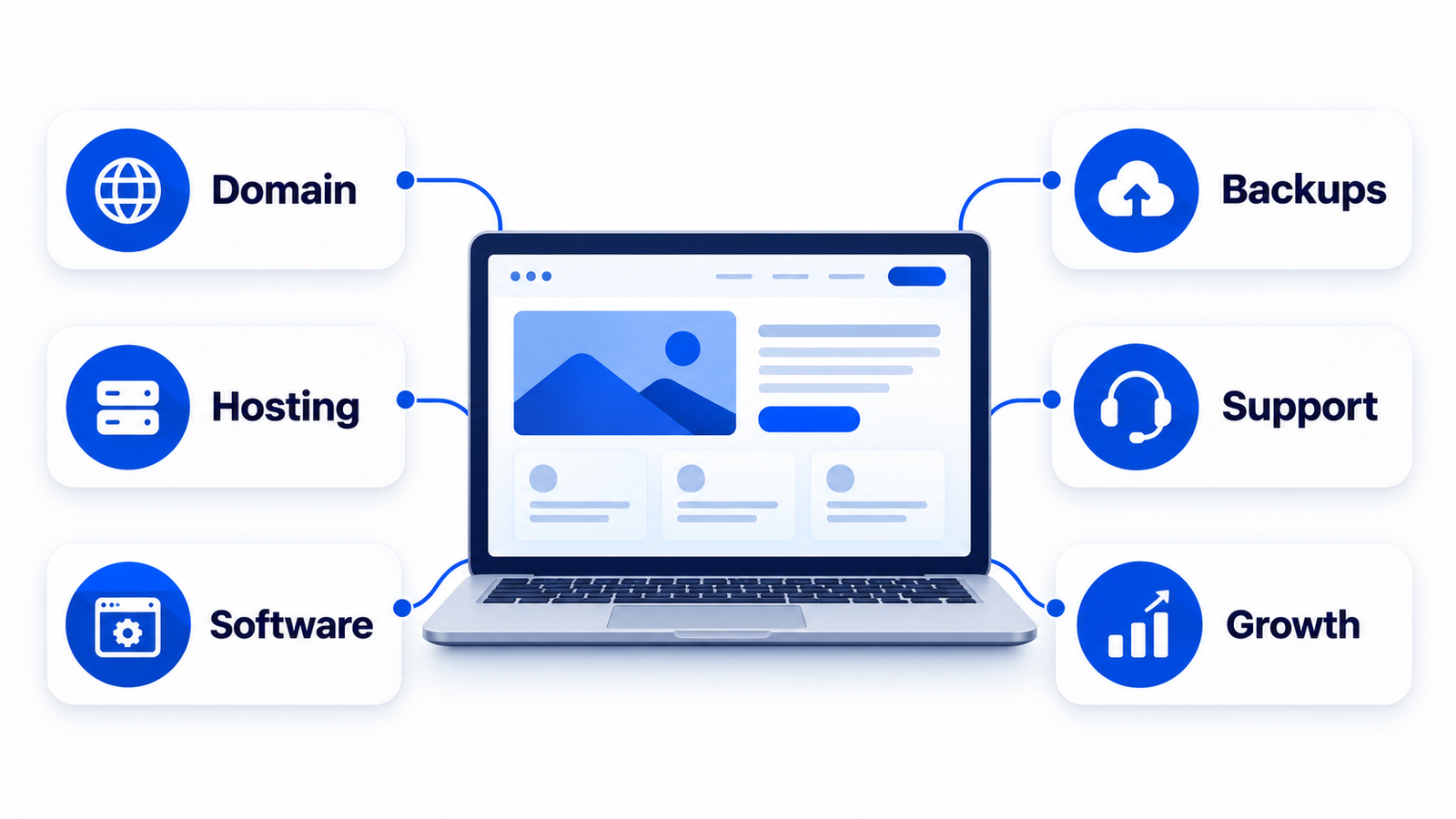
The main costs to include in your budget
1. Domain registration
Your domain is the address people use to find your website. Check its renewal price, registration period, and who controls the account. Introductory offers and bundled first-year domains can make renewal costs different from the first payment.
2. Website hosting
Hosting stores the site and serves it to visitors. The right plan depends on the site’s platform, traffic, storage, email needs, and support requirements. Compare the renewal price and billing term, resource limits, backup schedule, restore process, and support scope. A promotional monthly figure may require paying several years upfront.
3. Software, themes, and licensed services
A website may rely on paid plugins, themes, fonts, form tools, email delivery, or other services. List each subscription, its renewal date, and the feature it provides. Confirm who owns each license and whether the site continues to work if a service is cancelled.
4. Backups, security, and updates
Backups are useful only if they cover the files and database you need and can be restored. Ask how often backups run, how long they are retained, and whether a restore costs extra. Updates should be checked for compatibility, especially on sites that depend on ecommerce, booking, or lead forms.
5. Support and small changes
Some plans include a defined amount of support or content edits. Others bill troubleshooting and changes by the task or hour. Agree on what counts as routine work, how requests are submitted, and when additional charges begin.
6. Growth and specialist work
Redesigns, new features, search optimization, accessibility work, speed improvements, and new content are separate projects unless the agreement says otherwise. Keep these in a planned improvement budget instead of assuming they are part of basic maintenance.
7. Ecommerce and custom functionality
Online stores and custom applications can add payment, transaction, integration, security, and testing requirements. Include the cost of maintaining product data, checkout flows, third-party integrations, and software licenses. Ask who checks that key journeys still work after updates.
How to estimate your ongoing website cost
- Write down every recurring service: domain, hosting, software licenses, email, security, and support.
- Record the renewal amount, billing frequency, and next renewal date from each provider.
- Separate routine care from one-off work such as redesigns, new pages, or custom development.
- For a managed plan, compare the included tasks and exclusions against the work you actually need.
- Keep a contingency for unexpected fixes, and review the estimate when the site or business changes.
Your monthly equivalent is the annual recurring total divided by twelve, plus any monthly services and an allowance for planned or unplanned work. This is a budgeting method, not a market average: use your actual contracts and quotes.
DIY, pay-as-needed, or managed care?
DIY care can suit a simple site when someone has time to apply updates, check backups, and troubleshoot problems. The cash cost may be lower, but the owner’s time still has value.
Pay-as-needed support can work when the site changes rarely and a trusted specialist is available. It is harder to predict the bill when an urgent problem occurs.
A managed plan can make costs more predictable when it clearly defines hosting, maintenance, support, and response times. Read the contract for ownership, cancellation, data export, and work outside the plan.
Questions to ask before choosing a plan
- What exact maintenance tasks are included, and how often are they performed?
- Are backups stored separately, how long are they retained, and what is the restore process?
- Are hosting, domain, premium software, and email included or billed separately?
- What support response time is promised, and what counts as an urgent issue?
- How many content edits or support hours are included?
- Who owns the domain, website files, database, and software licenses?
- What happens to the site and its data if I cancel?
Frequently asked questions
Is hosting the same as website maintenance?
No. Hosting provides the server service that makes a site available online. Maintenance is the ongoing work of updating, checking, backing up, and supporting the website. A provider may bundle them, so check the plan details.
Does every website need a maintenance plan?
Every website needs someone responsible for updates, backups, security, and troubleshooting. Whether that is the owner, a freelancer, or a managed provider depends on the site’s complexity and the time and skills available.
How can I compare website care prices in Malaysia?
Compare the same scope: hosting, updates, backup and restore, security checks, support, and included content changes. Our Malaysia website care cost guide discusses local budget ranges and what to check in a plan. Confirm current quotes directly with providers because services and prices change.
Plan for the work your website actually needs
Start with the services and support your site relies on, then compare renewal costs and maintenance scope. If you are unsure what your current site needs, get a free automated website review. If you are comparing managed support, review the current plan scope and terms before ordering.