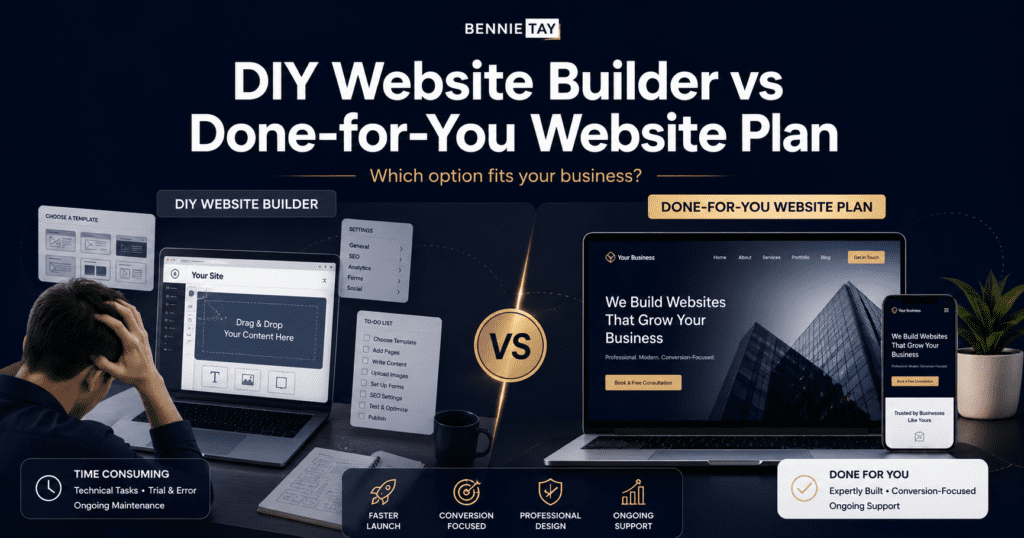
Building a business website has become easier than ever. Today, business owners can choose from many DIY website builder, drag-and-drop platforms, templates, and subscription-based website services.
But easier does not always mean simpler.
If you are a small business owner, freelancer, consultant, coach, or local service provider, you may be asking one important question:
Should I build my website myself using a DIY website builder, or choose a done-for-you website plan?
Both options can work. A DIY website builder gives you more control and a lower starting cost. A done-for-you website plan saves time, reduces technical stress, and gives you a more professional result without having to build everything yourself.
The right choice depends on your budget, time, skill level, business goals, and how important the website is to your lead generation.
This guide compares DIY website builders and done-for-you website plans, including pricing, pros, cons, SEO, maintenance, and which option is better for your business.
What Is a DIY Website Builder?
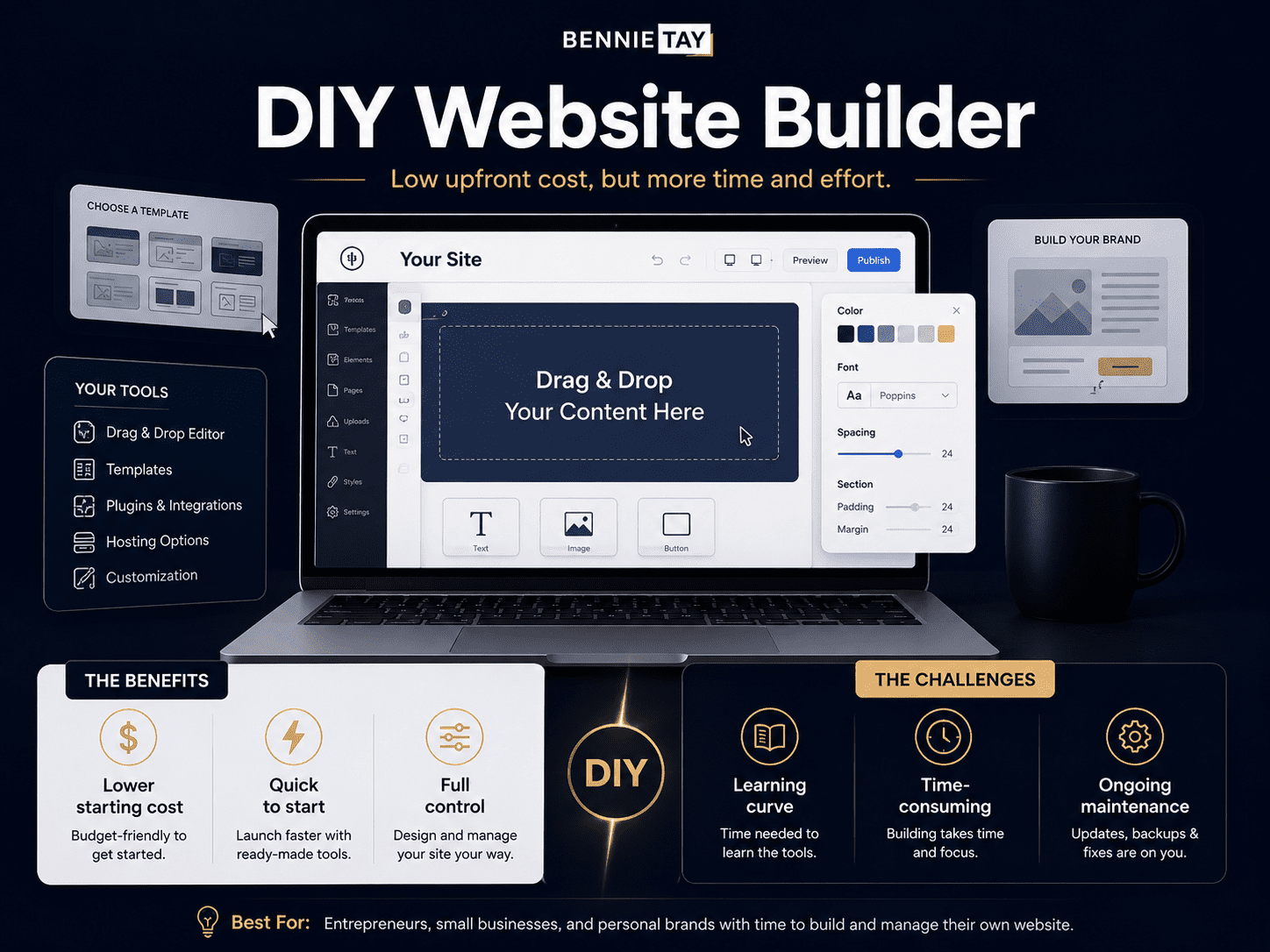
A DIY website builder is an online platform that lets you create your own website without coding. You choose a template, edit the design, add your content, upload images, connect a domain, and publish the site yourself.
Common DIY website builder features include:
- Drag-and-drop editing
- Website templates
- Mobile-responsive layouts
- Hosting
- Domain connection
- Contact forms
- Basic SEO settings
- Image galleries
- Blog features
- App integrations
- E-commerce options
DIY website builders are popular because they make website creation more accessible. You do not need to hire a developer, and you can make changes yourself.
However, the quality of the final website still depends heavily on your ability to write good copy, structure the pages, choose the right layout, optimize for mobile, set up SEO, and guide visitors toward action.
What Is a Done-for-You Website Plan?
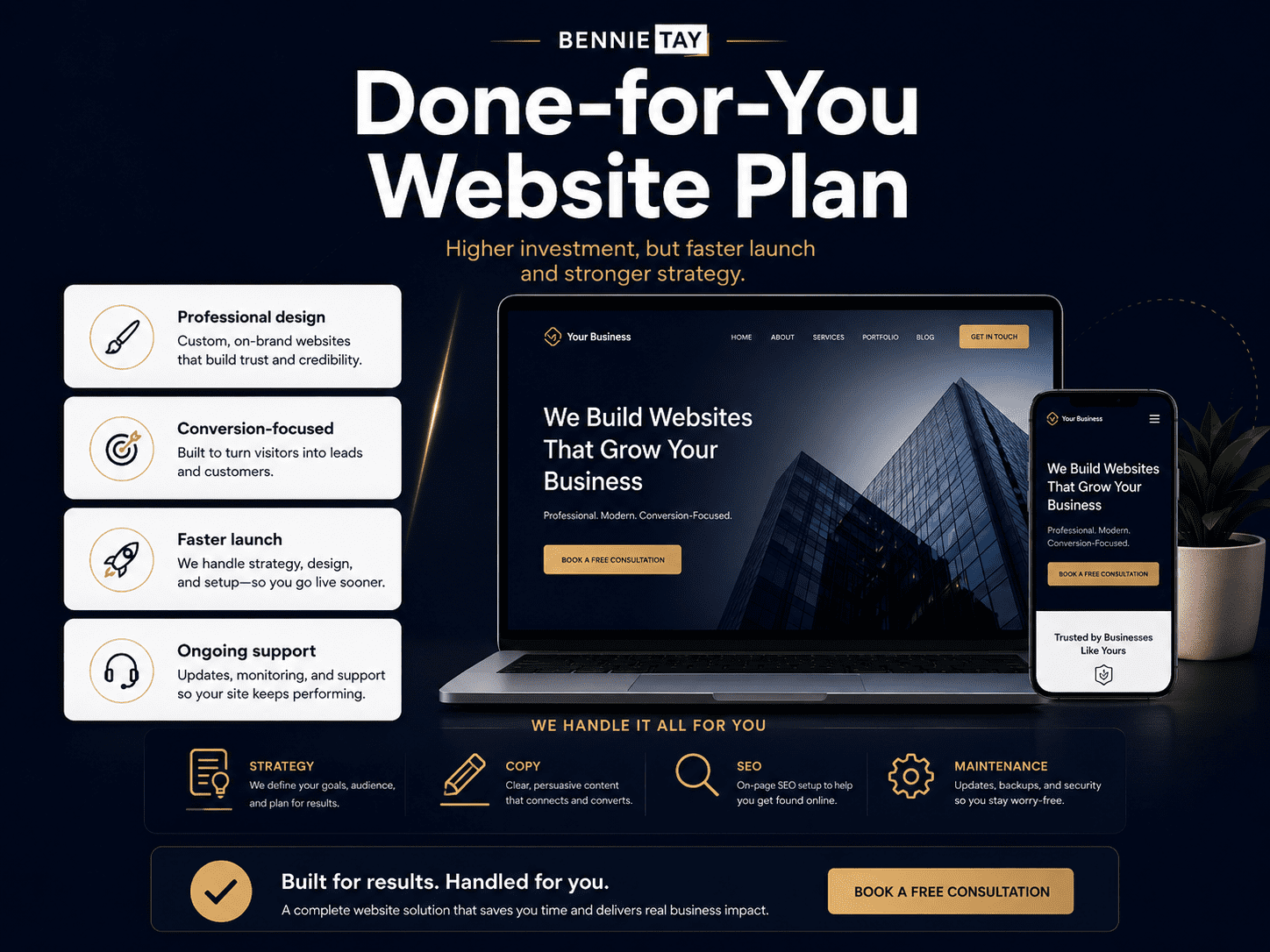
A done-for-you website plan is a managed website service where the provider builds and supports the website for you.
Instead of doing everything yourself, you provide your business details, services, branding, images, and goals. The provider then sets up the website, structures the pages, handles design, and may also include hosting, maintenance, updates, and support.
A done-for-you website plan may also be called:
- Website-as-a-Service
- Monthly website plan
- Managed website service
- Website subscription service
- Done-for-you website package
- Small business website plan
This option is designed for business owners who want a professional website without spending hours learning website tools or managing technical tasks.
A done-for-you website plan may include:
- Website setup
- Professional design
- Mobile-friendly layout
- Hosting
- Maintenance
- Basic SEO setup
- Contact forms
- WhatsApp or phone buttons
- Website updates
- Security checks
- Technical support
- Ongoing improvements
The exact features depend on the provider and plan.
DIY Website Builder vs Done-for-You Website Plan: Quick Comparison
| Feature | DIY Website Builder | Done-for-You Website Plan |
|---|---|---|
| Setup | You build it yourself | Provider builds it for you |
| Upfront cost | Usually lower | Usually higher than DIY, lower than custom |
| Time required | High | Low |
| Design quality | Depends on your skill | More professional if provider is experienced |
| SEO setup | You handle it | Often included |
| Maintenance | You handle it | Usually included |
| Support | Platform support only | Website-specific support |
| Customization | Flexible within platform | Based on plan and provider |
| Best for | Very small budgets, simple sites, hands-on owners | Small businesses that want a professional managed website |
| Main risk | Poor execution | Less full control than DIY |
Pricing: Which Option Costs Less?
DIY website builders are usually cheaper at the beginning.
A typical DIY website builder may cost:
- $10–$60/month for a basic business website
- $25–$100+/month for e-commerce or advanced features
- $10–$30/year for a domain name
- Extra monthly fees for apps, booking tools, email marketing, forms, or premium features
When comparing Bennie Studio services:
- Managed Website pricing combines a monthly service with a clearly stated setup fee
- Website Growth is an upgrade, with the total monthly price stated before you decide
- Growth Partner and Custom Website projects need a scope conversation, not a page-count-only comparison
- Some providers may charge a setup fee depending on the scope
DIY looks cheaper because you are doing the work yourself. But the true cost includes your time.
If it takes you 20, 40, or 80 hours to build, edit, fix, and optimize your website, that time has value. For business owners, the cheapest option is not always the best option if it delays selling or produces a website that does not convert.
The Real Difference: Software vs Service
The biggest difference between a DIY website builder and a done-for-you website plan is this:
A DIY website builder gives you the tool. A done-for-you website plan gives you the result.
With DIY, the platform provides the website editor, templates, hosting, and features. But you are responsible for turning those tools into a professional business website.
With a done-for-you website plan, the provider handles the setup and structure for you. You are paying for the service, not just the software.
This matters because a business website is not only about having pages online. It needs to communicate clearly, build trust, work on mobile, load quickly, support SEO, and convert visitors into enquiries.
Pros of Using a DIY Website Builder
1. Lower Starting Cost
DIY website builders are attractive because they usually have a low monthly fee.
For new businesses, side projects, or personal brands, this can be a practical way to get online without a large upfront investment.
2. Full Hands-On Control
If you enjoy editing and experimenting, DIY platforms give you control over your website. You can change text, images, sections, pages, and layout whenever you want.
This is useful if you want to move quickly and do not want to wait for someone else to make updates.
3. No Developer Needed
DIY website builders are designed for non-technical users. You do not need to code or hire a developer to publish a basic website.
This makes them useful for simple websites, portfolios, small landing pages, and early-stage ideas.
4. Good Template Selection
Most DIY builders offer many templates for different industries. You can choose a layout for restaurants, consultants, coaches, agencies, local services, e-commerce stores, or portfolios.
Templates help you avoid starting from a blank page.
5. Easy Basic Updates
Once you understand the platform, basic updates can be easy. You can change a phone number, update service details, add images, publish a blog post, or adjust a section yourself.
Cons of Using a DIY Website Builder
1. It Takes More Time Than Expected
Many business owners choose DIY because it seems quick. But building a website properly often takes longer than expected.
You may need to figure out:
- Which template to choose
- How to structure the homepage
- What copy to write
- How to make the mobile layout look good
- How to connect the domain
- How to set up SEO
- How to add forms
- How to improve speed
- How to make the website look professional
The platform may be simple, but creating a strong website still requires a strategy.
2. The Website May Look Generic
DIY templates can look good at first, but many websites end up feeling generic because the design is not adapted properly to the business.
Common issues include:
- Too much empty space
- Poor font pairing
- Weak image choices
- Inconsistent colors
- Awkward mobile layout
- Sections that do not match the offer
- Generic stock visuals
- CTA buttons that are not clear
A website should not only look acceptable. It should look credible and feel specific to your business.
3. Weak Copy Can Hurt Conversions
Website copy is one of the biggest reasons DIY websites underperform. Many business owners write from their own perspective instead of the customer’s perspective.
They use phrases like:
- “We provide quality solutions.”
- “We are passionate about excellence.”
- “Your trusted partner”
- “Welcome to our website.”
These phrases sound professional, but they do not clearly explain the offer or benefit. A high-converting website needs clear messaging, strong headlines, customer-focused benefits, trust proof, FAQs, and specific calls to action.
4. SEO Is Often Overlooked
DIY website builders usually include basic SEO settings, but the business owner still needs to use them properly.
Common DIY SEO mistakes include:
- Missing page titles
- Weak meta descriptions
- No proper H1 heading
- Poor URL structure
- No keyword strategy
- No service pages
- No internal links
- Missing image alt text
- Thin content
- Slow mobile performance
A website can look nice but still fail to attract search traffic if SEO is not planned correctly.
5. Maintenance Is Still Your Responsibility
DIY platforms handle some technical maintenance, but you are still responsible for keeping your website updated. You may need to update content, check forms, fix broken links, monitor SEO, review mobile layout, update integrations, and improve pages over time.
If you ignore the website after launch, it may become outdated or ineffective.
Pros of a Done-for-You Website Plan
1. Saves Time
The biggest advantage of a done-for-you website plan is time savings. Instead of spending weeks learning a platform and trying to build the site yourself, you can provide your business details and let the provider handle the setup.
This allows you to focus on customers, sales, operations, and service delivery.
2. More Professional Result
A good done-for-you website provider understands layout, copy, mobile responsiveness, user experience, SEO basics, and conversion structure. This usually leads to a more polished website than a first-time DIY attempt.
A professional website can help your business look more credible and trustworthy.
3. Better Conversion Structure
A done-for-you website plan should not just create a nice-looking website. It should structure the site to help visitors take action.
That means including elements such as:
- Clear headline
- Strong CTA buttons
- Service sections
- Trust proof
- Contact forms
- WhatsApp or click-to-call buttons
- FAQs
- Pricing guidance
- Mobile-friendly layout
These elements help turn visitors into enquiries.
4. Hosting and Maintenance Are Often Included
With a done-for-you website plan, hosting and maintenance are usually included in the monthly fee. This means you do not need to manage hosting accounts, technical updates, backups, performance checks, or support issues separately.
For many small business owners, this is one of the biggest benefits.
5. Easier to Launch Quickly
Done-for-you website plans often use proven layouts and structured onboarding. This helps speed up the launch process.
Instead of trying to design every section from scratch, the provider can use a tested structure and customize it for your business.
6. Ongoing Support
A website needs updates over time. You may change services, pricing, photos, testimonials, offers, or contact details.
With a done-for-you plan, support may be included, making it easier to keep the website current.
Cons of a Done-for-You Website Plan
1. Higher Monthly Cost Than DIY
A done-for-you website plan usually costs more than a DIY builder because you are paying for service, expertise, and support.
However, the higher cost may be worth it if the website saves time, looks better, and generates more leads.
2. Less Hands-On Control
Depending on the provider, you may not have full design control over every detail. Some providers use structured templates or limited editing options to keep websites consistent, fast, and easy to maintain.
This is usually fine for small business websites, but it may not suit businesses that want full creative freedom.
3. Plan Limits
Monthly website plans may have limits.
These may include:
- Number of pages
- Number of updates
- Revision limits
- Blog posts
- Forms
- Integrations
- Custom design requests
- Support level
Before choosing a plan, check what is included and what costs extra.
4. Ownership Terms May Vary
With any managed website service, you should understand the ownership terms.
Ask questions such as:
- Can I use my own domain?
- Do I own the content?
- Can I export the website?
- What happens if I cancel?
- Is hosting included?
- Is there a minimum contract?
- Can I move to another platform later?
A professional provider should explain these terms clearly.
Which Option Is Better for SEO?
Both DIY website builders and done-for-you website plans can be SEO-friendly if they are set up correctly.
The platform alone does not guarantee rankings. SEO depends on structure, content, keywords, speed, mobile experience, internal links, and ongoing optimization. A DIY website can perform well if you understand SEO and take time to set it up properly.
A done-for-you website plan may be better if the provider includes SEO basics such as:
- Page title optimization
- Meta descriptions
- Heading structure
- Keyword-focused service pages
- Image alt text
- Clean URLs
- Local SEO sections
- Internal linking
- Mobile performance
- Blog structure
For small businesses that do not understand SEO, a done-for-you plan can reduce the risk of missing important setup steps.
Which Option Is Better for Lead Generation?
A done-for-you website plan is usually better for lead generation if the provider understands the conversion strategy. Lead generation requires more than publishing a website.
Your website needs:
- Clear offer
- Customer-focused copy
- Strong calls to action
- Trust proof
- Simple contact options
- Service pages
- FAQs
- Fast loading speed
- Mobile-friendly design
- Conversion tracking
A DIY website can generate leads too, but only if the owner knows how to structure it properly. If your website is important for getting enquiries, bookings, or sales calls, a done-for-you plan may be the safer option.
Which Option Is Faster?
A DIY website can be fast if you already know what you are doing. But for many business owners, DIY becomes slower because they need to learn the tool, write the copy, select images, adjust mobile views, and fix small design problems.
A done-for-you website plan is often faster because the provider already has a process. The launch speed depends on how quickly you provide business information, images, brand details, and feedback.
Which Option Gives More Control?
DIY gives more day-to-day editing control. You can log in, make changes, test layouts, and experiment whenever you want.
A done-for-you plan gives less hands-on control but more support. You may need to request changes through the provider, depending on the system. The right choice depends on your personality and priorities.
Choose DIY if you want full control and enjoy editing.
Choose done-for-you if you want a finished website without managing the details yourself.
Which Option Is Better for a New Business?
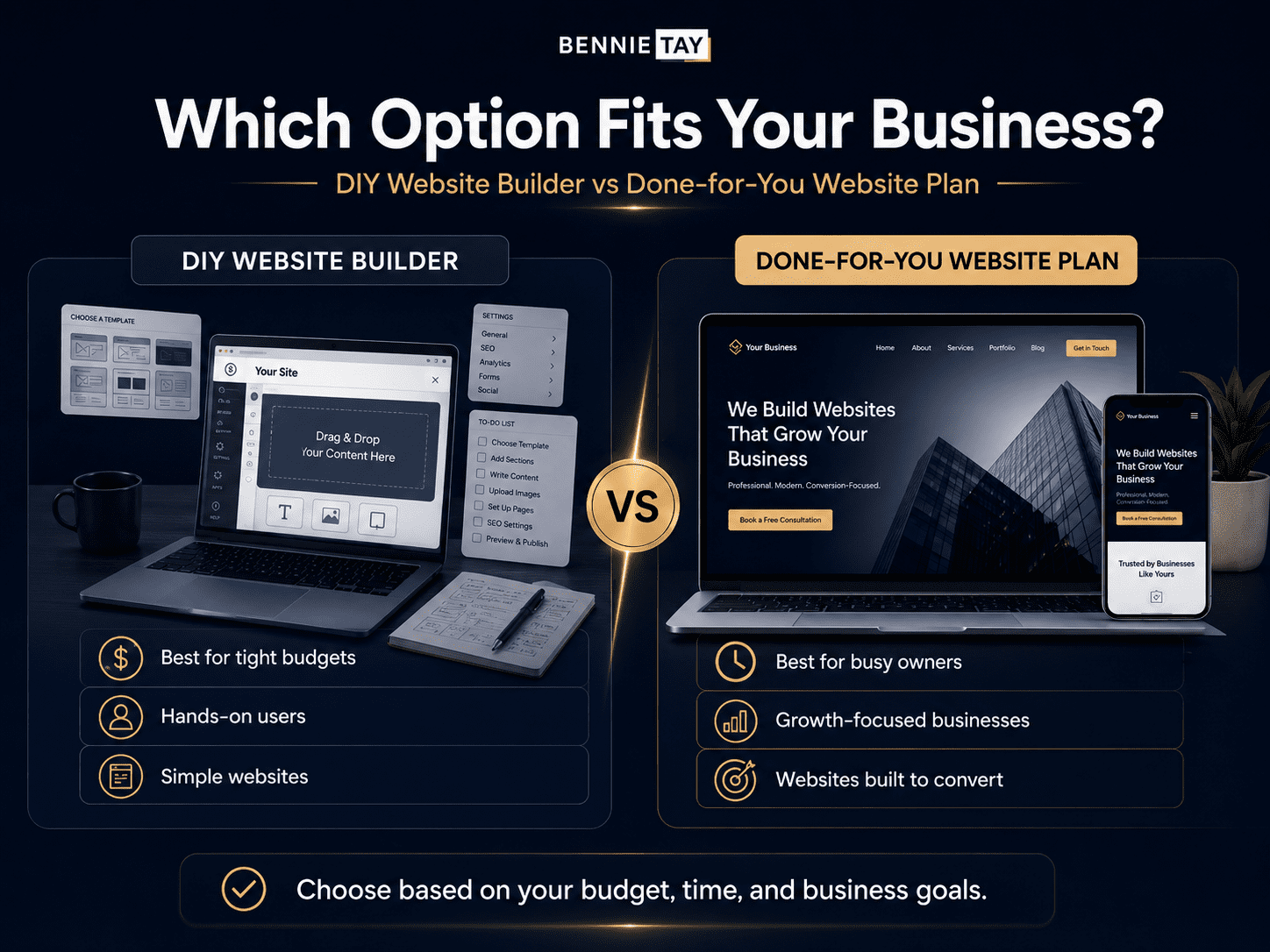
For a new business with a very limited budget, DIY can be a practical starting point. However, if the website needs to look credible from day one, a done-for-you plan may be better.
A new business should choose DIY if:
- Budget is extremely limited
- The website is simple
- The owner has time to learn
- The website is not yet a major sales channel
- The business is still testing the idea
A new business should choose done-for-you if:
- It needs to look professional quickly
- It wants to start generating enquiries
- The owner has limited time
- The business depends on credibility
- The owner does not want to manage technical tasks
Which Option Is Better for a Local Business?
For most local businesses, a done-for-you website plan is often the better choice. Local businesses need websites that are clear, trustworthy, mobile-friendly, and easy to contact from a phone.
A local business website should include:
- Clear service headline
- Local SEO signals
- Service pages
- Reviews or testimonials
- Click-to-call button
- WhatsApp button
- Contact form
- Google Maps section
- Service area details
- FAQs
A DIY builder can create these elements, but many business owners do not set them up properly. If your local business depends on enquiries, calls, bookings, or quote requests, done-for-you can save time and reduce mistakes.
Which Option Is Better for Service Businesses?
Service businesses rely heavily on trust. Visitors need to understand your offer, believe you can solve their problem, and feel confident enough to contact you.
A service business website should include:
- Strong positioning
- Dedicated service pages
- Benefits
- Process explanation
- Case studies or testimonials
- Pricing guidance
- FAQs
- Contact options
- Blog or resource content
If you are comfortable building this yourself, DIY may work. If you want a stronger structure without doing all the work, a done-for-you website plan is usually better.
When Should You Choose a DIY Website Builder?
Choose a DIY website builder if:
- You have a very limited budget
- You enjoy building and editing websites
- You have time to learn the platform
- Your website needs are simple
- You do not need advanced strategy
- You are testing a business idea
- You want full hands-on control
- You are comfortable writing your own copy
- You can handle SEO basics yourself
DIY is best when cost control and flexibility matter more than speed, polish, or expert support.
When Should You Choose a Done-for-You Website Plan?
Choose a done-for-you website plan if:
- You want to launch faster
- You want a more professional website
- You do not want to build it yourself
- You need help with structure and copy
- You want hosting and maintenance included
- You want ongoing support
- You need your website to generate leads
- You value time more than doing everything manually
- You want predictable monthly pricing
- You are a small business, local business, consultant, coach, freelancer, or service provider
Done-for-you is best when your website needs to support credibility, enquiries, and growth.
Common Mistakes to Avoid
1. Choosing DIY Website Builder Only Because It Is Cheap
A cheap website is not always a good website. If the site looks unprofessional or fails to generate leads, it may cost more in lost opportunities.
2. Choosing Done-for-You Without Checking What Is Included
Not all plans are equal. Check whether the plan includes hosting, maintenance, updates, SEO setup, copy assistance, forms, and support.
3. Ignoring Mobile Design
Whether DIY or done-for-you, your website must work well on mobile. Most visitors will judge your business from their phone.
4. Forgetting SEO
A website without SEO structure may struggle to attract visitors. Make sure your website includes page titles, meta descriptions, proper headings, image alt text, service pages, and internal links.
5. Having No Clear CTA
A website should guide visitors toward action.
Use clear CTAs such as:
- Request a Quote
- Book a Consultation
- Send WhatsApp Message
- Start Your Website Plan
- Get a Free Website Audit
6. Treating the Website as a One-Time Task
Your website should improve over time. Update content, add testimonials, review analytics, improve service pages, publish useful blog posts, and test conversion points.
Final Verdict: DIY Website Builder or Done-for-You Website Plan?
Choose a DIY website builder if you want the lowest starting cost, full hands-on control, and are willing to spend time learning, writing, designing, and maintaining the website yourself.
Choose a done-for-you website plan if you want a more professional website, faster launch, ongoing support, and less technical stress.
For very small projects or early-stage ideas, DIY can be enough. For small businesses that need credibility, leads, and a website that works as a business asset, a done-for-you website plan is often the better choice.
The best option depends on what you value more: saving money upfront or saving time and getting a stronger result.
If your website is only a basic online presence, DIY may work. If your website needs to help your business generate enquiries, build trust, and grow, a done-for-you website plan is usually the smarter investment.