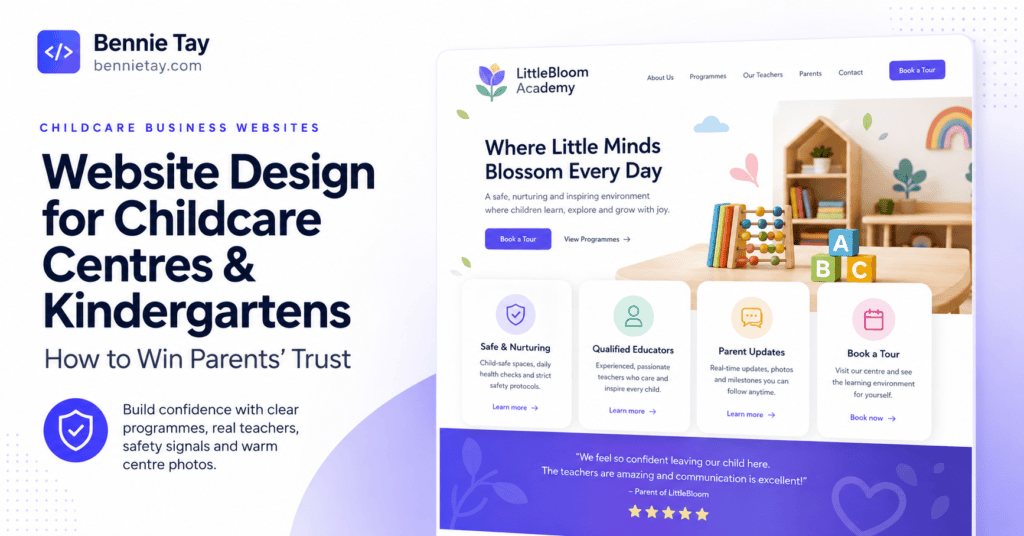
Parents looking for a childcare centre or kindergarten rarely choose based on a colourful homepage alone.
They want to know:
- Is this place safe?
- Will my child be cared for properly?
- What will they learn?
- Who are the teachers?
- What does a normal day look like?
- How much does it cost?
- Can I visit before deciding?
That means a childcare or kindergarten website has a much bigger job than simply looking cheerful. It needs to build confidence.
A parent may discover your centre through:
- Google Maps
- a parent recommendation
- a local community group
But once they reach your website, they need enough information to decide whether your centre deserves a visit.
The strongest childcare websites therefore combine:
- clear programmes
- real people
- real facilities
- transparent information
- parent proof
- easy enquiry options
Here is how I would structure a childcare centre or kindergarten website in Malaysia to generate more parent enquiries and centre visits.
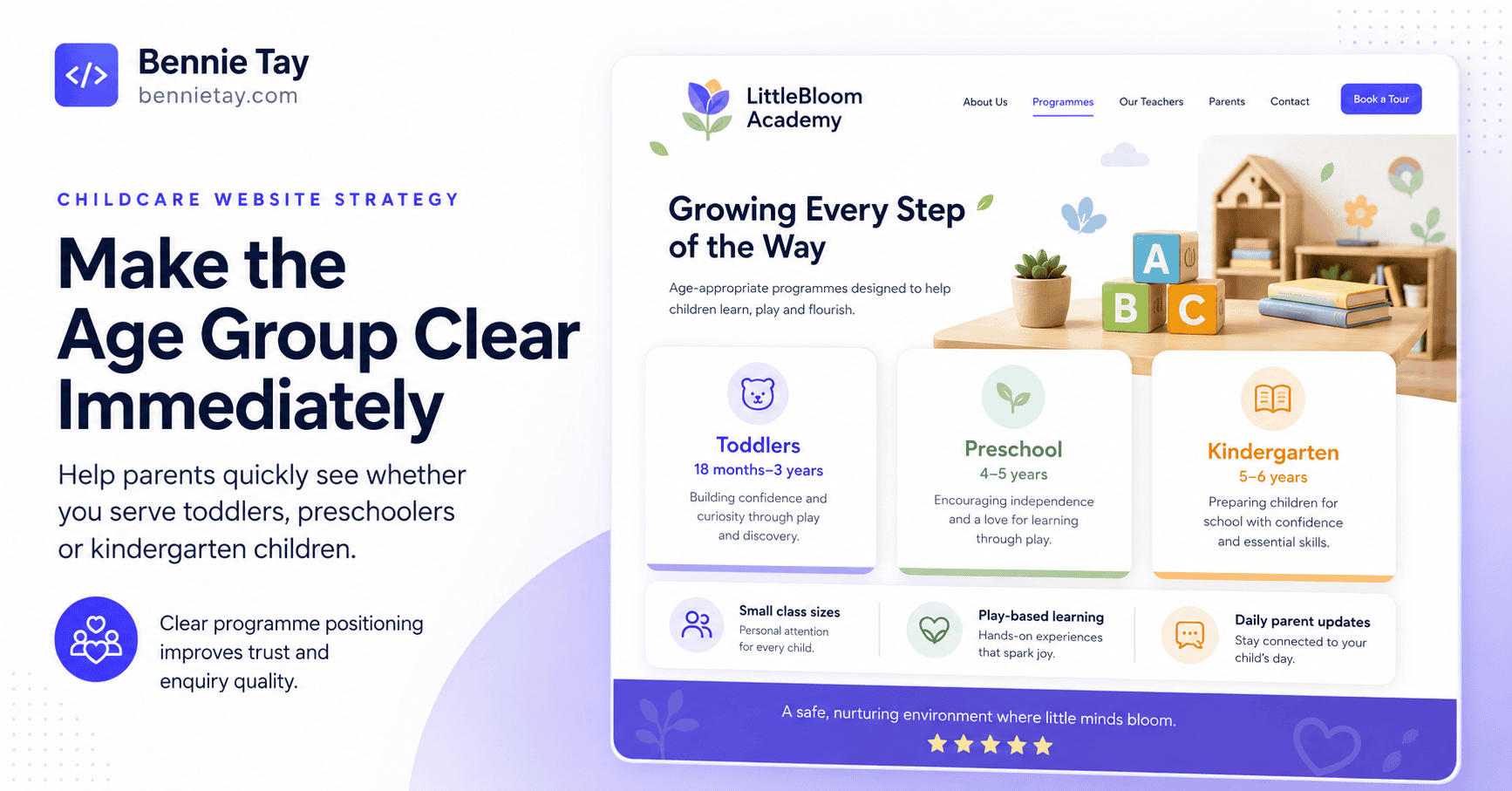
1. Make the Age Group Clear Immediately
Parents should not need to search through the website to discover whether their child is eligible. Your homepage should clearly state the age groups you serve.
For example:
Childcare & Kindergarten Programmes for Children Aged 18 Months to 6 Years in Petaling Jaya
Now the parent immediately knows:
- what you offer
- who it is for
- where you are
You can then divide programmes clearly.
For example:
Toddler Programme
18 months–2 years
Nursery
3 years
Kindergarten
4–6 years Use the age ranges that genuinely apply to your centre.
Clarity is more useful than vague labels such as: Early Childhood Excellence Programme which may sound impressive while answering none of the parent’s immediate questions.
2. Explain Your Educational Approach in Plain Language
Many centres describe themselves using phrases such as:
- holistic learning
- child-centred education
- inquiry-based approach
- play-based learning
- whole-child development
These can be meaningful. But parents need to understand what they look like in practice.
For example: Children learn through a mix of guided activities, play, stories, group interaction and hands-on projects designed to build language, confidence, social skills and early problem-solving.
That is much easier to understand.
If your centre follows a particular curriculum or learning philosophy, explain:
- what it means
- what children actually do
- why you use it
Do not expect parents to translate educational terminology before they are allowed to appreciate your programme.
3. Create a Separate Page for Each Programme
A single page called:
Our Programmes
may not be enough. Parents of a two-year-old have different concerns from parents preparing a six-year-old for primary school.
Consider dedicated pages for:
- toddler care
- nursery
- kindergarten
- enrichment
- after-school care
Each programme page can explain:
- age group
- learning goals
- daily activities
- schedule
- class size
- meals
- rest time
- teacher involvement
- fees or pricing guidance
- enrolment process
This makes the website much easier to navigate. It can also support relevant local searches.
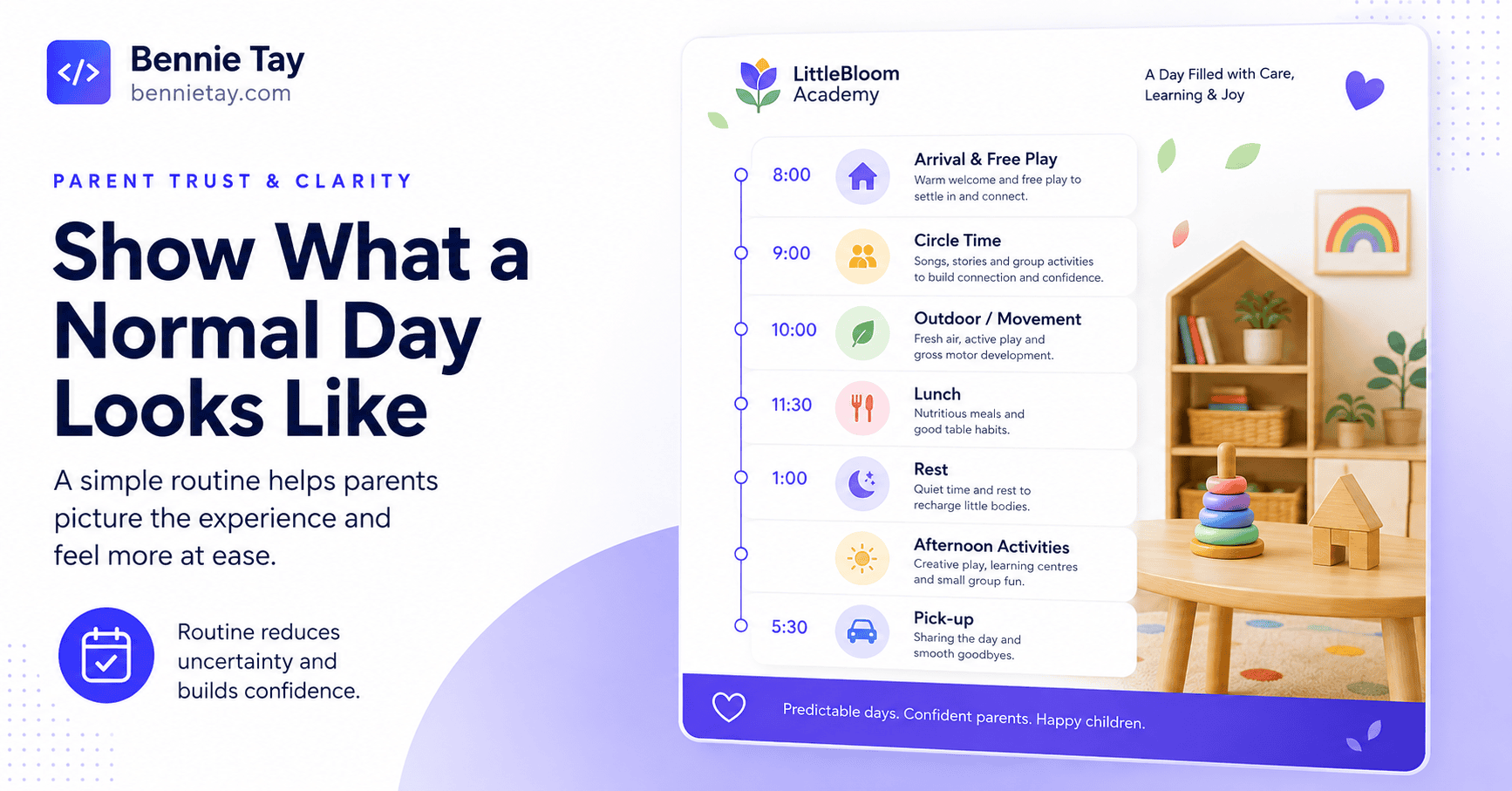
4. Show What a Normal Day Looks Like
Parents want to picture their child at the centre. A simple daily routine is incredibly useful.
For example:
8:00am – Arrival & Free Play
Children settle in and interact with teachers and classmates.
9:00am – Group Learning
Language, numeracy, stories or thematic activities.
10:00am – Snack
10:30am – Outdoor / Movement Activities
11:30am – Creative Activities
12:30pm – Lunch
1:00pm – Rest
Afternoon – Enrichment & Play
The exact schedule will depend on your centre. The point is to reduce uncertainty. Parents should understand how their child’s day is structured.
5. Show Real Teachers
Teachers are one of the strongest trust signals on a childcare website. Parents want to know who will actually spend time with their child.
Create a team section with:
- real photographs
- names
- roles
- experience
- relevant qualifications
- languages where useful
You might also include a short introduction.
For example:
Teacher Mei Ling
Kindergarten Teacher Focuses on language development, early literacy and helping children build confidence in classroom participation. This feels far more personal than: Our dedicated team of passionate educators provides exceptional learning experiences.
The second sentence could have been generated for almost any school on the planet. Specific people create trust.
6. Use Real Centre Photography
For childcare businesses, stock photography should never dominate the website.
Parents want to see:
- classrooms
- learning areas
- playground
- reading corners
- meal areas
- sleeping areas
- entrance
- facilities
Use current photos of the actual centre. The website should help parents answer:
What does this place really look like?
Professional photography can make a major difference. The centre does not need to resemble an international school brochure.
It needs to look:
- clean
- organised
- safe
- welcoming
- real
Authenticity wins.
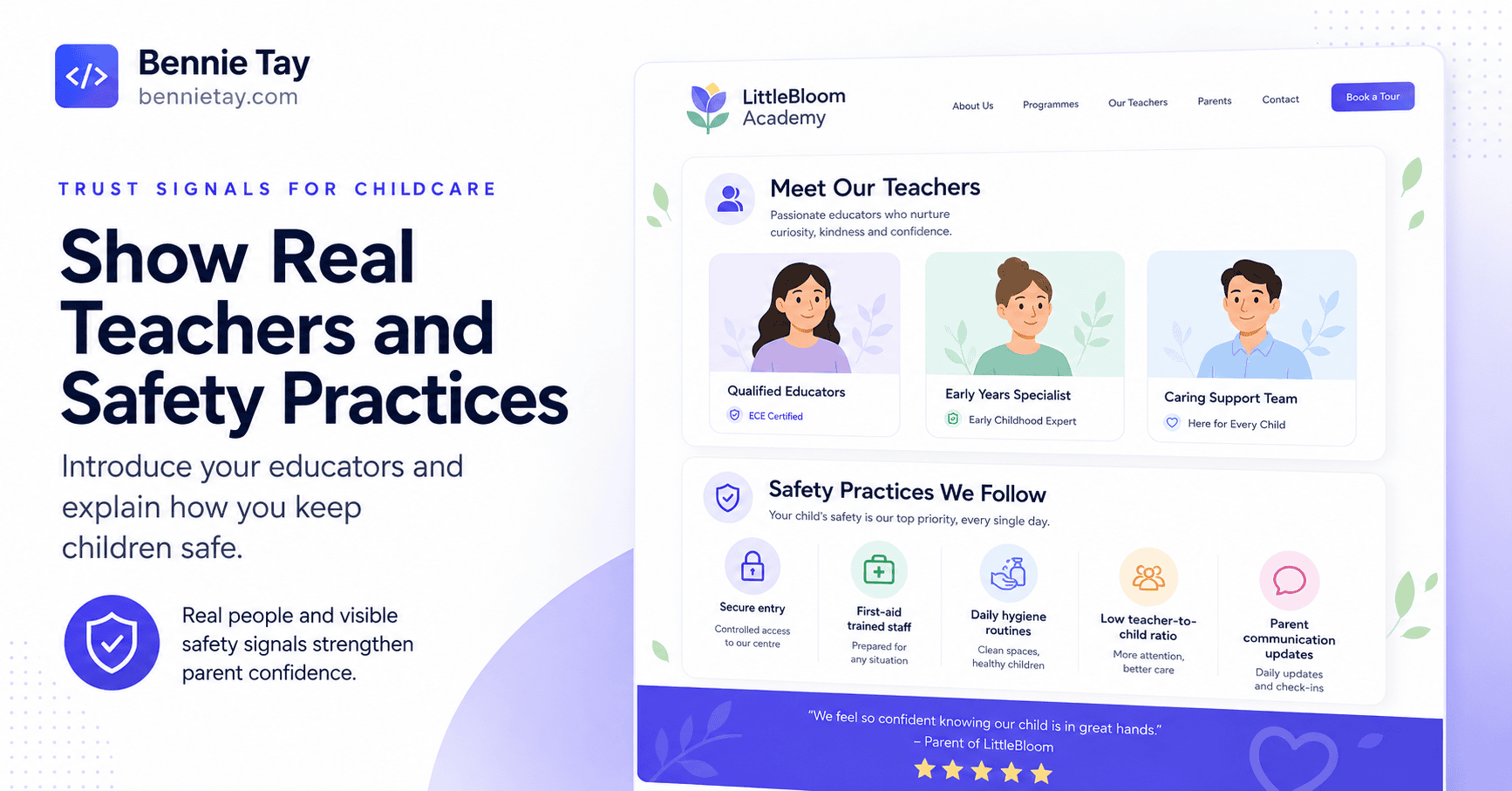
7. Explain Safety and Childcare Practices
Safety is one of the biggest parent concerns. Explain the systems you genuinely have in place.
This might include:
- controlled access
- visitor procedures
- child pickup procedures
- CCTV where applicable
- emergency processes
- hygiene routines
- staff supervision
- illness procedures
Do not use vague claims such as:
Your child’s safety is our number one priority.
Show what that means.
For example:
Children are released only to authorised parents or guardians according to our pickup procedure.
Specific processes create confidence.
8. Explain Teacher-to-Child Support Clearly
Parents often want to understand class size and teacher attention.
Where appropriate, explain:
- typical class size
- number of teachers
- teaching assistant support
Do not publish misleading ratios. Use accurate information for each programme.
For example:
Our nursery groups are intentionally kept small so teachers can provide more individual support during activities, meals and transitions.
If you can publish actual numbers, even better. Clear operational information feels more trustworthy than broad promises.
9. Show Meals and Nutrition Information
If meals are provided, explain them.
Parents may want to know:
- how many meals
- snacks
- menu approach
- allergy handling
- dietary arrangements
You can include:
Sample Weekly Menu
or:
Typical Meals
If menus change regularly, a downloadable or updateable version may work well. Do not force parents to WhatsApp simply to learn whether lunch exists. Basic information belongs on the website.
10. Explain Communication With Parents
Parents want to know how they will stay informed.
Explain whether you provide:
- daily updates
- photos
- teacher communication
- progress reports
- parent meetings
- app updates
For example:
Parents receive regular updates about classroom activities and child progress, with teacher discussions available when needed.
Again, only describe what you genuinely provide. The website should set the right expectations.
11. Show Parent Testimonials
Parent testimonials are particularly powerful for childcare businesses.
Good reviews might mention:
- teacher care
- child confidence
- communication
- learning progress
- transition into school
- centre environment
For example:
“Our daughter was initially very shy, but the teachers helped her settle in gradually. She now looks forward to school and has become much more confident speaking with others.”
That tells prospective parents far more than:
Best kindergarten ever!
Use genuine feedback. Where permitted, include parent names or suitable attribution.
12. Use Google Reviews as Trust Proof
Parents often check Google before visiting. Strong Google reviews can reinforce your reputation.
You can highlight selected genuine reviews on:
- homepage
- programme pages
- location pages
- enrolment page
Do not overcrowd the website with screenshot after screenshot. Choose reviews that answer parent concerns.
For example:
- how teachers communicate
- how children settle in
- cleanliness
- programme quality
Relevant reviews are more persuasive than simply showing a five-star icon.
13. Explain Fees or Give Pricing Guidance
Many centres hide every fee behind:
Contact us for pricing.
This can create unnecessary friction. If your programme fees are fixed, consider showing them. If they vary, provide useful guidance.
For example:
Kindergarten programmes start from RM___ per month, depending on programme hours and selected options.
Or:
Fees vary by age group and programme schedule. Contact us for the current fee structure.
You can also offer:
Download Fee Schedule
if appropriate. Parents need to know whether the centre fits their budget. Making pricing completely mysterious does not necessarily create more enquiries.
Sometimes it simply creates more WhatsApp conversations asking:
Fee?
14. Make Trial Visits or Centre Tours Easy to Book
For childcare and kindergarten businesses, a physical visit is often the real conversion. Your website should make it easy.
Use CTAs such as:
- Book a Centre Tour
- Schedule a Visit
- Check Programme Availability
- WhatsApp Admissions
This is usually stronger than:
Contact Us
because the parent knows exactly what happens next.
A simple tour form might ask:
- parent’s name
- child age
- phone
- preferred programme
- preferred visit date
Keep it short. You can collect more information later.
15. Add a Clear Enrolment Process
Parents may not know what happens after the visit. Explain it.
For example:
Step 1: Enquire
Tell us your child’s age and preferred programme.
Step 2: Visit
Tour the centre and meet the team.
Step 3: Confirm Availability
We confirm suitable class options.
Step 4: Registration
Complete the required enrolment information.
Step 5: Start
Your child begins according to the agreed intake date. A visible process reduces uncertainty. It also makes your centre feel organised.
16. Create a Strong Location Page
Most childcare decisions are highly local.
Parents may search:
- kindergarten Petaling Jaya
- childcare centre Subang Jaya
- preschool near me
If you have a real centre location, create a strong location page.
Include:
- address
- map
- opening hours
- photos
- programmes
- nearby areas
- contact
- parking information where useful
For multi-branch operators, give each real branch its own page. Do not combine five centres into one generic page if they have different staff, facilities and contact details.
17. Make Mobile Enquiries Easy
Parents will often search on their phones.
The mobile site should make it easy to:
- check programmes
- view photos
- read fees
- call
- book a tour
- find directions
Use large, clear buttons.
Keep forms short. Do not make parents pinch and zoom around a desktop timetable embedded as a tiny PDF. That is technically displaying information. It is not the same as making it usable.
18. Create Helpful Parent Content
Childcare businesses have many useful content opportunities.
For example:
- How to Prepare Your Child for Their First Day of Kindergarten
- What Should Parents Look for When Choosing a Preschool?
- Full-Day vs Half-Day Kindergarten: Which Is Better for Your Family?
- Questions to Ask During a Kindergarten Tour
- How to Help a Shy Child Adjust to Preschool
These articles can attract parents before they are ready to enrol. They also demonstrate your understanding of early childhood education and parent concerns. The content should help.
Do not turn every article into:
Here are five tips. By the way, enrol with us immediately.
Earn trust first.
19. Answer Parent FAQs
A strong FAQ section can reduce repetitive enquiries.
Include questions such as:
- What ages do you accept?
- What are the operating hours?
- Are meals provided?
- What should children bring?
- How do you handle children who struggle to settle?
- How do parents receive updates?
- Do you offer trial visits?
- When can my child enrol?
- Is parking available?
- What happens if my child is unwell?
These are real buying questions. Answering them makes the website more useful. It also lets your admissions team spend less time repeatedly typing the same answers.
20. Keep Information Updated
Childcare websites become outdated surprisingly quickly.
Check:
- fees
- age groups
- programme schedules
- teacher profiles
- opening hours
- photos
- intake availability
If the website advertises a programme that disappeared two years ago, trust drops. Someone should own website updates.
This is one reason ongoing website management is particularly useful for education businesses. The site is not a brochure you print once. It is an active information channel for parents.
Recommended Childcare Website Structure
A strong childcare or kindergarten website might include:
Home: Main positioning, trust and tour CTA.
Programmes: Overview of age groups.
Toddler Programme: Dedicated details.
Nursery: Dedicated details.
Kindergarten: Dedicated details.
Our Approach: Learning philosophy and curriculum.
Teachers: Real team profiles.
Facilities: Real centre photography.
Parents: Reviews, communication and FAQs.
Fees: Pricing guidance.
About: Centre background and credentials.
Resources: Helpful parent guides.
Contact / Book a Tour: Admissions journey.
For multiple branches:
Locations: with dedicated branch pages. This structure gives parents multiple ways to evaluate the centre without overwhelming them.
What Should the Homepage Include?
A strong homepage could follow this flow.
Hero
A Caring Kindergarten for Children Aged 3–6 in Petaling Jaya
Play-based learning, experienced teachers and a supportive environment designed to help children grow in confidence.
Buttons:
Book a Centre Tour
WhatsApp Admissions
Programme Overview
Show age groups clearly.
Why Parents Choose Us
Use specific differentiators.
Teacher Introduction
Show real people.
Facilities
Show the centre.
Daily Experience
Explain what children do.
Parent Reviews
Real proof.
Fees / Admissions
Reduce uncertainty.
FAQ
Answer common questions.
Final CTA
Visit the Centre Before You Decide →
That is a much stronger parent journey than:
Welcome to ABC Kindergarten. Established in 2006…
followed by six paragraphs of company history.
Common Childcare Website Mistakes
Mistake 1: Too Much Stock Photography
Parents want to see the actual centre.
Mistake 2: No Teachers
Who is caring for the children?
Show them.
Mistake 3: Programme Information Is Vague
Parents need age groups, hours and details.
Mistake 4: No Pricing Guidance
This creates unnecessary enquiries.
Mistake 5: Generic Claims
“Safe, caring and nurturing” needs evidence.
Mistake 6: Difficult Tour Booking
Make the physical visit easy to arrange.
Mistake 7: Outdated Information
Old schedules and staff profiles quickly reduce credibility.
A Childcare Website Is Really a Trust-Building System
Parents are not choosing based on web design trends.
They are asking whether your centre feels:
- safe
- professional
- caring
- organised
- suitable for their child
Your website should make those qualities visible.
That means showing:
- real teachers
- real facilities
- clear programmes
- actual parent experiences
- transparent processes
- simple ways to visit
If you can answer the parent’s important questions before the first conversation, the enquiry becomes much stronger.
Instead of:
Hi, can I know more?
you may receive:
Hi, my daughter is four. I’m interested in the full-day kindergarten programme and would like to book a centre visit.
That is a much healthier lead.
At Bennie Studio, childcare and education websites are structured around parent trust, local visibility and clear admissions journeys rather than simply making the website look colourful.
Explore Website Design for Education Businesses →
Getting parent enquiries but too many of them still need basic information before they are ready to visit?
Get a Free Website Growth Audit →
For another service-business example, see our tuition centre website design guide at https://bennietay.com/tuition-centre-website-design/