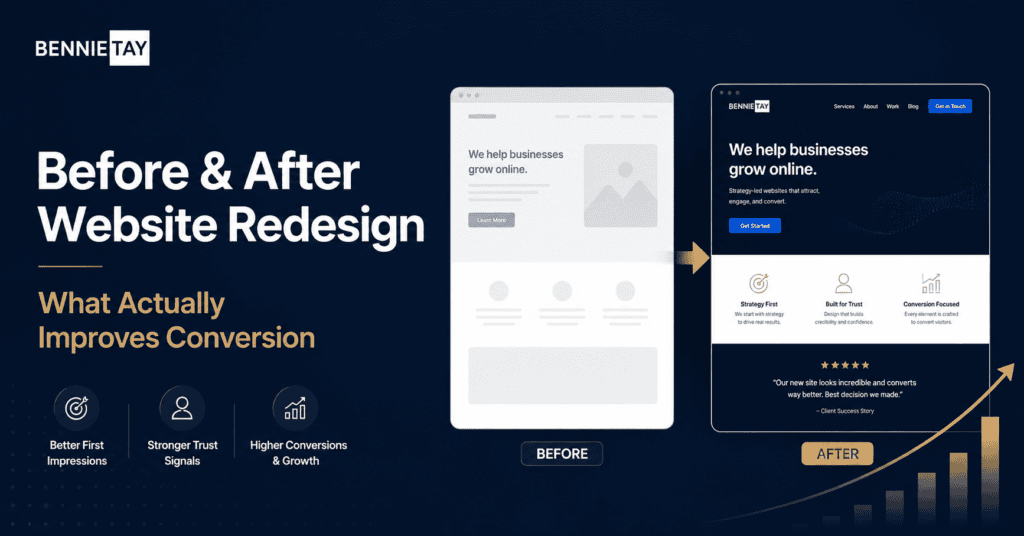
A website redesign can make your business look more professional, but a better-looking website does not automatically mean more leads, sales, or enquiries.
Many businesses launch a redesigned website with cleaner visuals, new colors, better images, and a modern layout. Everyone agrees it looks better. Then nothing much changes. Traffic still arrives, but enquiries remain weak.
That happens because conversion improvement does not come from visual design alone. A website redesign improves results when it solves the real reasons visitors were not taking action before.
Start with the conversion problem
Before redesigning, identify the problem. Are visitors leaving quickly? Are they reading but not contacting you? Are forms too long? Are calls to action unclear? Is the offer hard to understand?
Different problems need different solutions. A visual refresh may help if the old website looked outdated and untrustworthy. But if the issue is unclear messaging, weak proof, slow speed, or poor offer structure, design alone will not fix it.
Review analytics, enquiries, customer questions, and sales feedback before planning the redesign.
Improve the first impression
The first section of the page matters. Visitors should quickly understand what you offer, who it is for, and why they should care.
A strong before-and-after redesign often replaces vague headlines with specific ones. Instead of “Your Trusted Partner for Growth,” the new headline might say “Website Design for Malaysian Service Businesses That Need More Enquiries.”
Clear messaging helps visitors decide whether they are in the right place.
Simplify the page structure
Many old websites fail because the page structure is confusing. Important information is hidden, sections appear in the wrong order, or every page tries to say too much.
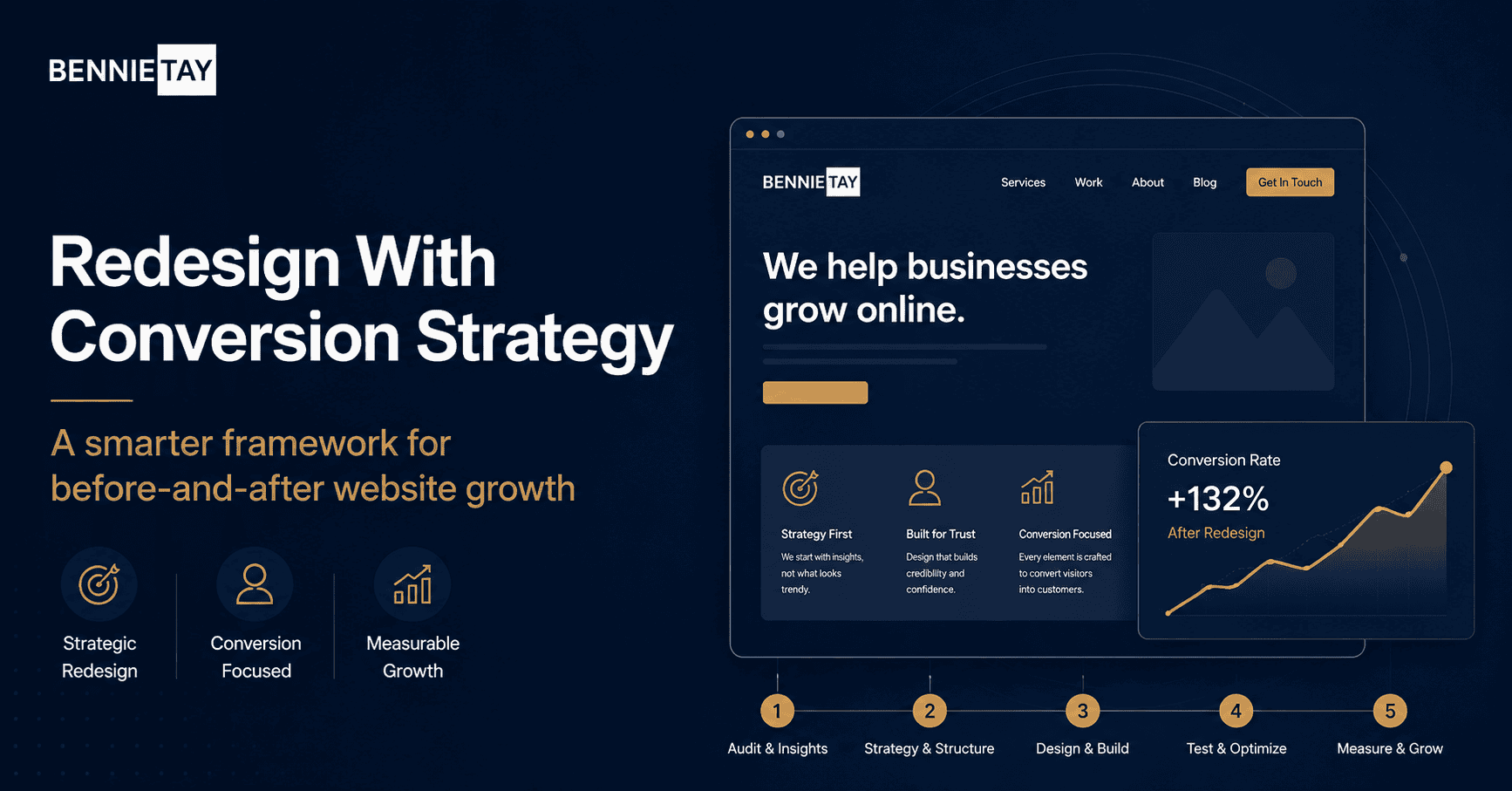
A better structure guides visitors step by step. Explain the problem, introduce the solution, show benefits, add proof, answer objections, and present a clear call to action.
This structure helps visitors move from interest to trust to action.
Strengthen calls to action
A redesign should make the next step obvious. Buttons should be visible, specific, and repeated at natural points.
Use action labels that match the business goal. Examples include “Request a Quote,” “Book a Consultation,” “Get Website Help,” “Start a Project,” or “WhatsApp Us.”
Avoid vague buttons such as “Learn More” when the visitor is ready to act.
Add trust signals
Trust is a major part of conversion. A redesign should not only improve colors and layout. It should also make proof easier to see.
Add testimonials, reviews, case studies, project photos, client logos, guarantees, certifications, or results where relevant.
Place proof close to decision points. For example, a testimonial near a contact form can reduce hesitation.
Improve mobile experience
Many conversions happen on mobile. If the old website was hard to use on a phone, the redesign should fix that first.
Check font size, button size, menu behavior, form usability, image loading, and page speed. A desktop design that looks beautiful but feels awkward on mobile can still lose leads.
Test the redesigned site on real phones, not only inside a design preview.
Reduce friction in forms
Forms are often a weak point. If your form asks too many questions, looks intimidating, or does not work properly, visitors may abandon it.
Ask only for what you need at the first step. For many service businesses, name, phone or email, service needed, and a short message are enough.
If you need more details, collect them after the first enquiry. The first goal is to start the conversation.
Improve page speed
A redesign can accidentally make a website slower if it uses oversized images, heavy animations, too many scripts, or unnecessary plugins.
Speed matters for conversion. Visitors are less patient on mobile, and slow pages can hurt both user experience and SEO.
Compress images, remove unnecessary scripts, use good hosting, and test speed after launch.
Compare before and after properly
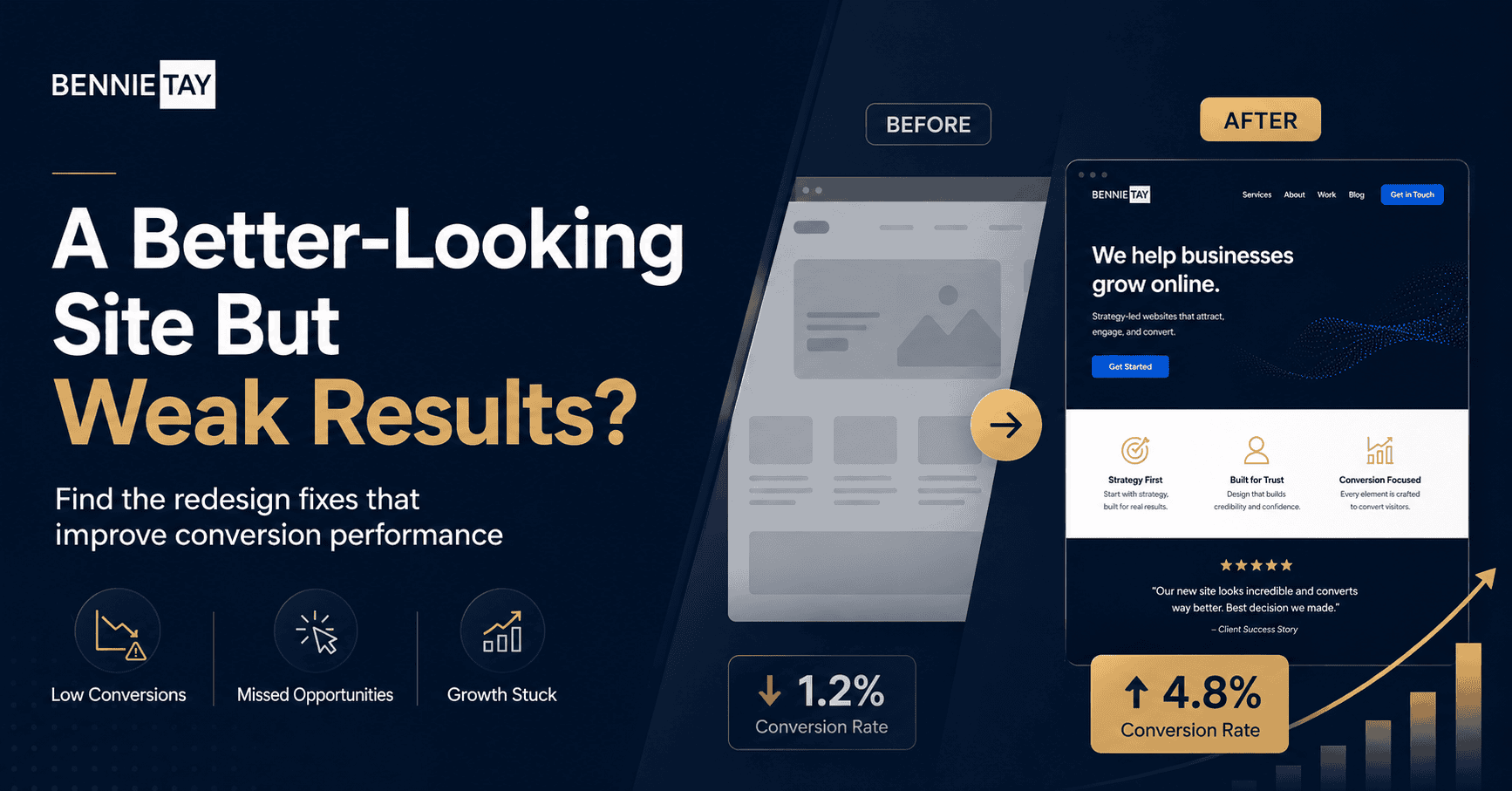
A useful before-and-after comparison looks beyond appearance. Track enquiries, conversion rate, form submissions, phone clicks, WhatsApp clicks, bounce rate, page speed, and keyword visibility.
Do not judge the redesign only by how it looks. Judge it by whether visitors understand the offer faster and take action more often.
If possible, record baseline numbers before launch. This makes the redesign easier to evaluate.
Keep improving after launch
A redesign is not the finish line. After launch, review performance and adjust. If people still do not enquire, check the message, proof, offer, form, or traffic quality.
Small improvements can make a big difference. You may not need another redesign. You may need a clearer headline, stronger testimonial, shorter form, or better landing page.
What a good before-and-after comparison includes
A useful comparison should show more than screenshots. It should explain what changed and why.
For example, the old homepage may have had a vague headline, weak call to action, and no proof above the fold. The new version may use a clearer offer, stronger trust signals, and a more direct enquiry path.
A service page comparison might show how the old version listed services without detail, while the new version explains problems, benefits, process, FAQs, and proof.
This kind of comparison helps you understand whether the redesign is solving business problems or only changing appearance.
Do not remove useful SEO content
During a redesign, some businesses accidentally remove pages or content that were bringing search traffic. This can hurt visibility after launch.
Before redesigning, review which pages get organic traffic, backlinks, enquiries, or rankings. Keep useful content, improve it, or redirect it properly.
If URLs change, set up redirects. If headings and content are rewritten, make sure important search intent is still covered.
A redesign should improve the website without throwing away the SEO value that already exists.
Involve sales and customer-facing teams
The people who speak to customers often know why visitors hesitate. They hear objections, questions, and misunderstandings every day.
Use that insight during the redesign. Ask what customers ask before buying. Ask what information is missing from the current website. Ask which leads are poor fit and why.
This helps the new website answer real customer concerns, not just internal design preferences.
Measure the right actions
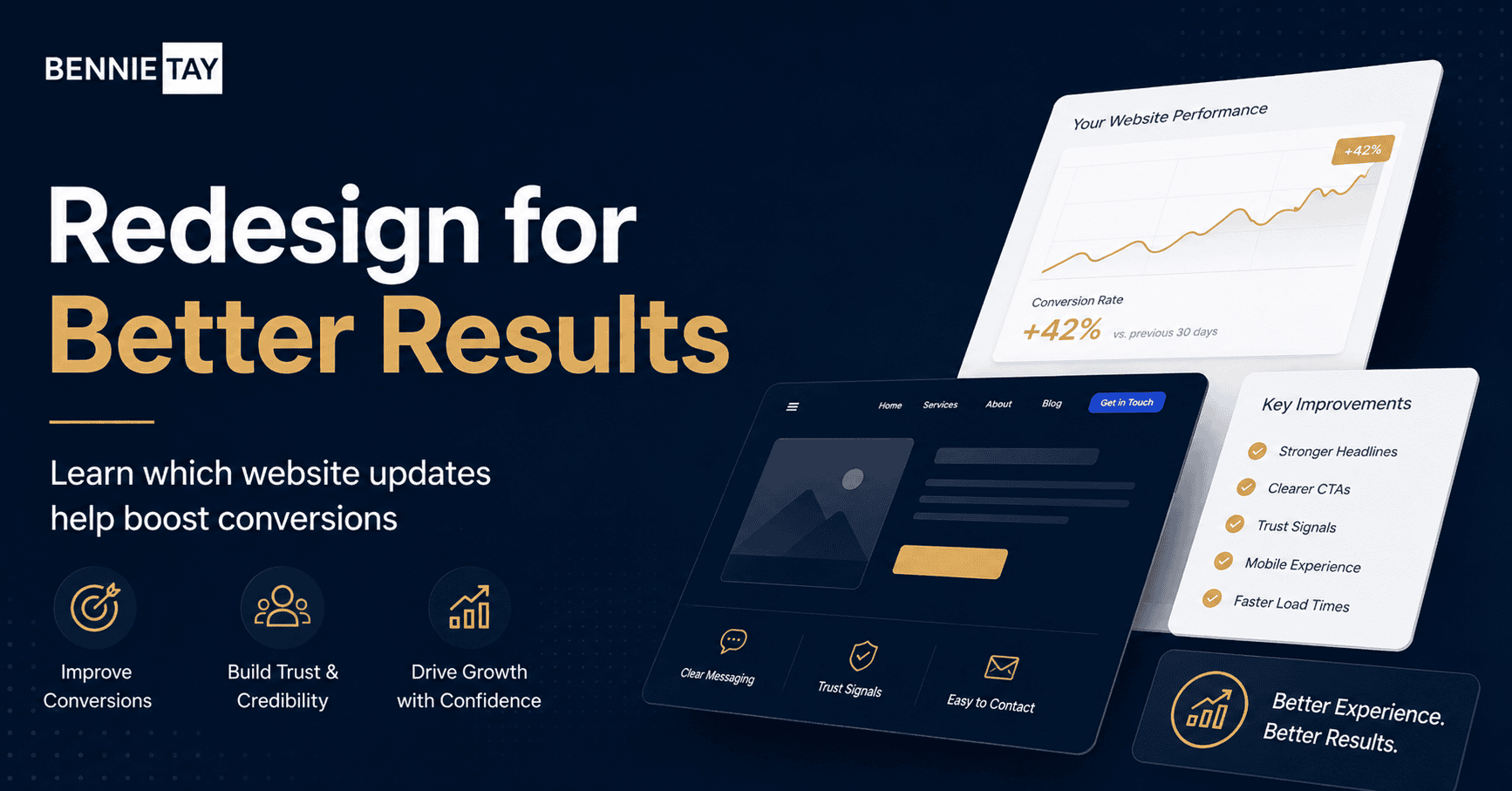
For a lead generation website, track form submissions, phone clicks, WhatsApp clicks, booked calls, and quality of enquiries. For ecommerce, track add-to-cart rate, checkout completion, revenue, and product page behavior.
Do not rely only on traffic. A redesign can get the same traffic but produce better results if more visitors take action.
Set up tracking before launch so you can compare before and after fairly.
Website redesign checklist
Before redesigning, review the current website. Which pages get traffic? Which pages generate enquiries? Which pages rank in Google? Which pages are outdated? Which forms or buttons are used?
Then define the redesign goals. Do you want more enquiries, better lead quality, faster mobile performance, clearer messaging, stronger trust, or improved SEO?
Map old URLs to new URLs before launch. This protects users and search engines. Keep valuable content and improve it rather than deleting it without a reason.
After launch, test forms, links, mobile layout, page speed, analytics, and tracking. A redesign should not go live until the business-critical paths work properly.
Signs the redesign worked
A redesign is working when visitors understand the offer faster, spend time on the right pages, click calls to action, submit forms, contact you, or buy.
You may also see better lead quality. Fewer unqualified enquiries can be a good sign if the website explains who the service is for.
SEO may take time to evaluate, especially if URLs changed. Watch rankings, impressions, clicks, and indexed pages over several weeks.
Do not expect every metric to improve immediately. Focus on whether the redesign supports the business goal.
When not to redesign everything
Sometimes a full redesign is unnecessary. If the website structure is mostly good, you may only need to improve headlines, service pages, calls to action, testimonials, forms, or speed.
This can be faster and less risky than rebuilding the whole site. It also protects existing SEO value.
Before committing to a full redesign, ask whether the problem can be solved with targeted improvements. The best solution is the one that fixes the actual conversion issue.
Common redesign mistakes
One mistake is redesigning around internal opinions instead of customer behavior. The team may prefer a certain style, but visitors care about clarity, trust, and ease of action.
Another mistake is making the new site heavier. Large videos, animations, and oversized images can make the redesigned site slower than the old one.
A third mistake is changing too many URLs without redirects. This can break links and damage SEO.
The safest redesign process protects what already works while improving what blocks conversion.
Review after 30 to 60 days
After launch, review the data after enough visitors have used the new site. Look at leads, conversion rate, traffic sources, page speed, search performance, and enquiry quality.
Also ask the sales team whether leads seem better informed. If customers ask fewer basic questions, the redesign may be doing its job.
Use the review to plan the next round of improvements. A good redesign creates a stronger foundation, but optimization continues after launch.
Keep old lessons documented
Before replacing the old website, document what was not working. Save notes about weak pages, common objections, confusing sections, and missing proof.
Those lessons help future improvements. They also prevent the business from repeating the same mistakes in the next redesign cycle.
Final thoughts
A before-and-after website redesign improves conversion when it solves real user problems. Better visuals help, but they are only one part of the work.
Useful reference: To judge a redesign properly, Google Analytics conversions can help measure whether enquiry actions improve after launch.Focus on clear messaging, better structure, stronger proof, easier calls to action, mobile usability, form simplicity, and speed. A redesigned website should not only look better. It should help more visitors become
leads or customers.