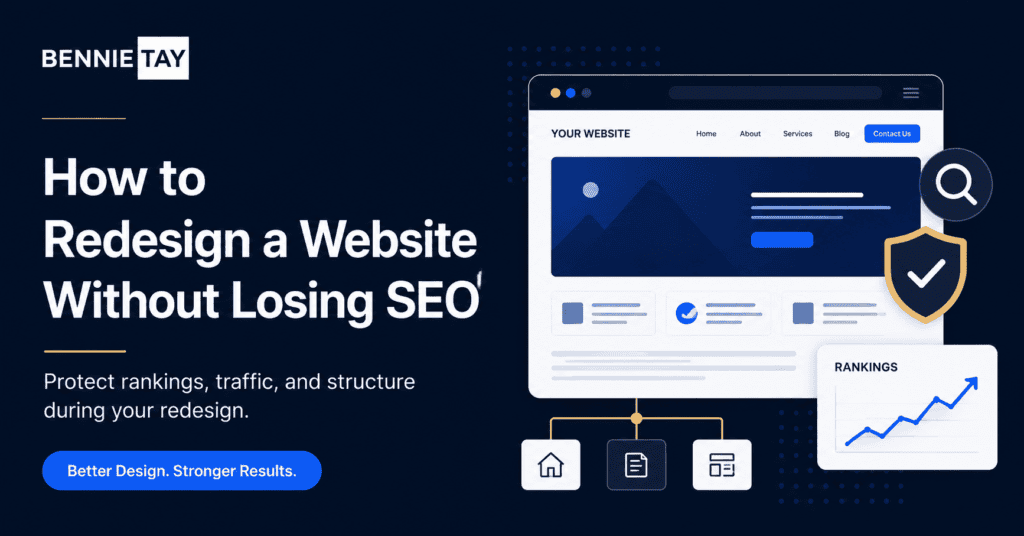
A website redesign can improve branding, user experience, speed, and conversions. But if SEO is ignored, the redesign can also cause traffic drops. This usually happens when important pages are removed, URLs change without redirects, or search-focused content is rewritten without a plan.
The good news is that you can redesign a website without losing SEO if you treat SEO as part of the redesign process from the beginning. It should not be something checked only after launch.
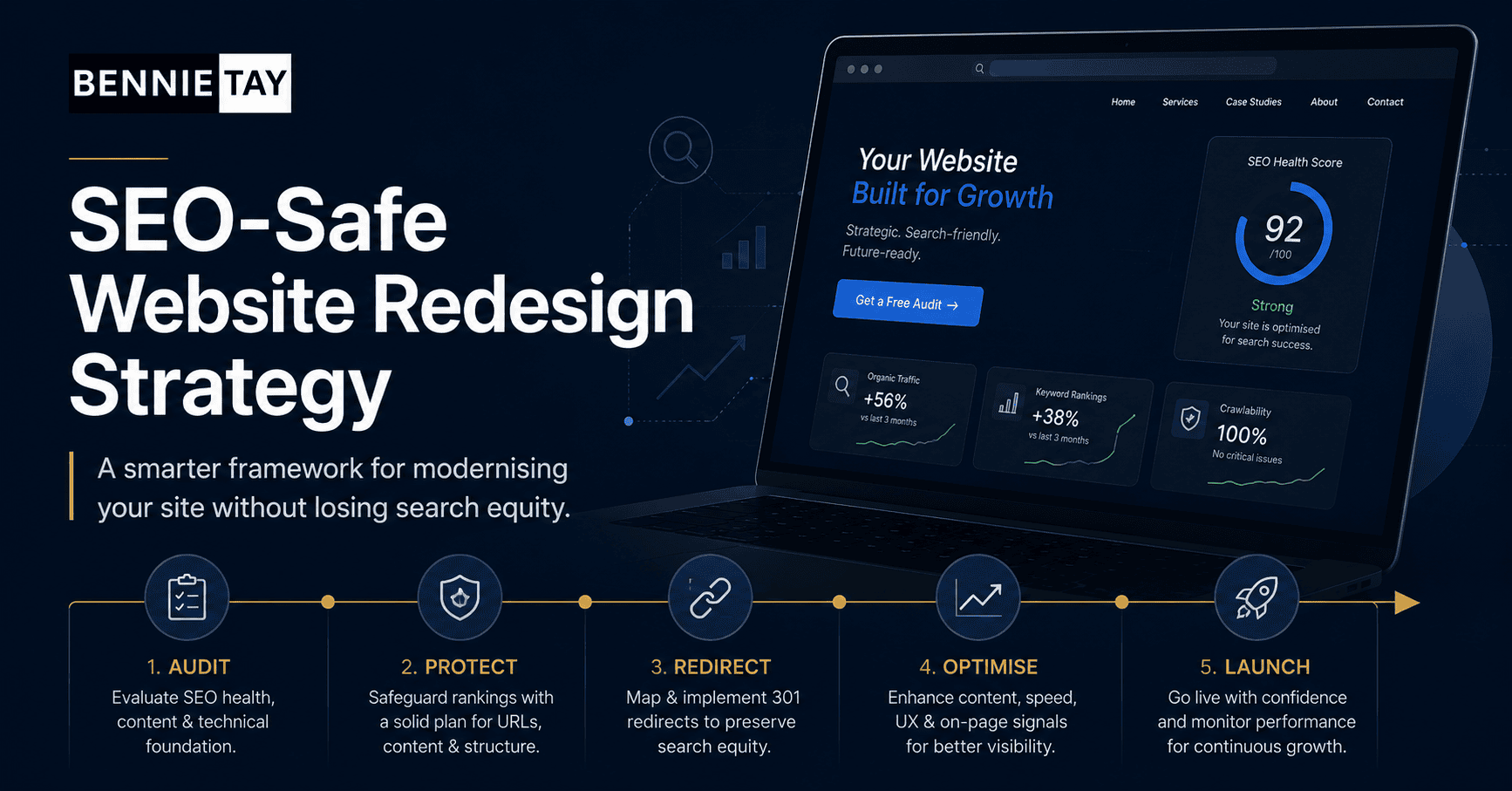
A safe redesign starts with understanding what the current website already has: rankings, traffic, backlinks, useful pages, metadata, internal links, and content that search engines trust. Once you know what has value, you can improve the website without throwing away what is already working.
Audit the current website before making changes
Before redesigning anything, review the existing website. Identify which pages receive organic traffic, which keywords they rank for, which pages have backlinks, and which pages generate enquiries.
This audit helps you separate pages that should be kept, improved, merged, or removed. Without this step, it is easy to delete a page that quietly brings valuable search traffic.
Even if a page looks outdated, it may still have SEO value. The better approach is to improve the content and design while preserving the search intent that made the page useful.
Create a URL map
A URL map is one of the most important tools in an SEO-safe redesign. It lists every important old URL and shows what the new URL will be after launch.
If a page keeps the same URL, note it clearly. If a page changes URL, map the old version to the new version. If several pages are merged, map each old URL to the most relevant new page.
This prevents confusion during launch. It also helps developers, writers, and SEO reviewers understand how the new website connects to the old one.
Keep strong URLs when possible
If an existing URL ranks well and still fits the new website structure, keeping it is often the safest choice. Changing URLs just to make them look new can create unnecessary SEO risk.
There are times when URL changes make sense, especially if the old structure is messy, duplicated, or unclear. But every changed URL needs a proper redirect and a clear reason.
A redesign should simplify the website, not create a new set of avoidable SEO problems.
Set up 301 redirects correctly
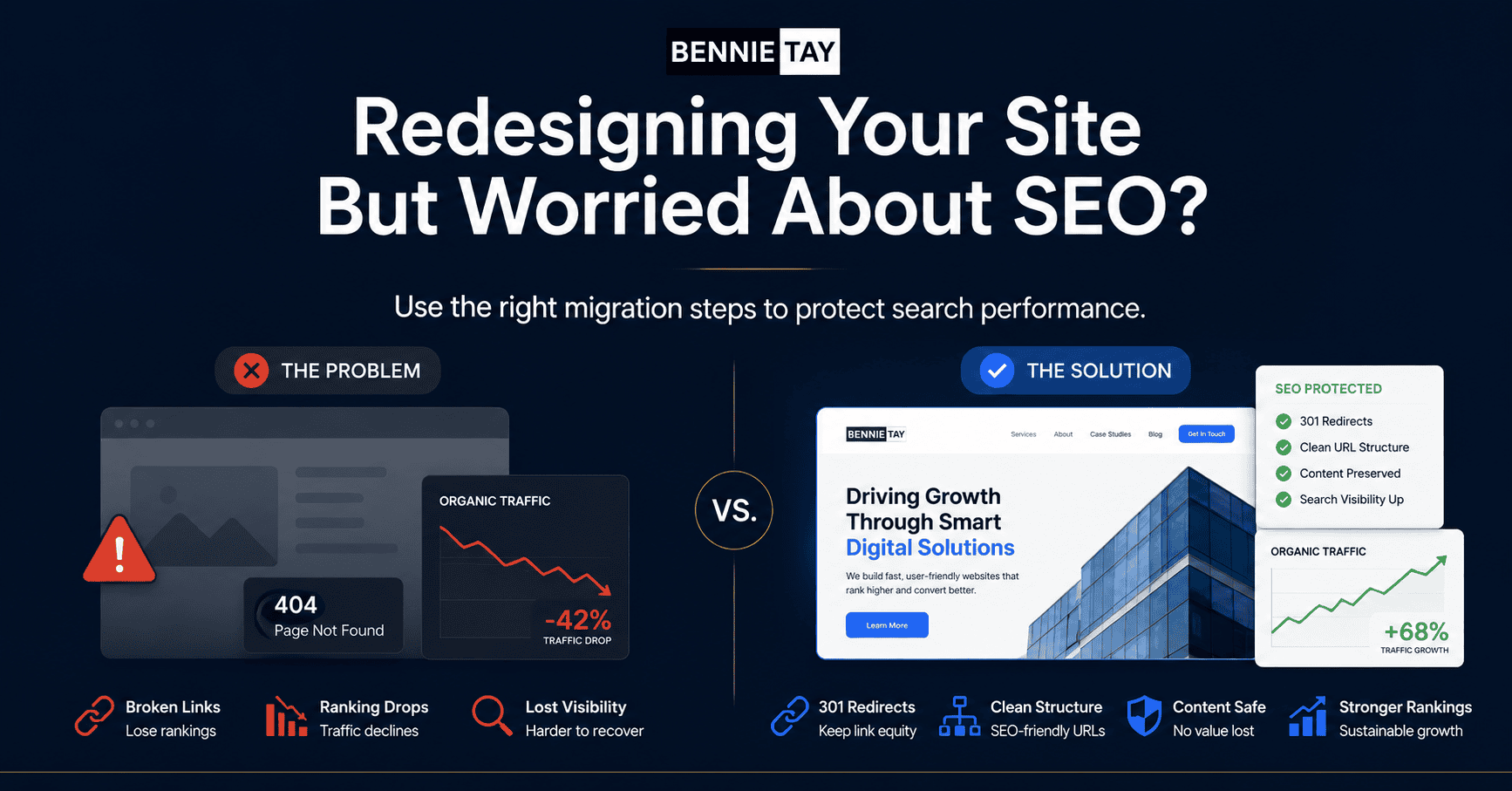
When URLs change, 301 redirects tell search engines and visitors where the page has moved. This helps preserve value from old URLs and prevents people from landing on broken pages.
Redirects should point to the closest relevant new page. Avoid redirecting everything to the homepage. That creates a poor user experience and can weaken topical relevance.
After launch, test redirects manually or with a crawler. A redirect plan is only useful if it works in the live environment.
Do not remove valuable content without a replacement
During redesigns, teams often shorten pages to make them look cleaner. Cleaner design is good, but removing useful content can hurt rankings if the page no longer satisfies search intent.
Instead of deleting content, reorganize it. Use clearer headings, shorter paragraphs, accordions where appropriate, comparison sections, FAQs, and better page flow. The page can become easier to read without becoming too thin.
If a page ranks because it answers specific questions, make sure the redesigned version still answers those questions.
Review title tags and meta descriptions
Title tags and meta descriptions should be reviewed during redesign. They help search engines and users understand what each page is about.
Do not automatically replace all metadata with generic brand-focused text. Important pages should keep keyword relevance while becoming more compelling for real searchers.
Use unique SEO titles and descriptions for key pages. They should match the page content, include the main topic naturally, and encourage clicks without sounding exaggerated.
Protect headings and page structure
Headings help both visitors and search engines understand the structure of a page. A redesign can improve headings, but it should not turn every important section into image text or decorative blocks that search engines cannot read properly.
Each important page should have a clear H1 and logical H2 sections. The headings should describe the content, not just use vague labels such as “Our Solutions” or “What We Do.”
Good structure makes the page easier to scan and easier for search engines to interpret.
Check internal links
Internal links help visitors move through the website and help search engines understand page relationships. During redesign, old internal links may break or disappear.
Review links from the homepage, service pages, blog posts, and footer. Important pages should remain easy to reach. Related content should link naturally where it helps the reader.
A redesign is a good chance to improve internal linking. Connect service pages to relevant articles, case studies, FAQs, and contact pages.
Optimize images without losing context
Images can improve a redesigned website, but they need to be handled carefully. Large images can slow pages, and missing alt text can reduce accessibility and search context.
Compress images, use sensible file names, and add alt text where the image has meaning. Do not use images to display important text that should be readable as normal page content.
Better visuals should support the message, not replace the information searchers came to find.
Test before and after launch
Before launch, crawl the staging site if possible. Check page titles, descriptions, headings, indexability, broken links, canonical tags, redirects, and mobile display.
After launch, test again on the live site. Submit the updated sitemap, monitor Search Console, check for 404 errors, and watch organic traffic patterns over the following weeks.
Some movement after a redesign is normal, but major drops often point to missed redirects, removed content, blocked pages, or technical errors.
Final thoughts
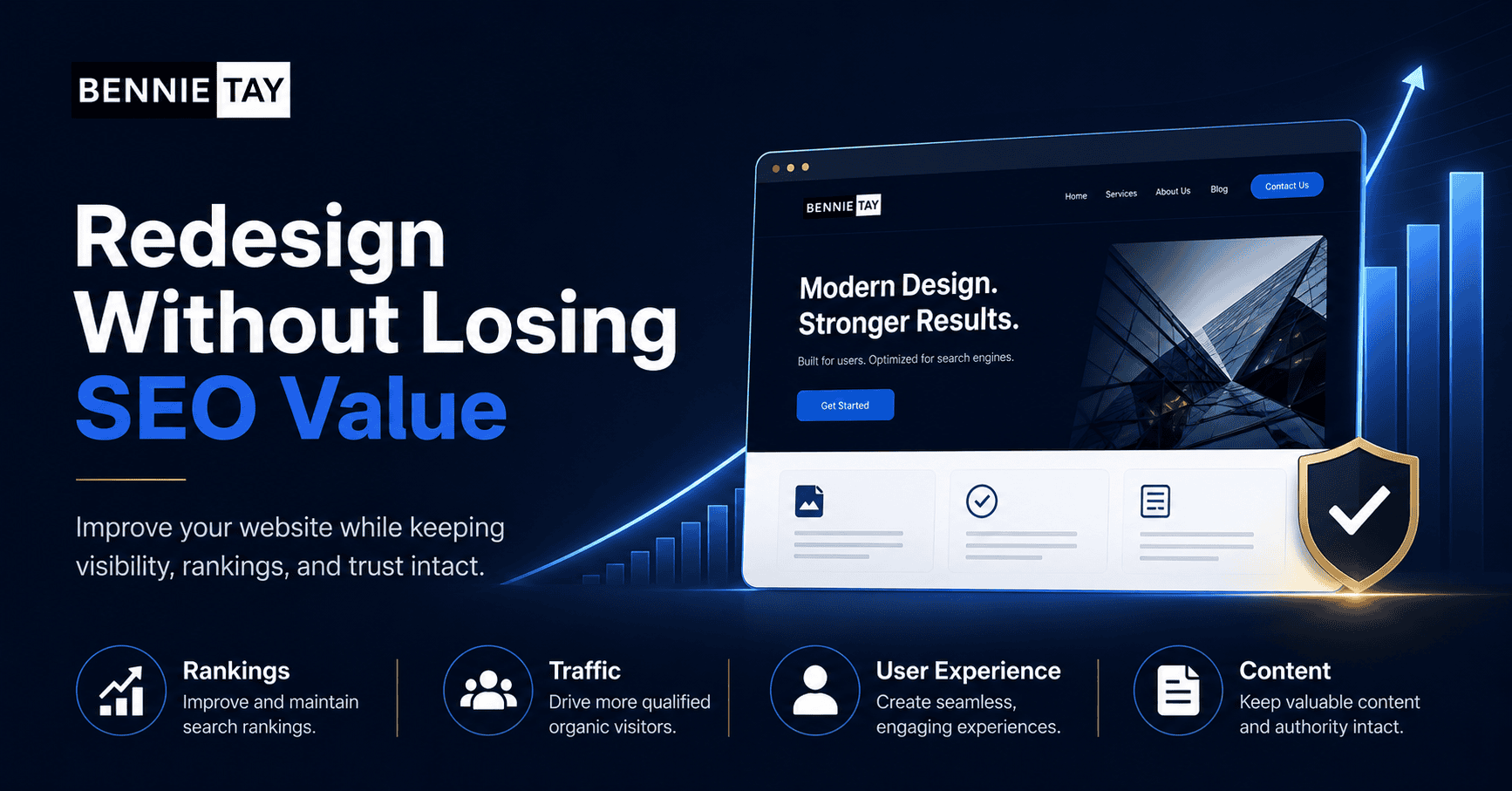
To redesign a website without losing SEO, protect what is already working and improve what is holding the site back. Map URLs, keep valuable content, use proper redirects, preserve metadata, and test the live site carefully.
A redesign should make the website clearer for visitors and stronger for search engines. When SEO is planned from the start, the new website can look better, perform better, and keep the search value you have already built.
Preserve search intent on important pages
Search intent is the reason someone visits a page from Google. Before rewriting a page, ask what the searcher expected to find. Were they comparing options, looking for pricing, learning a process, or trying to choose a provider?
A redesigned page can look better and still fail if it no longer answers the original intent. For example, a page ranking for a practical guide should not become a short brand statement. It still needs useful guidance, examples, and clear explanations.
When improving content, keep the strongest parts of the old page and add what was missing. This can include clearer headings, updated examples, FAQs, better internal links, and stronger calls to action.
Coordinate SEO, copy, and design together
SEO problems often happen when each part of the redesign is handled separately. A designer may simplify pages, a writer may rewrite copy, and a developer may change URLs without one shared SEO plan.
The safer approach is to coordinate the work. Writers should know which keywords and search intent matter. Designers should understand which content sections are important. Developers should know which URLs, redirects, and technical settings must be protected.
This does not mean SEO should control every design decision. It means the redesign should balance readability, conversion, and search visibility. The final page should work for people first while still giving search engines clear, crawlable content.
Monitor performance after launch
After launch, check Search Console regularly for crawl errors, indexing issues, missing pages, and ranking changes. Also review analytics to see whether traffic is reaching the right pages and whether enquiries are improving.
Do not panic over small short-term changes. Some fluctuation is normal after a redesign. Focus on serious drops, broken URLs, missing metadata, pages marked noindex by mistake, or redirects that point to the wrong destination.
A practical next step
If you are not sure what to do next, avoid making the decision based on appearance alone. Start with a simple review of your most important pages and ask whether each page helps a visitor move closer to an enquiry. The page should explain the problem, present the solution, show proof, and make the next step clear.
Then separate quick wins from larger structural work. Quick wins might include rewriting headings, adding testimonials, improving contact buttons, compressing images, or making the enquiry form simpler. Structural work may include rebuilding navigation, rewriting service pages, changing the page hierarchy, or redesigning the mobile experience.
Useful reference: If a redesign changes URLs, Google Search Central’s site move guidance explains why redirects and URL planning matter. See Google Search Central site moves guidance.This process helps you spend budget where it matters. A website should not just look cleaner after the work is done. It should be easier to understand, easier to trust, easier to use, and easier to measure. That is what
turns design work into a business improvement.