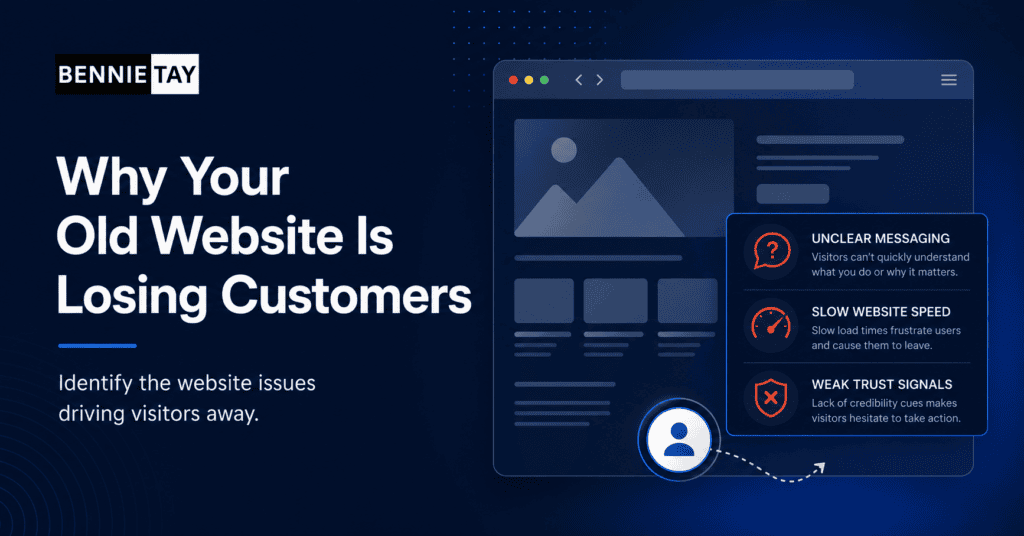
An old website can lose customers quietly. People may visit, feel unsure, and leave without telling you why. You may still get some enquiries, but the website may be reducing trust, attracting the wrong people, or making the business look less credible than it really is.
This is frustrating because the website might still function. It loads, shows your logo, lists your services, and has a contact page. But functioning is not the same as performing.
A modern customer expects clarity, speed, mobile usability, proof, and an easy next step. If your old website does not provide those things, it may be costing you opportunities every month.
First impressions happen quickly
Visitors make judgments fast. Before they read every word, they notice whether the website feels current, organized, and trustworthy. If the design looks neglected, they may assume the business is also behind the times.
This does not mean every website needs dramatic visuals. A simple design can work very well. The problem is when the site looks cluttered, inconsistent, cramped, or clearly built for a different era of the internet.
A stronger first impression helps visitors stay long enough to understand your offer. If they leave too early, your sales message never gets a chance.
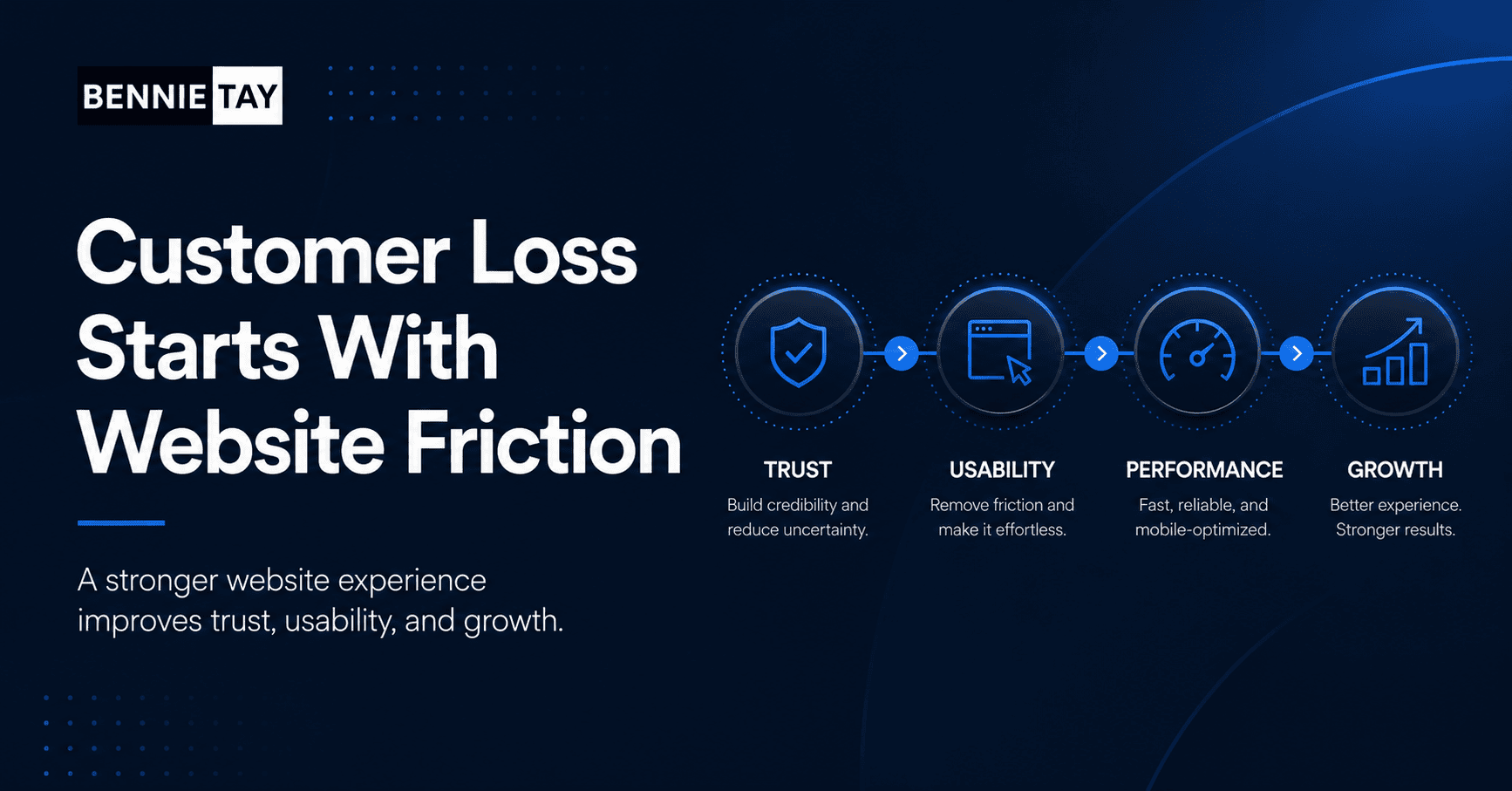
Unclear messaging makes visitors work too hard
Many old websites explain the business from the company’s point of view instead of the customer’s point of view. They talk about history, general quality, and broad services without quickly answering what the visitor wants to know.
Visitors need to understand what you offer, who it is for, what problem it solves, and why they should choose you. If they have to piece that together from scattered text, many will not bother.
Clear messaging reduces friction. It helps the right customers recognize that they are in the right place.
Poor mobile experience pushes people away
If your website was built years ago, it may not be truly mobile-friendly. It might shrink the desktop layout onto a small screen, hide important information, or make forms difficult to use.
Mobile visitors are often impatient because they are browsing between tasks. If they cannot read, tap, scroll, or submit easily, they will leave and find another provider.
A mobile-friendly website should feel natural on a phone. Text should be readable, buttons should be easy to tap, pages should load quickly, and contact options should be obvious.
Slow loading reduces trust and enquiries
Old websites often become slow because of heavy images, outdated themes, too many plugins, or poor hosting. Slow loading is not only a technical issue. It affects how professional the business feels.
When a page takes too long to load, visitors may assume the business is not reliable or simply lose patience. This is especially damaging when traffic comes from ads because every lost visitor costs money.
Improving speed can sometimes be done without a full redesign, but if the structure is too heavy, rebuilding may be the cleaner solution.
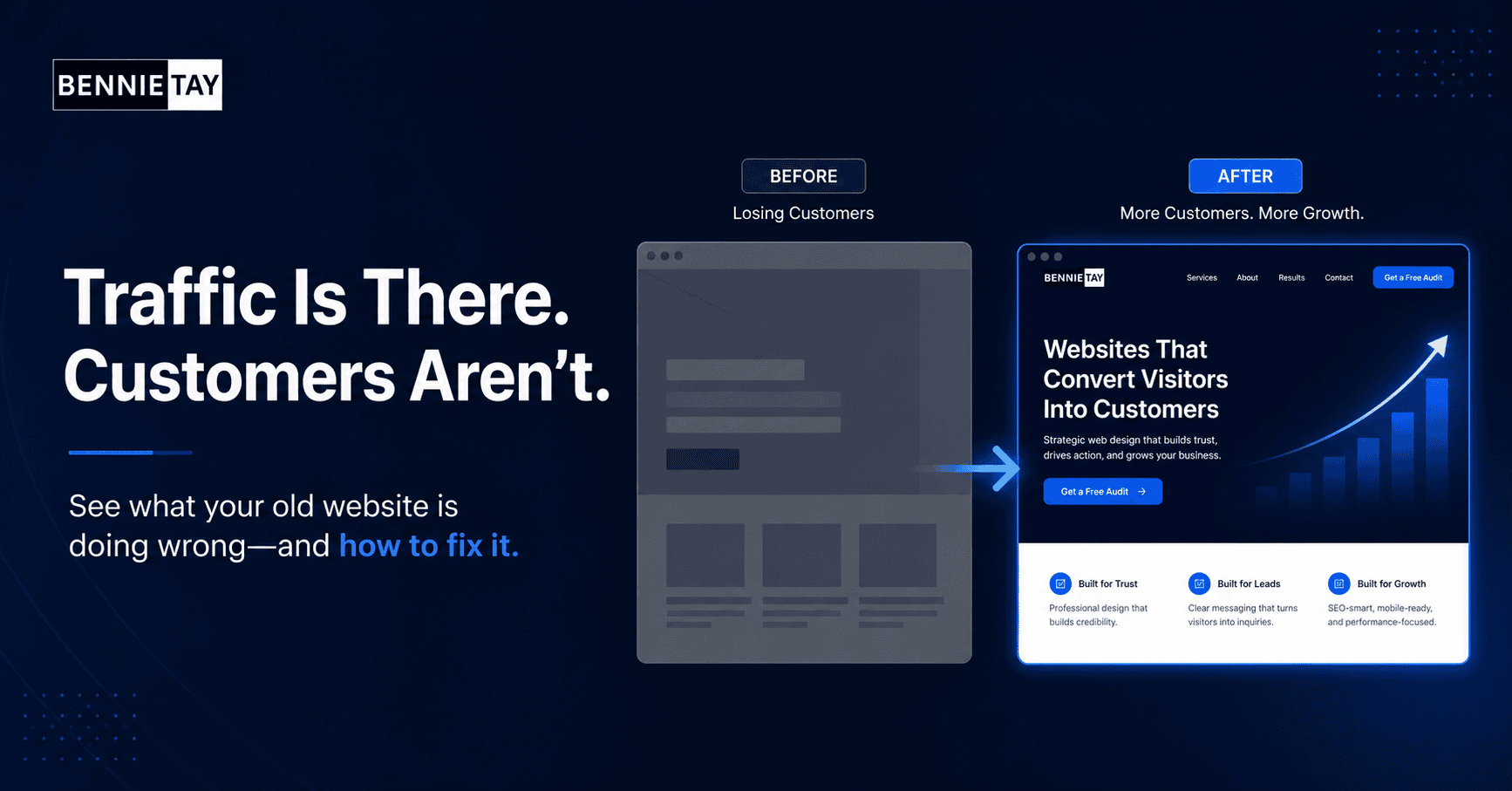
Outdated content creates doubt
Old content can make a business look inactive. Outdated services, old promotions, broken links, missing team updates, and blog posts from many years ago can all create uncertainty.
Visitors want to know whether the business is active and relevant today. If the website feels abandoned, they may hesitate to contact you even if your actual service is strong.
Keeping content current is part of trust-building. A redesign can help by making pages easier to update and giving the business a clearer content structure.
Weak proof makes it harder to trust you
Modern buyers look for proof. They want testimonials, reviews, project examples, case studies, client logos, certifications, or clear signs that others have trusted your business before.
Old websites often hide proof on one page or do not show it at all. That forces visitors to make a decision based only on your claims.
Place proof near important decision points. If a page explains a service, add relevant testimonials or examples there. Proof works best when it supports the specific thing the visitor is considering.
The website may attract the wrong customers
If your old website describes outdated services or uses generic language, it may attract people who are not a good fit. This leads to low-quality enquiries, price shoppers, or prospects who misunderstand what you do.
Better positioning can improve lead quality. Be clear about who you help, what you specialize in, and what kind of results or process clients can expect.
Sometimes losing the wrong enquiries is a good thing. A clearer website can reduce wasted conversations and help better-fit customers contact you.
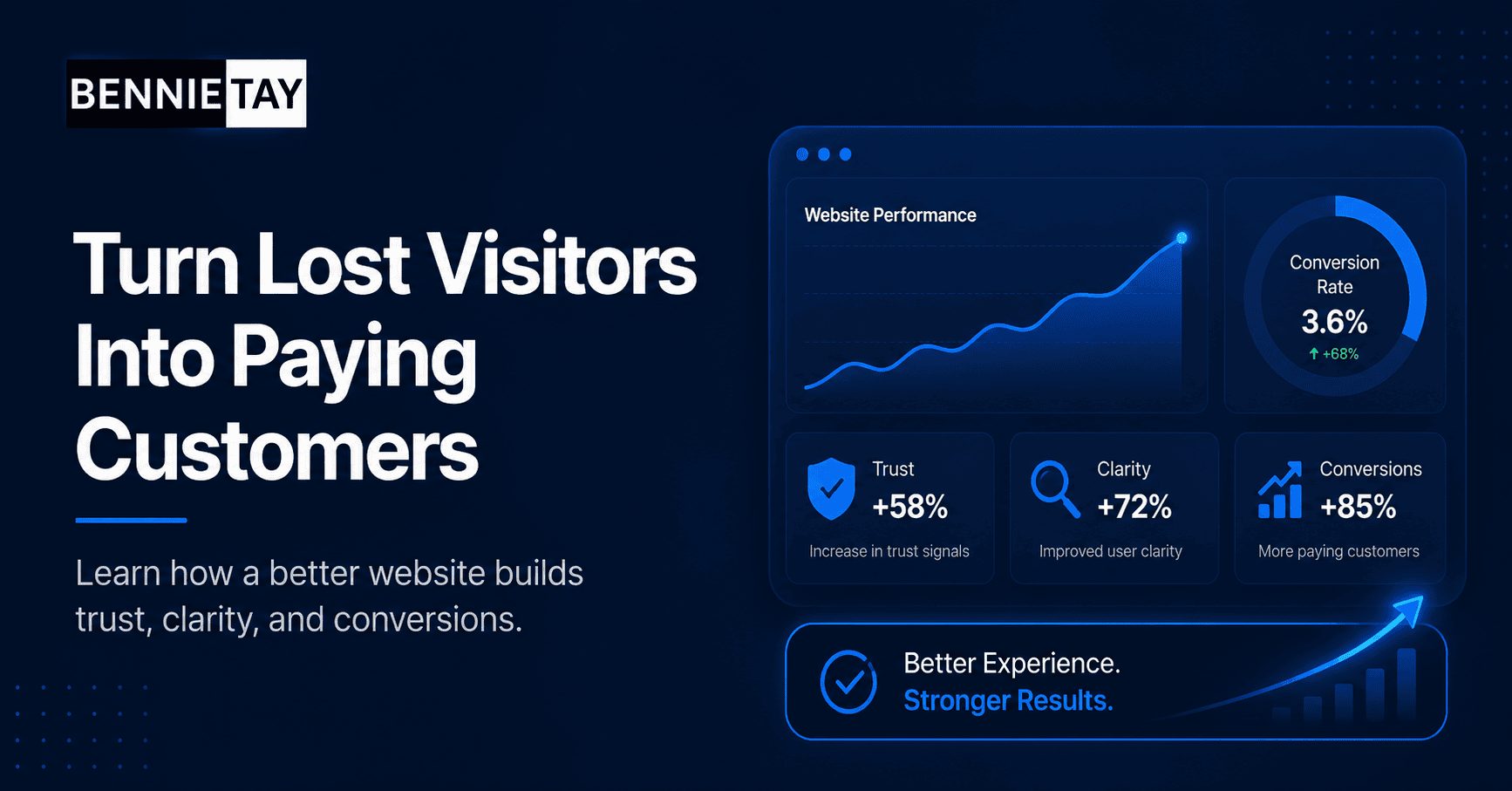
Calls to action may be too weak
Some old websites treat the contact page as the only conversion point. Visitors read a service page, reach the end, and are not clearly guided to the next step.
Strong calls to action should appear naturally throughout the site. They should tell visitors what to do and what will happen next, such as requesting a quote, booking a consultation, or sending project details.
A call to action does not need to be aggressive. It needs to be clear, visible, and relevant to the visitor’s stage of decision-making.
The website may not support SEO anymore
Search behavior changes, competition grows, and old pages can become too thin or poorly structured to perform well. If your website has not been updated in years, competitors may have created better pages for the same topics.
SEO-friendly websites need clear page topics, useful content, internal links, fast loading, mobile usability, and metadata that matches search intent.
If your old website has one generic services page trying to cover everything, it may struggle to rank against more focused competitors.
How to stop losing customers
Start by reviewing the customer journey. Look at the homepage, service pages, proof, contact process, mobile layout, and loading speed. Identify where visitors may lose confidence or get stuck.
Then decide whether you need targeted improvements or a full redesign. If the site is mostly solid, improve the message, proof, and calls to action. If the foundation is outdated, rebuild it around clarity and conversion.
The goal is not simply to make the website look new. The goal is to help visitors understand, trust, and contact your business more easily.
Final thoughts
An old website can lose customers through weak first impressions, unclear messaging, poor mobile experience, slow speed, outdated content, and weak proof. These issues often reduce enquiries without obvious warning.
A better website makes the business easier to understand and easier to trust. When visitors can quickly see what you do, why it matters, and how to take the next step, your website becomes a stronger part of your sales process.
How to identify where customers drop off
To understand why an old website is losing customers, review both data and real user behavior. Analytics can show which pages people visit, where they leave, and which devices they use. Enquiry records can show whether lead quality is improving or declining.
You can also ask recent customers what information they looked for before contacting you. Their answers often reveal gaps that are easy to miss internally. They may have wanted pricing guidance, examples, process details, or reassurance that you work with businesses like theirs.
If possible, watch someone unfamiliar with your business use the website. Notice where they hesitate, what they misunderstand, and whether they can find the contact step without help.
What to improve first
Start with the pages closest to enquiry. The homepage, main service pages, and contact page usually matter more than older blog posts or minor layout details. These pages should explain the offer clearly and make the next step obvious.
Then improve trust signals. Add testimonials, project examples, client outcomes, certifications, or clear process details. Visitors need evidence that your business can deliver what it promises.
Finally, fix technical friction. Improve speed, mobile layout, broken links, form usability, and basic SEO settings. These fixes may not be exciting, but they remove the barriers that stop visitors from becoming customers.
When to redesign instead of patching
Small improvements are useful when the website foundation is still strong. But if every fix reveals another limitation, a redesign may be the better use of time and budget.
A redesign gives you the chance to rebuild the message, page structure, design system, mobile experience, and conversion flow together. That is often what an old website needs when it no longer reflects the business or the customers it wants to attract.
A practical next step
If you are not sure what to do next, avoid making the decision based on appearance alone. Start with a simple review of your most important pages and ask whether each page helps a visitor move closer to an enquiry. The page should explain the problem, present the solution, show proof, and make the next step clear.
Then separate quick wins from larger structural work. Quick wins might include rewriting headings, adding testimonials, improving contact buttons, compressing images, or making the enquiry form simpler. Structural work may include rebuilding navigation, rewriting service pages, changing the page hierarchy, or redesigning the mobile experience.
Useful reference: Older websites often lose enquiries through poor performance, and Google PageSpeed Insights is a simple way to check that issue.This process helps you spend budget where it matters. A website should not just look cleaner after the work is done. It should be easier to understand, easier to trust, easier to use, and easier to measure. That is what
turns design work into a business improvement.