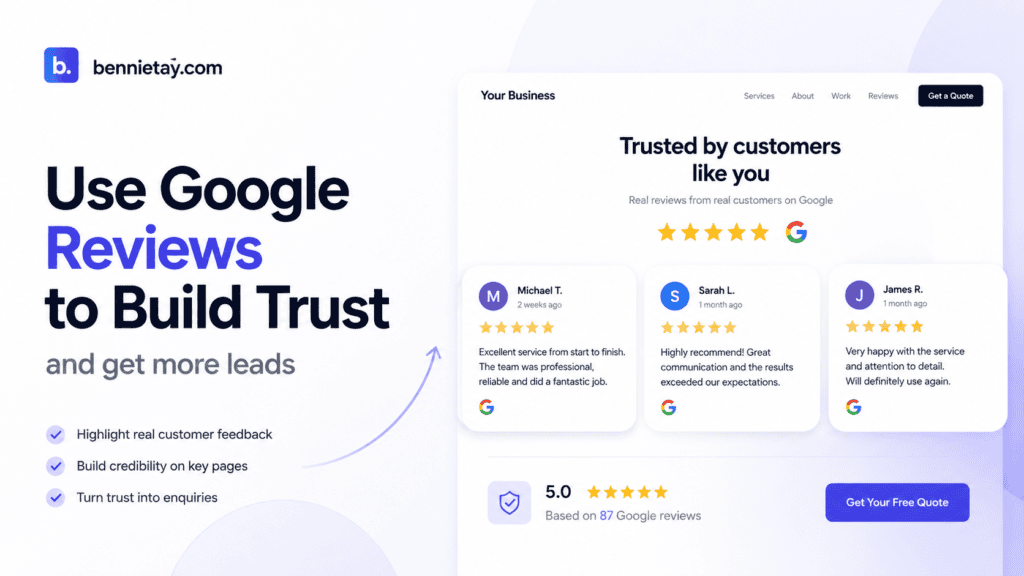
A potential customer discovers your business on Google.
They notice a strong rating, read several positive reviews and decide that your company looks credible enough to investigate further. They click through to your website expecting to learn more.
Then something strange happens.
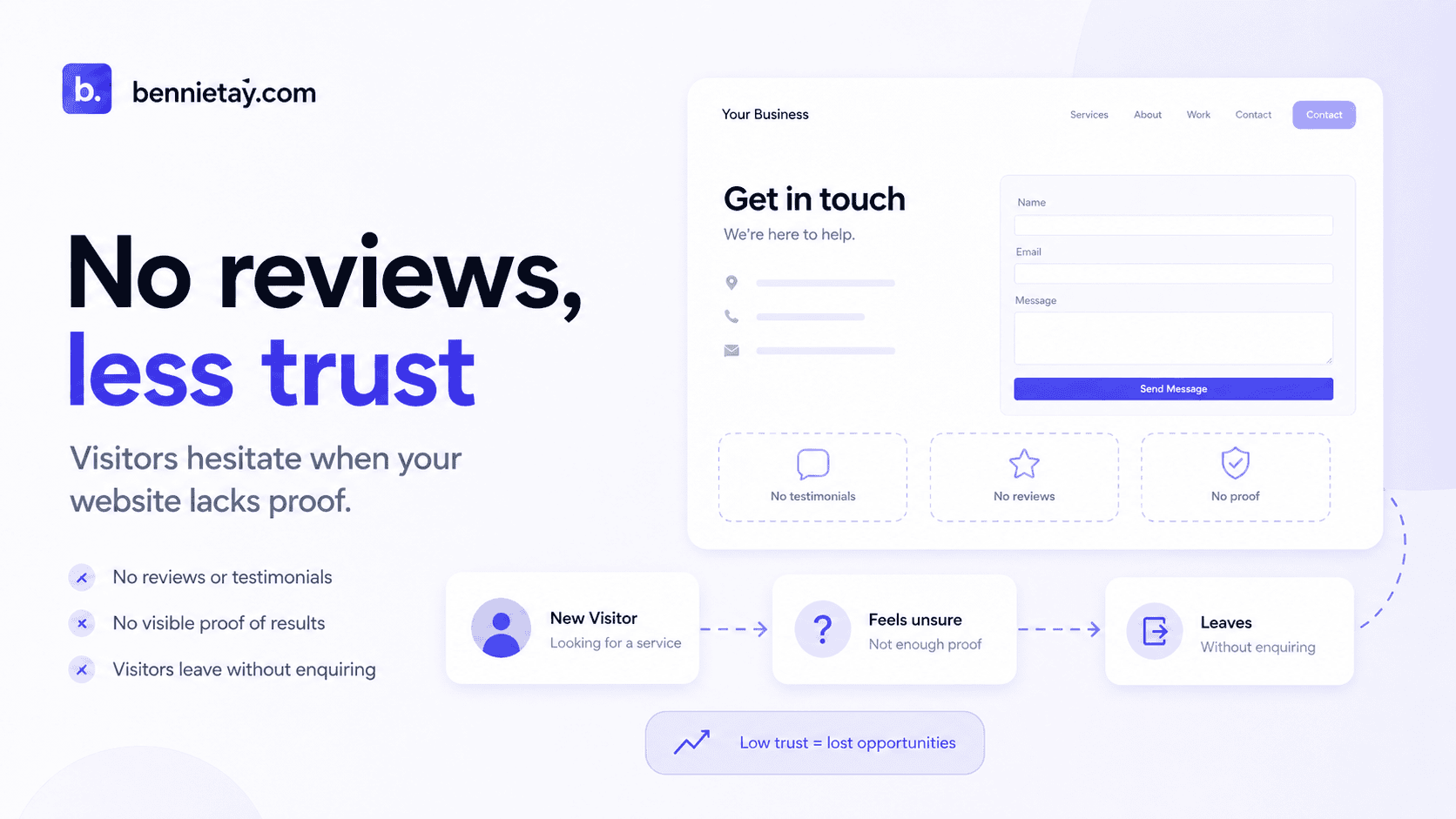
The website barely mentions customers at all.
There are no testimonials, case studies, project examples or stories showing what happened when real people hired the business. The visitor has moved from a Google profile filled with social proof into a website that essentially says:
Trust us because we say we’re good.
That is a missed opportunity.
Your Google reviews should not exist in isolation from the rest of your marketing. When used thoughtfully, genuine customer feedback can strengthen your homepage, service pages, pricing pages, location pages and conversion journey.
The goal is not simply to display five gold stars.
The real question a potential customer wants answered is:
Have people like me trusted this business before, and what happened after they did?
For Malaysian service businesses, answering that question well can make the difference between a visitor continuing to compare competitors and becoming an enquiry.
Why Customer Reviews Matter So Much for Service Businesses
Buying a service involves uncertainty.
If you purchase a standard product online, you can often compare measurable details such as price, dimensions, specifications, materials and features.
Services are different.
Someone considering renovation, accounting, tuition, website design, consulting, cleaning or another professional service cannot fully inspect the finished result before buying.
They are making a judgement about the people and company delivering it.
Customers may wonder:
- Will they do what they promise?
- Are they experienced?
- Will they communicate properly?
- Can I trust them with my money?
- Have they worked with businesses or customers like me?
- What happens if something goes wrong?
- Is the service worth the price?
Your website can answer those questions through good copy, but customer feedback provides something your own marketing cannot: independent evidence.
Your website might say:
We provide excellent customer service.
A customer testimonial might say:
They explained every stage clearly, responded quickly and kept us updated throughout the project.
Both statements communicate a similar idea.
The second one usually carries more weight because it comes from someone who has already taken the risk of hiring you.
Reviews Reduce the Risk Customers Feel
Most people are not necessarily looking for the absolute best business in Malaysia.
They are often looking for a business that feels like a safe decision.
That distinction matters.
A homeowner considering a RM30,000 renovation may be worried about delays, hidden costs and workmanship.
A business switching accountants may worry about disruption and whether important records will be transferred properly.
A parent choosing a tuition centre may wonder whether the teaching style suits their child.
A company commissioning a new website may worry about paying a deposit and then spending six months chasing the developer through increasingly desperate WhatsApp messages.
Good customer reviews can address these concerns before the visitor even speaks to you.
That is why the most useful testimonials do more than say:
Great company! Highly recommended!
Those reviews are positive, but they provide little context.
Stronger reviews describe what the customer was concerned about, what the business did and how the experience turned out.
Do Not Hide Every Testimonial on One Page
One common website mistake is creating a page called Testimonials, placing every customer review there and considering the job finished.
A dedicated testimonial page can be useful, but most visitors will not necessarily go looking for it.
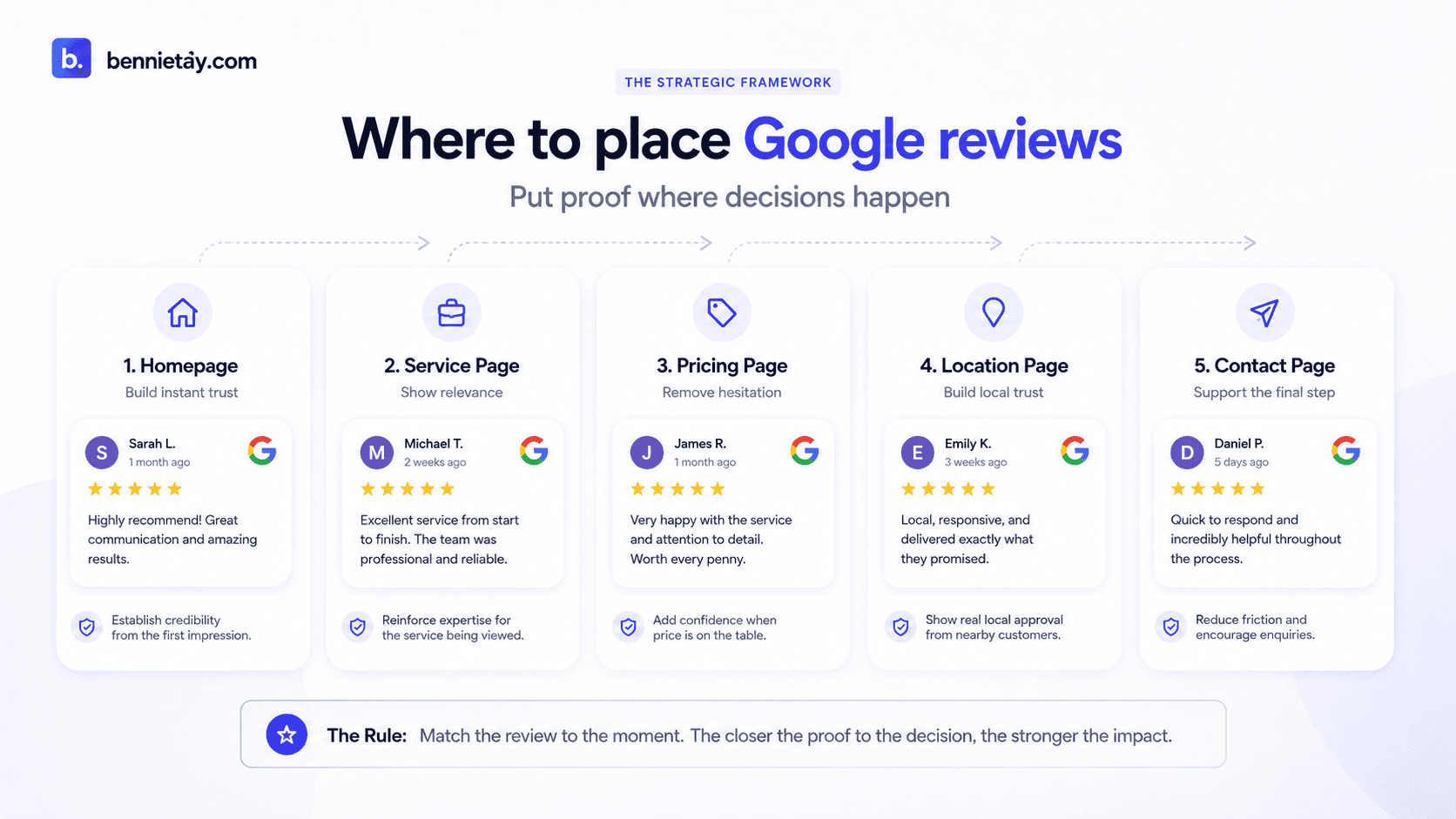
Social proof works better when it appears near the decision it supports.
Think about where customers may hesitate.
Homepage
The visitor is deciding whether your business looks credible.
Use broad reviews that demonstrate professionalism, reliability and overall customer satisfaction.
Service Page
The visitor is evaluating one particular service.
Show reviews from customers who purchased that service.
Someone reading about bookkeeping services will gain more confidence from an accounting testimonial than from a review about company incorporation.
Pricing Page
The visitor is deciding whether the service represents good value.
This is a useful place for feedback about transparent pricing, value, results or the overall experience.
Location Page
A potential customer may be wondering whether you genuinely serve their area.
Use relevant testimonials or project examples from customers in that location where appropriate.
Contact or Enquiry Section
The visitor is close to taking action but may still hesitate.
A concise testimonial next to the form or call to action can provide one final piece of reassurance.
The principle is simple:
Put proof near the decision it helps the customer make.
Do not lock all your credibility in one room and hope visitors eventually wander inside.
Choose Reviews That Answer Real Customer Concerns
The strongest testimonials are not always the longest or most enthusiastic.
Choose reviews based on the objections potential customers are likely to have.
Price and Transparency
A useful review might communicate:
The quotation was clear from the beginning and we knew exactly what was included.
This helps someone worried about unexpected charges.
Communication
A review might highlight:
The team kept us updated throughout the project and responded quickly whenever we had questions.
This is particularly useful for longer projects where communication is part of the buying decision.
Reliability
For contractors or local service providers, feedback such as:
They arrived when promised and completed the work within the agreed timeline.
can address one of the customer’s biggest concerns.
Complexity
Professional and technical services often benefit from testimonials showing that the process was easy to understand.
For example:
We weren’t sure which website package was suitable, but everything was explained clearly before the project began.
Switching Providers
An accounting or professional-services firm might use a review such as:
We moved from our previous provider and the transition was handled smoothly without disrupting our operations.
That testimonial directly addresses an objection held by someone considering the same decision.
Good reviews quietly handle sales objections for you.
Instead of repeatedly telling customers that your company is reliable, transparent and easy to work with, you can show evidence from people who actually experienced those things.
Match the Testimonial to the Service
Relevance makes social proof considerably more persuasive.
Suppose you operate a renovation company offering:
- kitchen renovation
- bathroom renovation
- condominium renovation
- office renovation
- full-home renovation
A general testimonial saying the company is excellent is useful.
But on your kitchen renovation page, a review from someone whose kitchen you renovated is much stronger.
The visitor can see:
Someone needed the same service I need. They chose this company. This was their experience.
The same principle applies to other industries.
On an accounting firm’s payroll page, use payroll-related feedback.
On a tuition centre’s SPM Mathematics page, use relevant feedback from parents or students where appropriate.
On a web design page for professional services, use an example from a similar type of client.
The closer the proof matches the visitor’s situation, the less imagination they need to use.
Turn Strong Reviews Into Case Studies
Some reviews contain the beginning of a much stronger marketing asset.
Suppose a customer leaves feedback describing a clear problem, what your company did and the result.
Instead of showing only the quotation, turn the project into a short case study.
A simple structure is:
Before
What problem was the customer experiencing?
Project
What service did you provide and what did you change?
After
What improved after the work was completed?
Customer Feedback
Include the relevant genuine testimonial.
Now the website provides two different forms of trust.
The review says:
This customer was happy.
The case study says:
Here is how we actually solve problems.
That distinction becomes increasingly important as the value of the service increases.
A customer may choose a RM100 service based mainly on a handful of positive reviews.
Someone considering a RM50,000 project will probably want much deeper evidence.
Case studies help provide it.
Use Reviews to Support Project Examples
Reviews become even more effective when combined with visual or factual evidence.
A renovation company could show completed project photographs alongside the customer’s feedback.
A web designer could show the finished site and explain what was changed.
A consultant could describe the client’s original challenge and the implementation process.
A cleaning company could show the type of property or facility served.
This creates a much stronger chain of proof:
Customer problem → Your work → Evidence → Customer feedback
It tells the visitor that you do not simply collect nice comments.
There is actual work behind them.
How Many Reviews Should You Put on Your Homepage?
You do not need to display every review your business has ever received.
For most homepages, three to six strong testimonials will usually provide enough initial social proof without turning the page into an endless wall of praise.
Choose reviews that represent different strengths.
For example:
- one about service quality
- one about communication
- one about reliability
- one about results
- one about the overall experience
Additional testimonials can then appear throughout service, location, pricing and landing pages.
This spreads your proof across the website instead of concentrating everything in one section.
A simple homepage testimonial block could look like this:
What Our Customers Say
Real feedback from customers and businesses we’ve worked with.
Customer Review
A testimonial describing the relevant service experience.
Customer Review
A testimonial focusing on communication or professionalism.
Customer Review
A testimonial highlighting the result.
See How We Can Help →
Keep the presentation clean.
The reviews themselves should carry the message.
Written Reviews Usually Matter More Than Stars Alone
Star ratings are useful because they create an immediate visual signal.
A visitor can quickly understand that customers generally had a positive experience.
But five stars without context tell them very little about why those customers were satisfied.
Written testimonials are more persuasive because they provide detail.
Compare:
★★★★★
with:
They understood what we needed, explained the options clearly and completed the website without us having to chase for updates.
The star rating gets attention.
The written feedback gives the customer a reason to trust.
When possible, use them together rather than relying entirely on decorative stars.
Keep Reviews Genuine and Accurate
Do not rewrite customer feedback until it becomes something the customer never actually said.
Small edits for presentation may sometimes be appropriate, but the meaning should remain accurate. If you significantly change a testimonial, it stops being credible customer evidence and begins becoming marketing copy wearing someone else’s name.
Be equally careful with attribution.
Customer names, business names, job titles, photographs and other identifying information can make testimonials more convincing, but only publish information you are appropriately permitted to use.
If full attribution is not suitable, you may use a more limited description where appropriate, such as:
Sarah, Petaling Jaya
or:
Director, Malaysian Professional Services Firm
The objective is to make the testimonial credible without treating customer privacy as an inconvenient detail.
What If You Have Very Few Reviews?
A young business may not yet have dozens of Google reviews.
That does not mean the website has to look untrustworthy.
Start building a systematic process for requesting genuine feedback from real customers after successful interactions.
At the same time, strengthen other forms of evidence.
These may include:
- portfolio examples
- completed projects
- case studies
- professional qualifications
- certifications
- years of experience
- team information
- detailed processes
- guarantees where appropriate
- transparent company information
Trust is cumulative.
A visitor may not need 200 testimonials if the rest of the website provides strong evidence that the business is legitimate, experienced and capable.
Reviews Should Support Your CTA
Social proof can be particularly useful immediately before a visitor is asked to take action.
Suppose a service page ends with:
Ready to Get Started?
Request a Quote
That is functional, but you could strengthen the transition by placing a relevant customer testimonial immediately before the CTA.
The visitor has just read what you offer.
Now they see that someone else used the service successfully.
Then you ask them to take the next step.
The sequence becomes:
Offer → Evidence → Action
instead of:
Offer → Trust Us → Form
This small structural change can make the enquiry journey feel considerably more natural.
Frequently Asked Questions
Can I put Google reviews on my website?
Genuine customer feedback can be used as social proof, but businesses should handle review content, attribution and customer information appropriately.
If you use an automated Google service or API to display review content directly, follow the applicable Google attribution and usage requirements.
How many testimonials should I show on my homepage?
Three to six strong testimonials are generally enough for the main homepage section.
Use additional relevant testimonials throughout service pages, location pages, case studies and other high-intent areas.
Should I show the five-star rating?
Ratings can provide useful visual reassurance, but written reviews offer significantly more context.
Where appropriate, combine the rating with meaningful customer feedback instead of relying on stars alone.
Should testimonials include customer names?
Names, company names, photographs and job titles can strengthen credibility, but only use customer information you are appropriately permitted to publish.
The testimonial should never create an unnecessary privacy problem simply to make the website look more convincing.
What if my business has no Google reviews yet?
Begin requesting genuine feedback from customers systematically.
In the meantime, strengthen other trust signals such as project examples, case studies, professional credentials, team information and clear explanations of your process.
Are testimonials or case studies better?
They solve different problems.
Testimonials provide quick reassurance and are easy to consume.
Case studies give prospects deeper evidence of how you approach real problems and what the outcome looked like.
Higher-value service businesses usually benefit from using both.
Turn Customer Feedback Into Part of Your Sales Journey
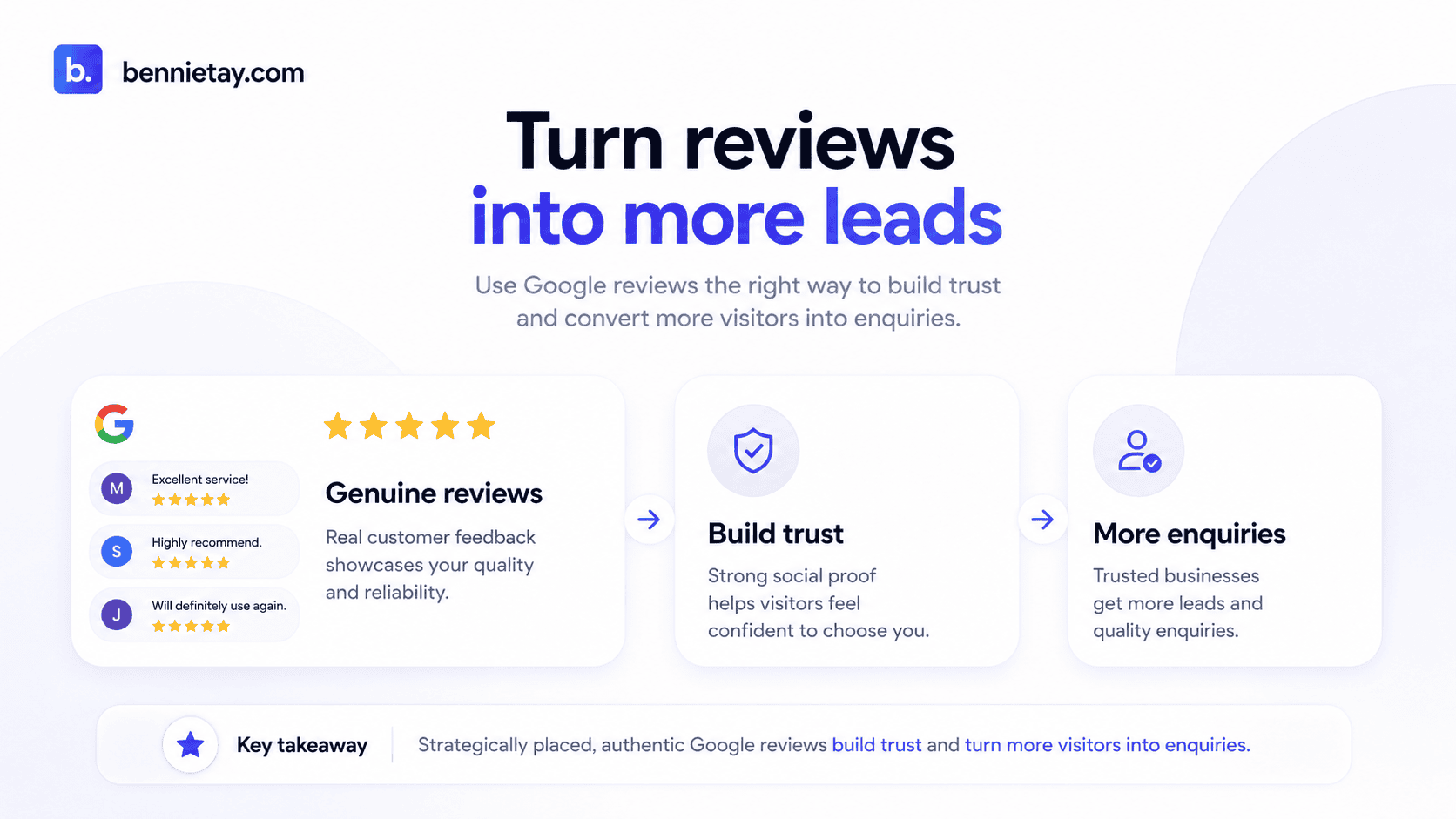
Google reviews should not sit separately from your website strategy.
They can support homepage credibility, service-page trust, pricing decisions, local pages, landing pages and calls to action.
The key is relevance.
Show the right proof at the moment the customer is making a decision.
A potential client should be able to see that real people have worked with you, trusted you, experienced your process and received something valuable in return.
That makes your website’s claims easier to believe.
Your business no longer has to say:
We’re reliable.
We’re professional.
We provide excellent service.
Your customers can help demonstrate those qualities for you.
At Bennie Studio, lead-generation websites are designed around this complete trust journey, combining clear services, genuine proof, relevant customer stories and straightforward enquiry paths instead of relying on generic marketing claims.
Already have strong Google reviews but a website that is not turning enough visitors into enquiries?
For more on strengthening your local search setup, read the Local Business Schema Guide.