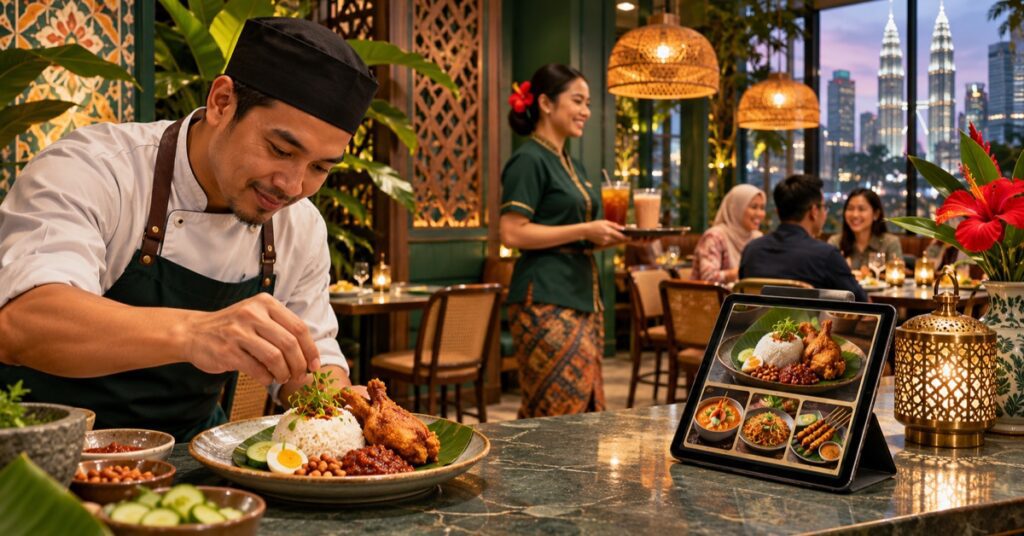
A restaurant website should help a guest decide whether to visit, book, or order. Before adding animations or a complex loyalty feature, make the basics dependable on a phone: a readable menu, today’s hours, directions, and a clear way to contact the restaurant.
Make the menu easy to use
Publish menu items as selectable text on the page rather than relying only on a PDF or a photo. Group dishes in the same way guests think about them, show prices and portion details where the restaurant has confirmed them, and label options such as vegetarian or spicy only when the kitchen can support those claims. Add a “last updated” note internally so staff remember to review seasonal menus.
If the restaurant serves different menus at lunch, dinner, or on public holidays, explain which menu applies and when. Keep the web menu consistent with delivery platforms and printed menus to reduce avoidable questions.
Separate the guest’s next actions
Use distinct buttons for “Get directions,” “Call,” “Reserve a table,” and “Order.” A reservation form should ask for the date, time, party size, and a reliable way to confirm the booking. Tell guests whether the request is confirmed immediately or only after staff reply. If the restaurant does not accept online reservations, do not display a form that implies it does.
For takeaway, explain whether orders are placed by phone, WhatsApp, a delivery partner, or the restaurant’s own checkout. Show the handoff clearly so a customer never submits a message thinking payment or an order has already been confirmed.
Give location information that works
Show the full address in text, a map link, parking or entrance details when useful, and accurate opening hours. For a restaurant inside a mall, hotel, or market, explain the entrance or level. If there are multiple branches, give each branch its own page with its own address, hours, contact number, menu differences, and directions.
Help people choose with confidence
Use real, current photographs of the dining space and dishes. Write a short introduction that tells visitors what the place serves and what makes the experience distinct. If you mention dietary needs, halal status, allergens, or ingredient sourcing, get the exact wording confirmed by the restaurant team and keep it current. Do not make absolute claims that the kitchen cannot guarantee.
A useful launch checklist
- Test every phone, map, reservation, and order link on mobile.
- Check menu prices, dish availability, and opening hours with staff.
- Make menu text readable without zooming.
- Use one page per real branch rather than duplicating the same location copy.
- Track calls, direction clicks, reservation requests, and online orders separately.
Google recommends clear, useful page information that helps people understand what a page offers. Keep the restaurant’s site accurate and easy to navigate, then review search impressions and customer questions to see what information is still missing. If you are planning a new site, see our website design pricing guide for Malaysia and Bennie Studio’s managed website service.