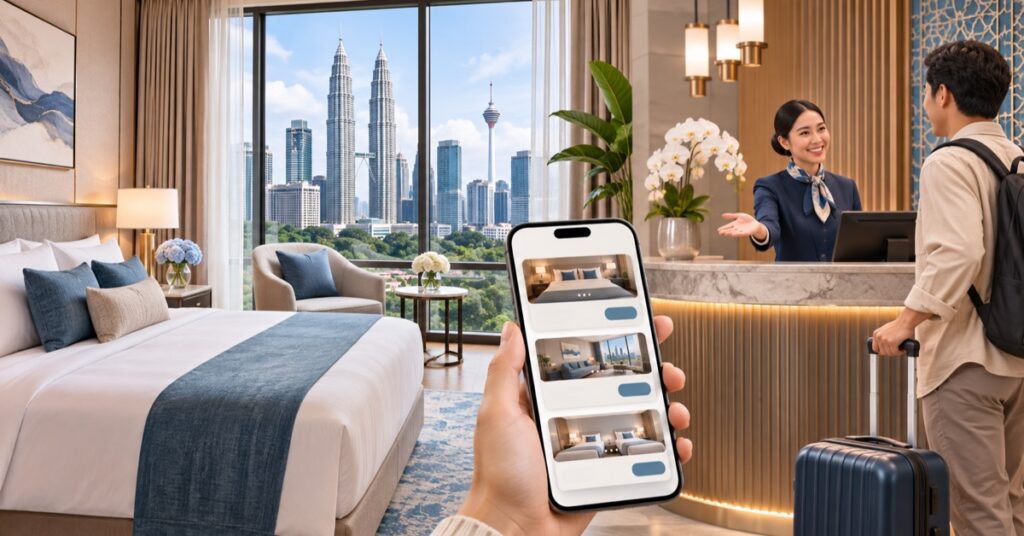
A hotel website should help a guest decide whether the property suits their trip and how to check availability. A polished hero image helps, but visitors also need room details, location, policies, and a booking route they can understand before entering personal or payment information.
Make room options comparable
Give each room type a clear name, occupancy limit, bed configuration, and list of included amenities. Use photographs that accurately represent that room category, and identify when an image shows a shared area. Explain differences between room types in plain language so a guest does not have to open multiple tabs to compare them.
Keep room descriptions specific to the property. Avoid vague claims such as “luxury for everyone” and describe practical details guests can verify: room layout, work space, access, parking, breakfast availability, and whether facilities are shared or private.
Show the details people need before booking
Make the address, map, check-in and check-out times, contact details, and current booking path easy to find. Explain cancellation, deposit, change, and refund policies in direct language, then link to full terms before the guest submits a booking. Where a third-party booking engine handles the transaction, tell visitors when they are leaving the hotel’s website.
For multi-property operators, create a distinct page per hotel. Include property-specific room types, amenities, directions, nearby transport and attractions, and current contact information. Avoid copying one generic page across every location.
Design for the journey
Use one clear primary action such as “Check availability.” Keep a phone number visible for guests who need help, and let the booking engine work well on smaller screens. If availability cannot be shown live, label the form as an enquiry and explain how staff will confirm dates and rates. Do not represent a request as a completed reservation.
Use original information, not filler
Answer questions the front desk hears repeatedly: where to park, how to reach the property, what is open nearby, and which facilities are available to children or guests with mobility needs. Confirm operational details with staff before publishing. Add useful local guides only when the hotel has first-hand knowledge; a series of generic destination pages adds little value.
Launch checks
- Test room selection, date entry, taxes and fees display, and confirmation messages.
- Check policies and room details with the operations team.
- Test maps, phone links, forms, and the booking engine on mobile.
- Confirm analytics distinguishes booking starts from completed reservations.
- Review images, alt text, page titles, and links before launch.
Google recommends creating helpful pages for real visitors and making important information easy to understand. For a hotel, the useful measure is whether the right guest can confirm the fit and complete the next step. See our website design pricing guide for Malaysia or contact Bennie Studio about a managed website.